
Meta and Ray-Ban have collaborated on a pair of smart glasses equipped with a camera for photos, and a microphone and headphones for audio input and output. Notably, they've integrated Llama 3.2, enabling voice-activated, single-turn AI conversations. In terms of hardware, it's truly a multimodal AI device, and in my opinion, genuinely feels more practical and versatile than devices like the AI Pin.
Numerous reviews and detailed specifications are readily available, so I won't rehash those here. I opted for prescription lenses with photochromic (transition) capabilities, and I find them quite practical for everyday use. However, there are a few points to consider:
- Weight: At 58g, they are noticeably heavier than my regular glasses (15g). Of course, this is still significantly lighter than something like the Apple Vision Pro, which weighs in at 600-650g.
- Limited Language Support: Voice and AI interaction currently only supports English recognition. It simply won't register if you speak Chinese. Even if you say something like "tell me: 今天天气" (tell me: today's weather), it will only recognize the English portion.
- Single-Turn Commands: It's more accurate to describe it as single-command execution rather than a full-fledged conversation. You need to formulate your question completely and quickly in one go. Consequently, my most frequent commands are concise and to-the-point, like "Hey Meta, 'take picture', 'record', 'weather', 'time', 'battery', 'play', 'stop'."
- Indicator LED Irritation: On the left side of the glasses, there's an LED indicator light that illuminates with a pulsing brightness when taking photos or videos. This is intended to alert people nearby that you are recording. However, many users find this feature intrusive and are looking for ways to disable it.
Indicator Light Mechanism
If you attempt to cover the indicator light, the glasses will alert you that the LED is obstructed and prevent you from recording. A quick search on YouTube reveals the underlying principle. It appears to be based on:
- Brightness Sensor Proximity: A brightness sensor is located near or co-axial with the indicator LED.
- Ambient Light Comparison: Within the first second of recording initiation, the brightness sensor measures ambient light and compares it to the brightness data captured by the camera.
- Obstruction Detection: If the indicator light's brightness is significantly lower than the camera's brightness data, it's interpreted as being obstructed.
Existing "Hacks"
Camera Obscuration at Video Start
- As demonstrated by Tricks Tips Fix, you can simultaneously cover the camera lens within the first second of initiating video recording. This causes the camera to capture black data, which, when compared to the brightness sensor, does not trigger the obstruction detection.
- However, this method is ineffective for photos. Doing so will simply result in completely black photographs.
Pinhole in the LED Cover
- Following the approach of Boyle Family Farm, you can create a tiny pinhole in the sticker used to cover the LED. This allows the brightness sensor to still register ambient light, enabling normal photo and video capture.
- While functional for both photos and videos, this method still leaves a visible, albeit very small and dim, point of light that might be noticeable upon closer inspection.
Improved "Hack" Techniques
Building upon the understanding of the indicator light's mechanism and the existing "hack" attempts, we can propose some improvements:
Since the pinhole method is viable, the primary improvement needed is to eliminate the visible light from the front. A straightforward idea is to redirect the light to the side. This can be achieved by using optical fibers or light guides to channel the LED's light to the side of the glasses while simultaneously guiding ambient light to the brightness sensor.
For a simple solution, a length of optical fiber is needed. Some toys incorporate optical fibers, or even simpler, a piece of fishing line can work. Fishing line, typically made of transparent nylon, is thin enough and functions well as an optical fiber. You can affix the fishing line underneath a sticker, cut one end at a 45° angle and position it over the center of the LED, with the other end extending to the edge of the sticker. Then, apply the sticker over the indicator light.
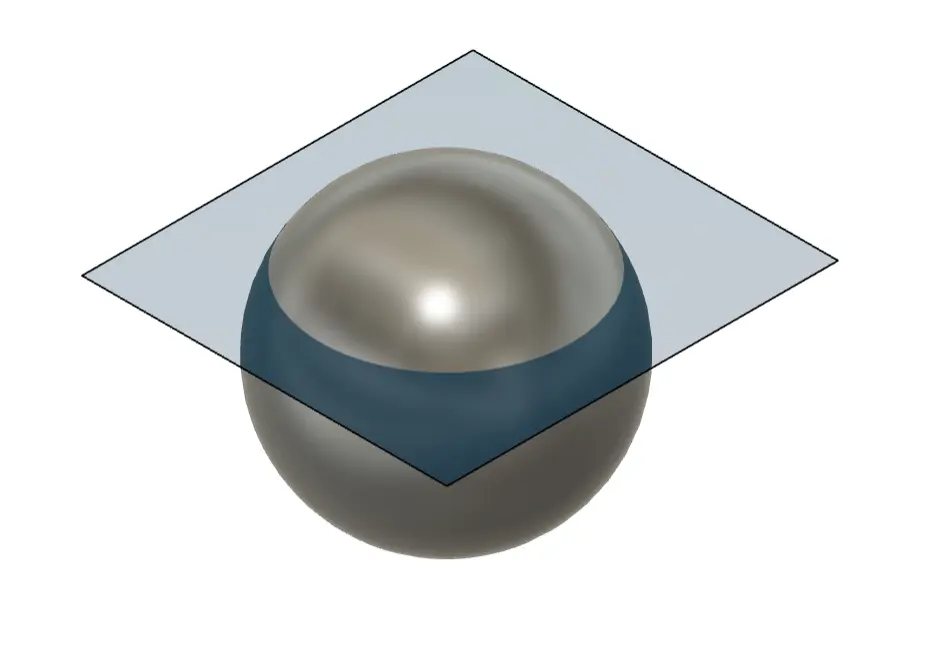
A light waveguide approach is similar. Here, you'd need a small piece of transparent plastic, readily available from cake or fruit containers. Cut a piece and create a notch or groove in the center. This acts as the waveguide, allowing ambient light to enter through the plastic and, upon reaching the notch, disrupting total internal reflection and releasing light to the brightness sensor.
- Daytime/Bright Light Effectiveness: These methods are effective in daylight or bright environments. The light guided by the fiber or waveguide is directed to the side and less noticeable from the front.
- Nighttime/Low Light Potential Issues: In nighttime or dimly lit indoor settings, there's a chance these methods might fail. This is because in such scenarios, the camera is often pointed towards relatively brighter areas, while the fiber or waveguide captures the dimmer ambient light. The brightness disparity could still trigger an error.
These are currently viable "hardware" hacking methods. It's possible that Meta might release an SDK or API for the glasses in the future, potentially offering a software-based solution.
Ultimately, whether you choose to use these methods is your decision. However, be mindful that if you encounter someone who genuinely cares about the indicator light and notices your deliberate attempt to disable it, you might just get a wrench thrown your way (metaphorically speaking, of course!).