
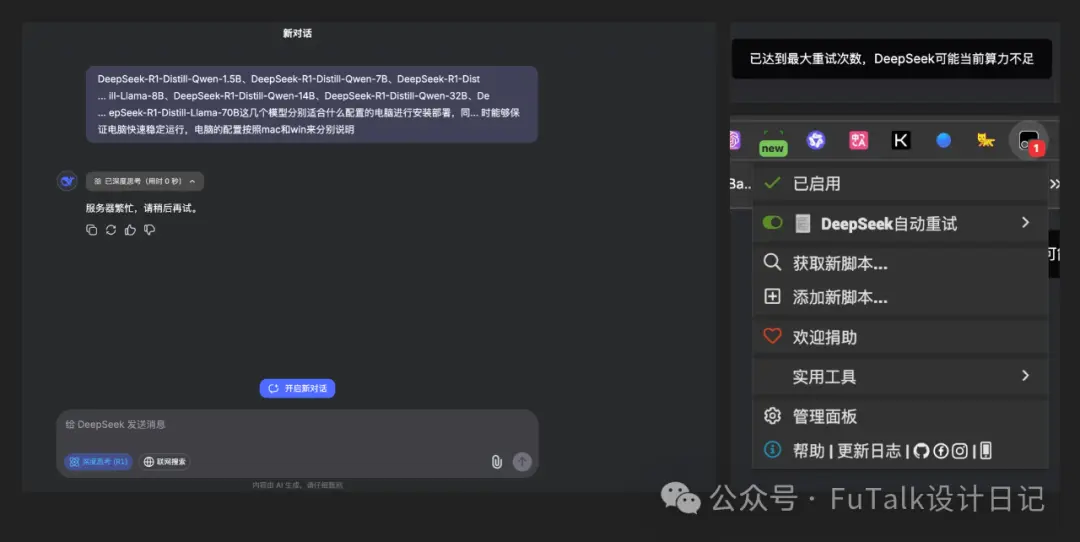
写本篇文章是因为我的网页版DeepSeek在深度思考(R1)模式下只能问一个问题,第二个就提示“服务器繁忙”...最终只能无奈使用ChatGPT。手机电脑都是这样,可能是我使用的时间正好是大家都在用,迫于无奈我尝试过安装自动重试的网页脚本(来自数字生命卡兹克大神,感兴趣的可自行搜索),仍然无法解决,最终选择了本地部署。下面分享下本地部署的过程,希望对你有帮助。
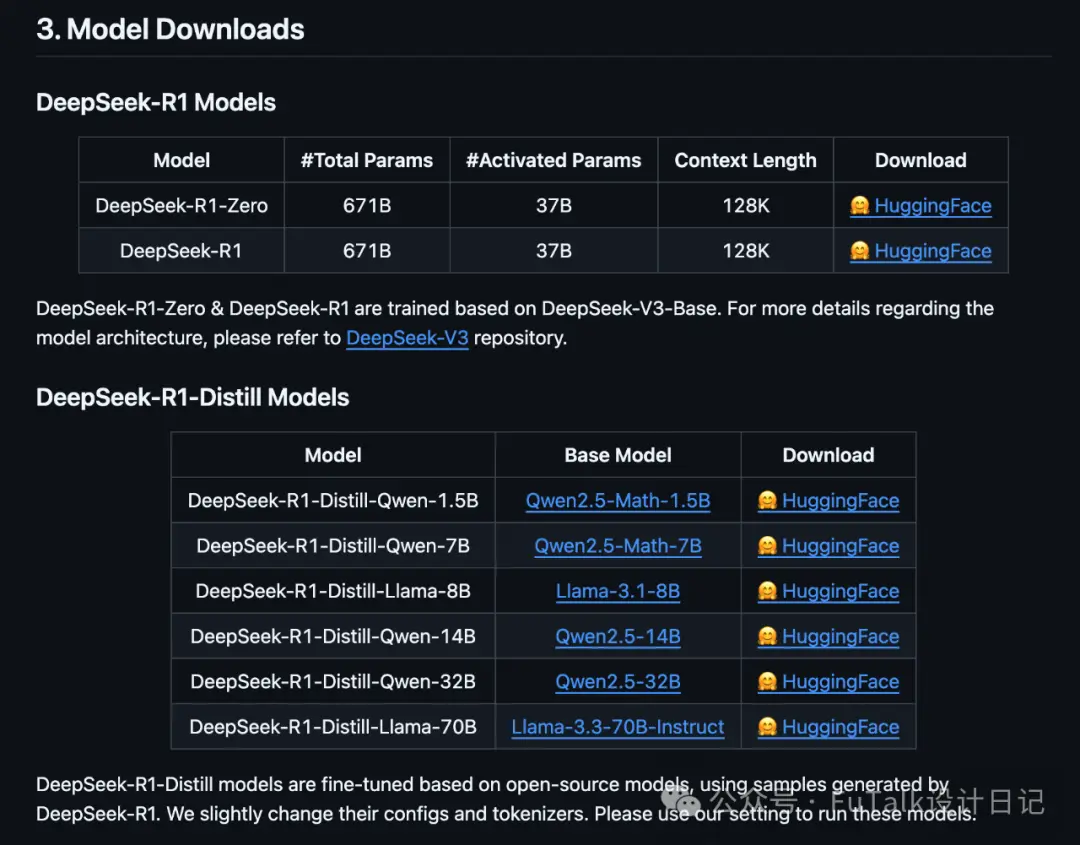
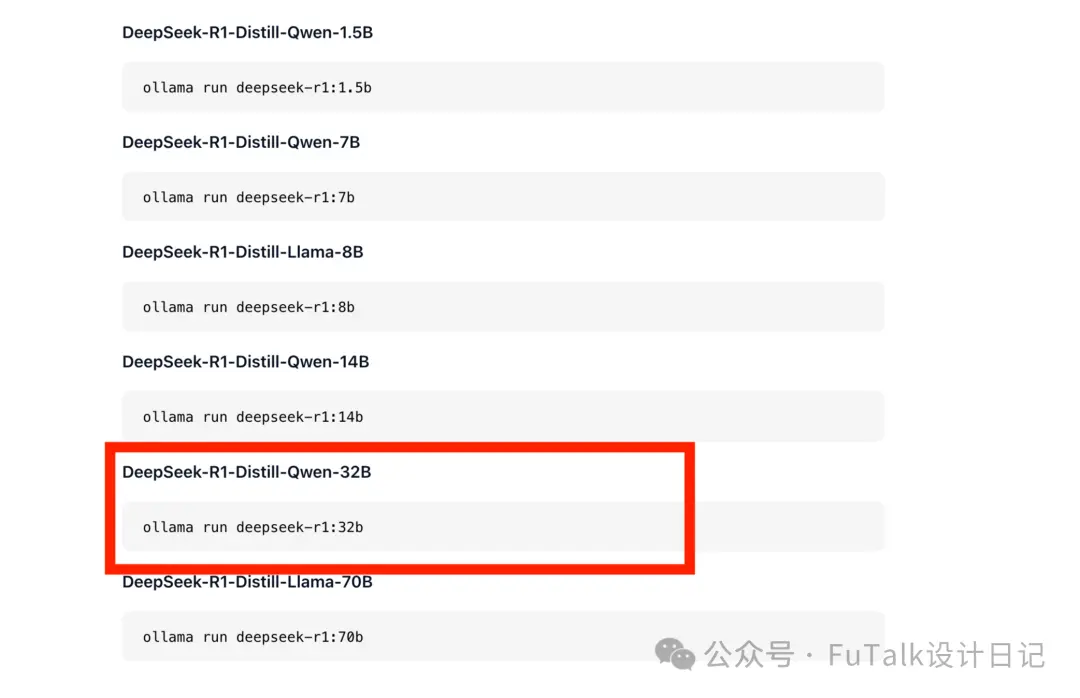
DeepSeek R1提供了多个版本,有完整版的R1和蒸馏版的微调模型(根据电脑性能选择)
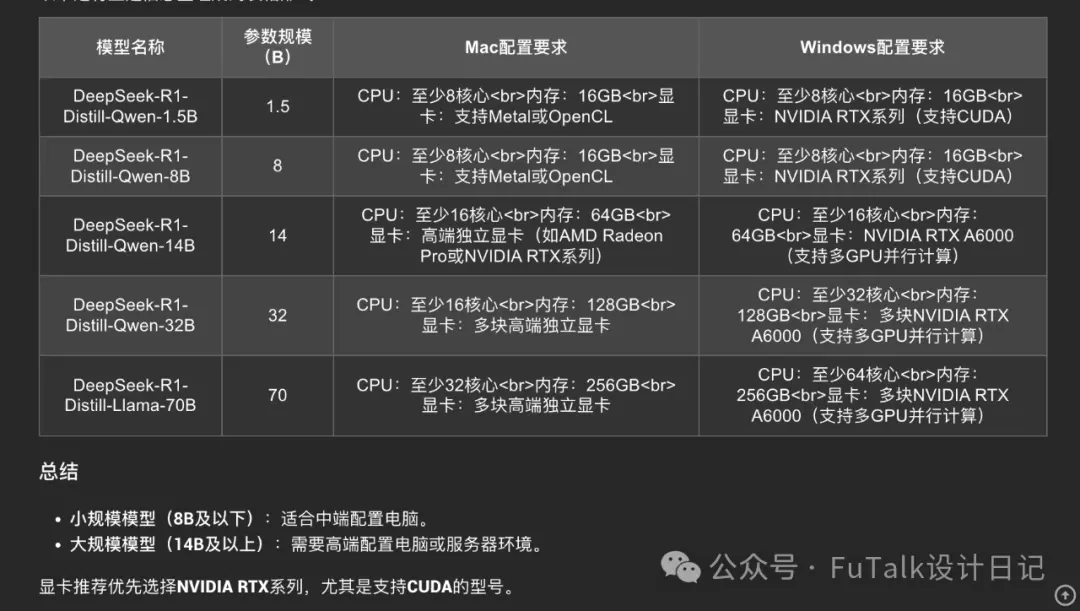
对于不同模型适合什么配置的电脑,我直接问了部署好的DeepSeek。
我的问题是:
DeepSeek-R1-Distill-Qwen-1.5B、DeepSeek-R1-Distill-Qwen-7B、DeepSeek-R1-Distill-Llama-8B、DeepSeek-R1-Distill-Qwen-14B、DeepSeek-R1-Distill-Qwen-32B、DeepSeek-R1-Distill-Llama-70B这几个模型分别适合什么配置的电脑进行安装部署,同... 时能够保证电脑快速稳定运行,电脑的配置按照mac和win来分别说明。
答案:
我使用的是Ollama进行部署的,支持Win、Mac、Linux,可直接搜索Ollama
网址:https://ollama.com/
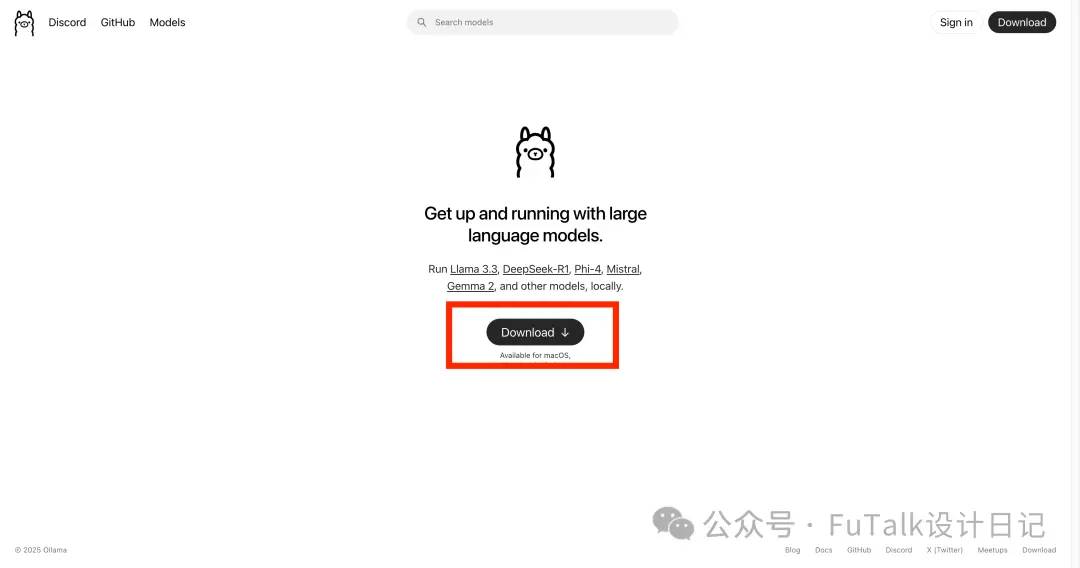
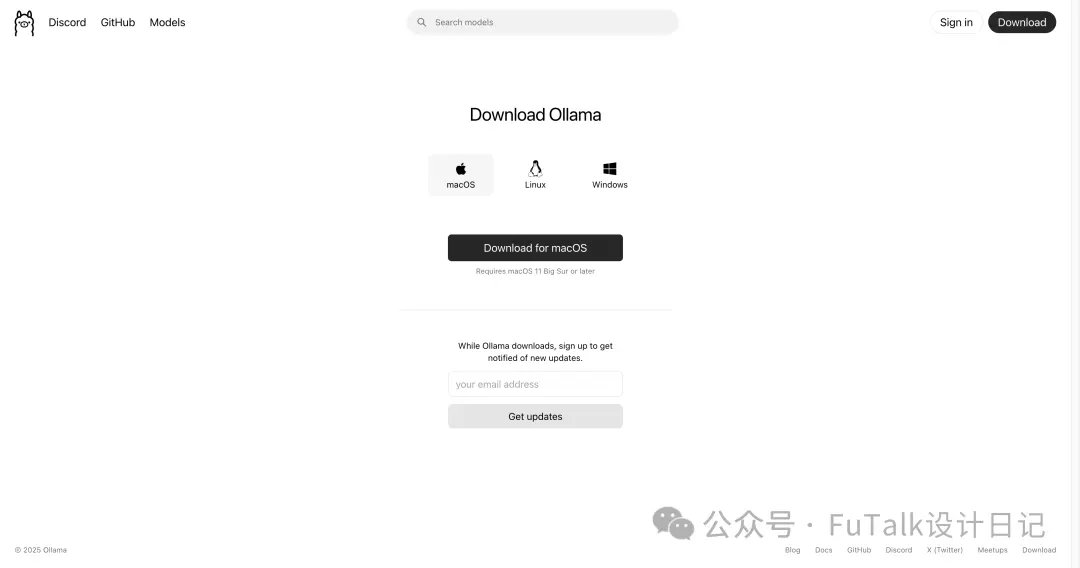
点击download下载,选择适合的下载。
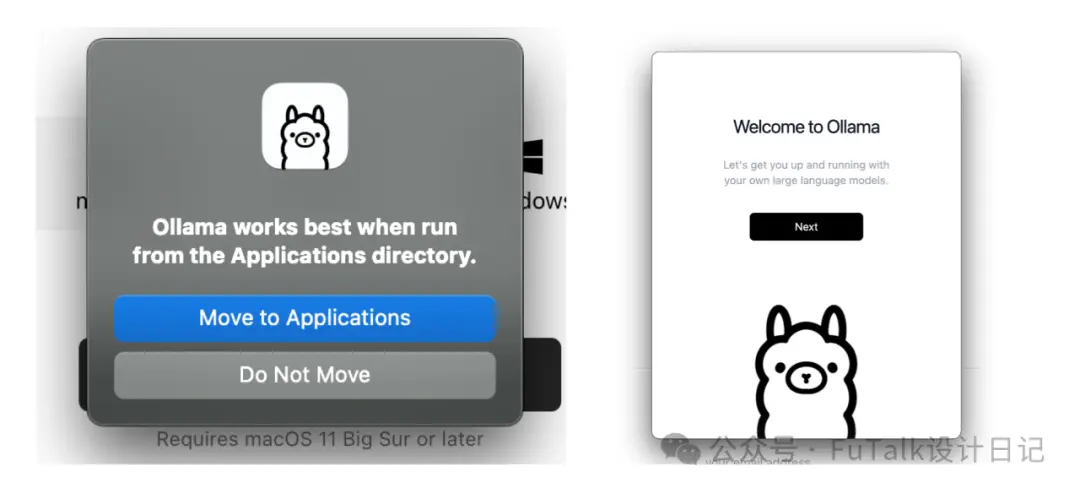
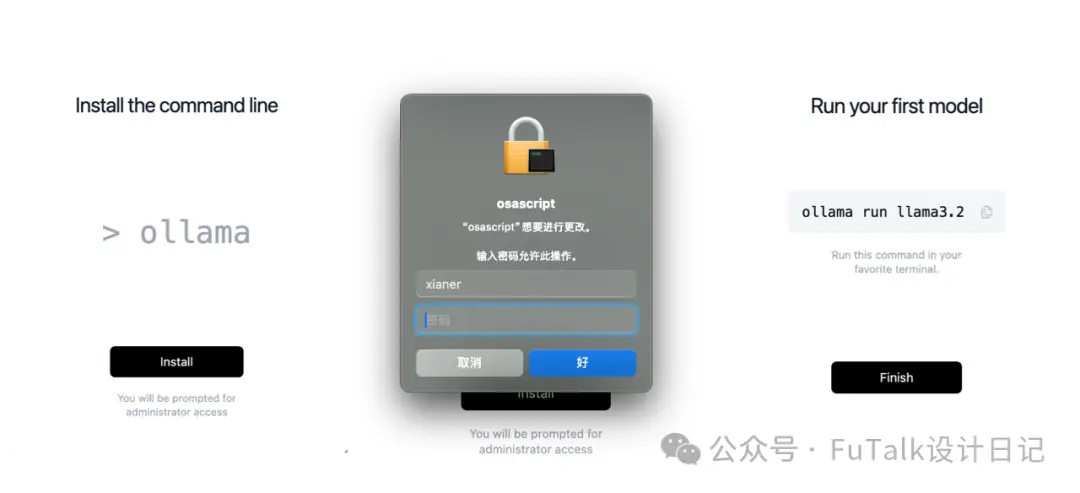
输入开机密码后点击finish就可以了。
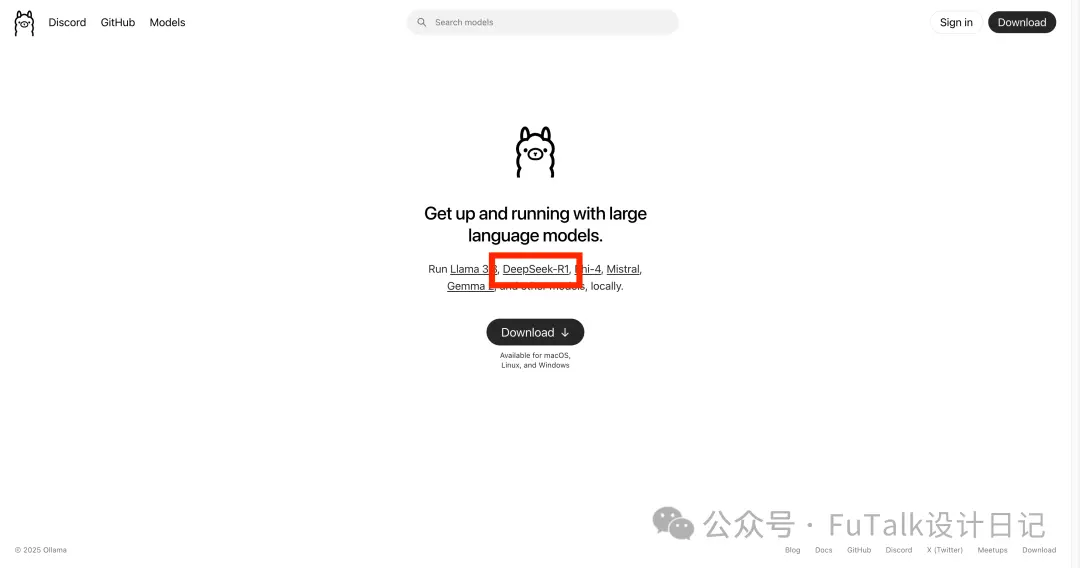
重新回到ollama官网首页,点击DeepSeek-R1
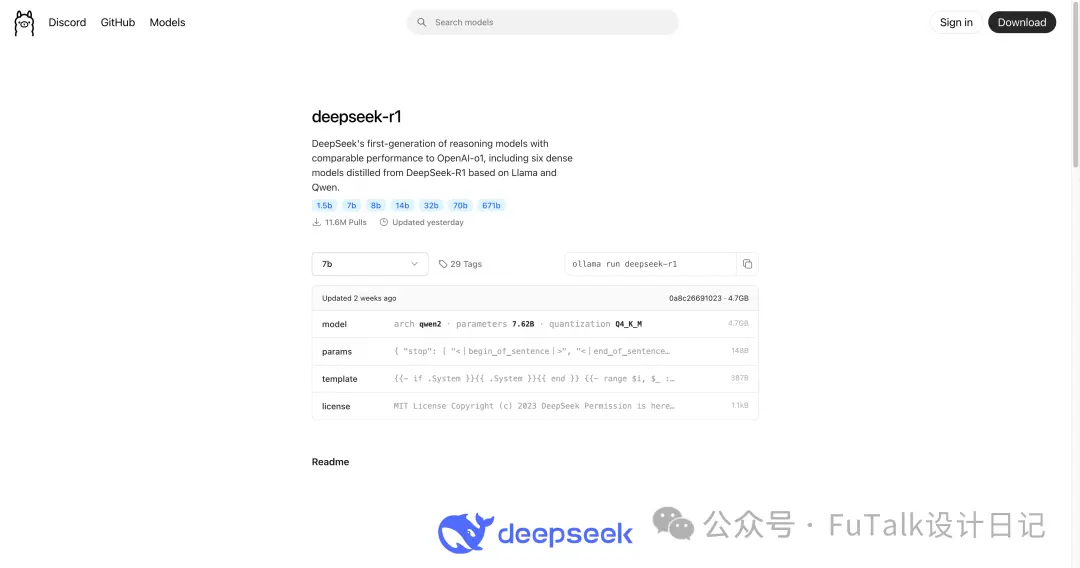
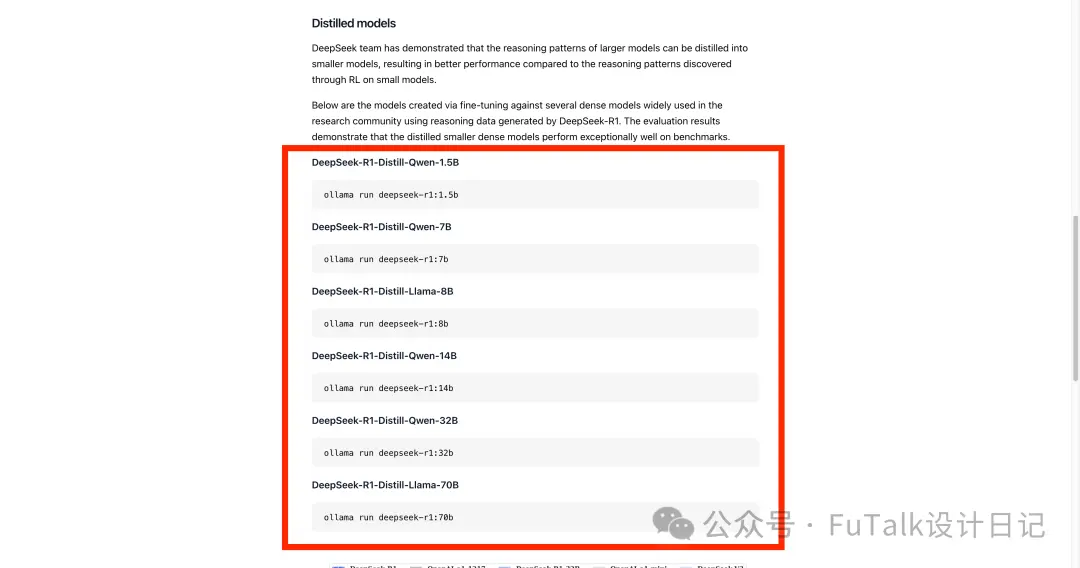
进入页面后可直接搜索,也可下拉到后面,根据前文DeepSeek的回答,选择对应的模型进行安装。
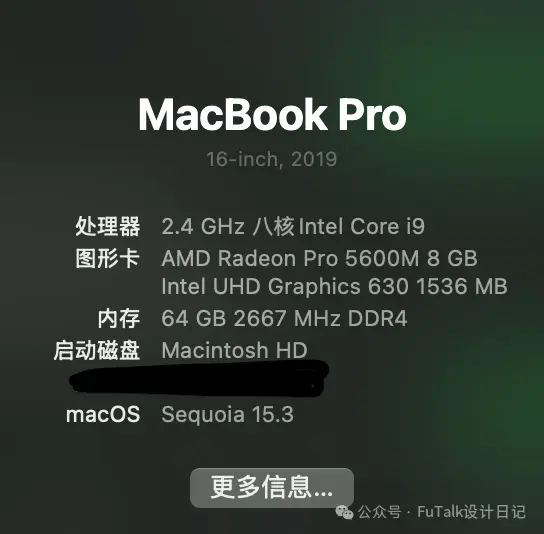
我的Mac本配置如下,安装了32B和14B两个模型,开始装了32B,对话的效果是一个字一个字往外蹦,且风扇开响,干别的比较卡,后来又装了14B,但是14B真心感觉有点弱....下文有两个模型对话的对比
直接复制对应32B的这行代码到终端,就可以看到安装的进度条了。
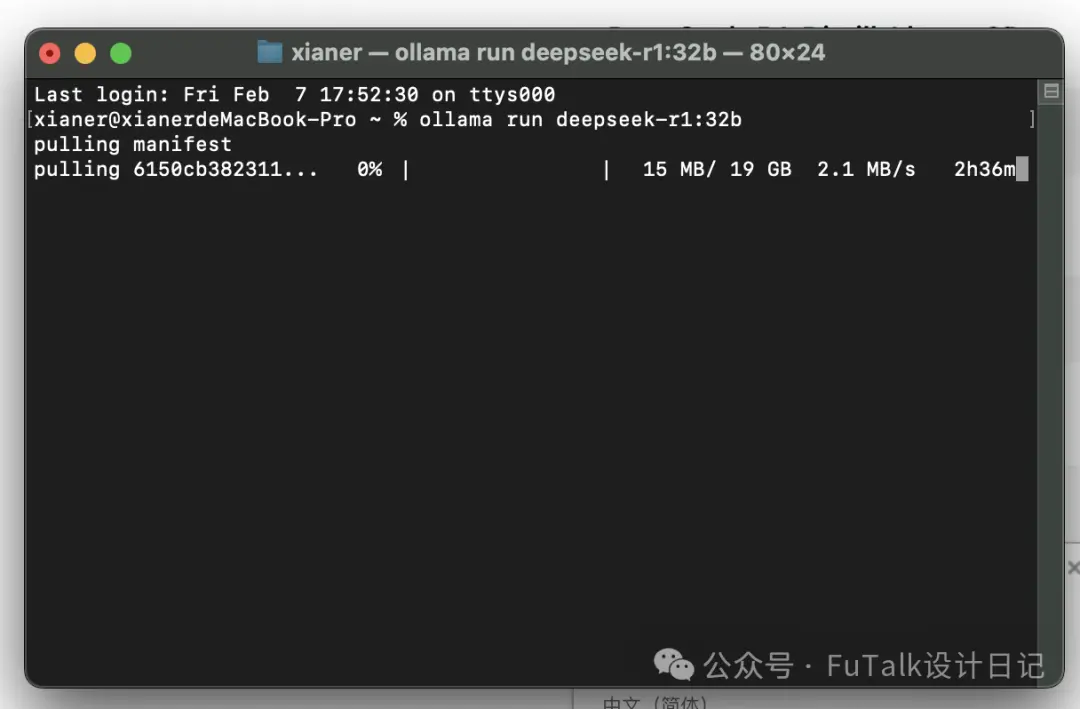
安装完成后就可以进行提问了。
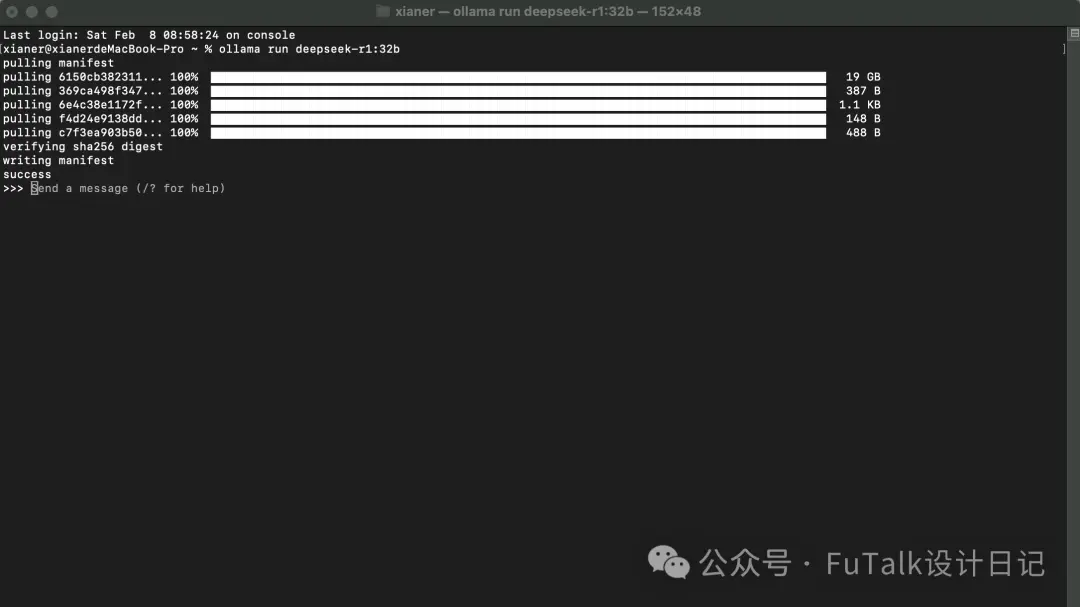
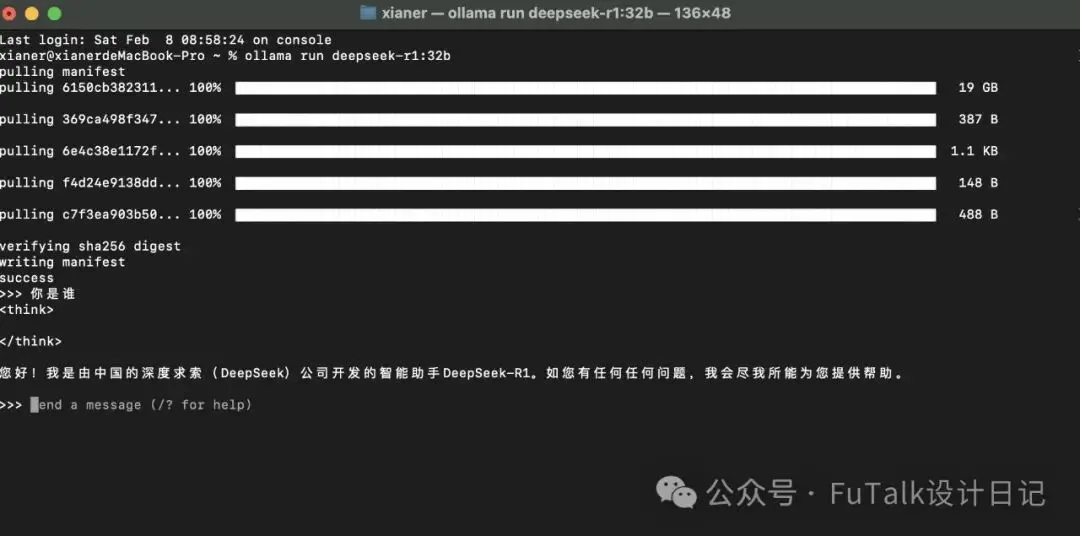
如果你没有什么视觉要求,现在就可以使用并且成功了。如果你想操作方便的话,可以再安装一个可视化界面,我安装了Chatbox和Open-WebUI两种,主要是对比那种更方便,自己选一个就好。
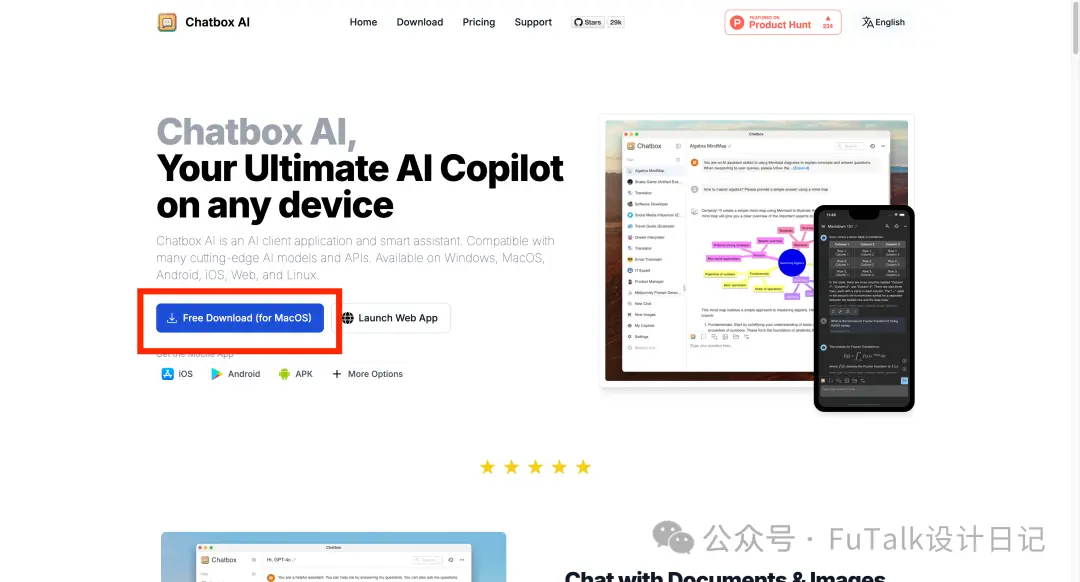
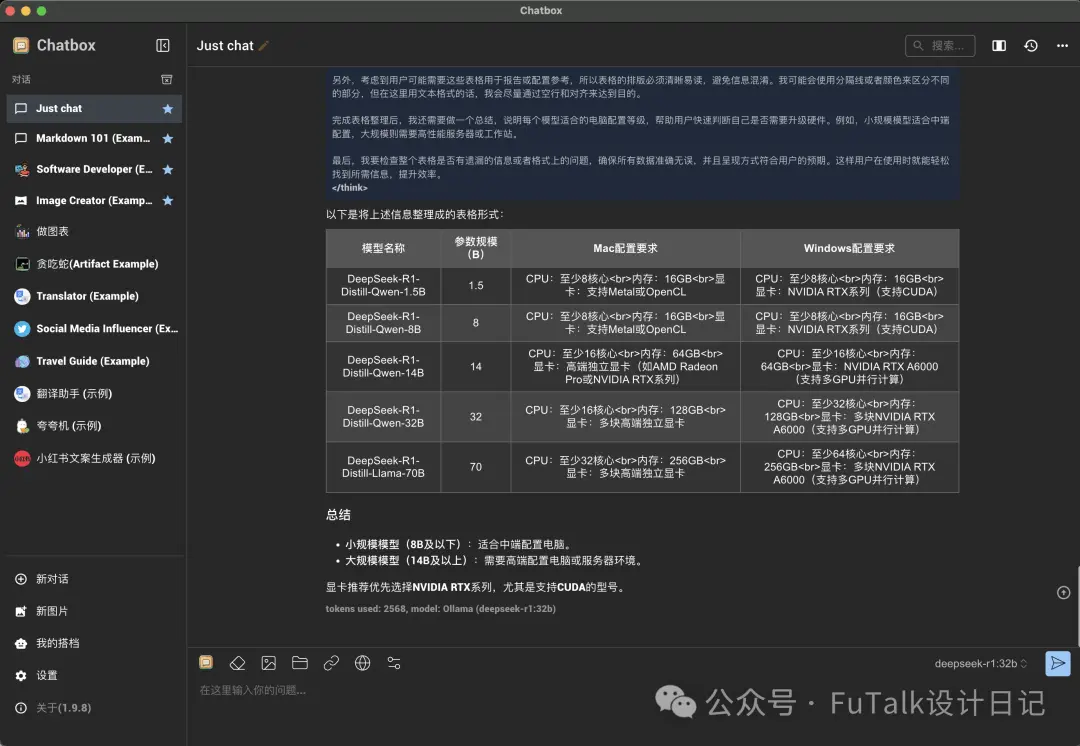
Chatbox:
网址:https://chatboxai.app/en
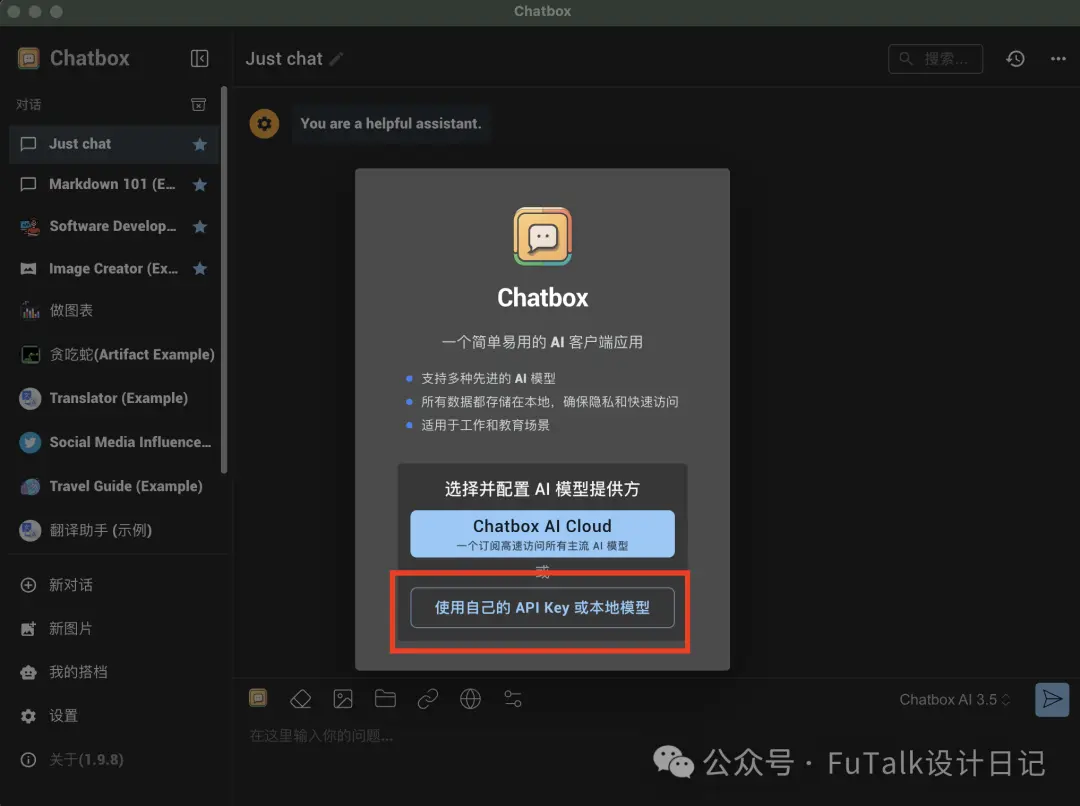
选择【使用自己的API Key或本地模型】,选择Ollama API
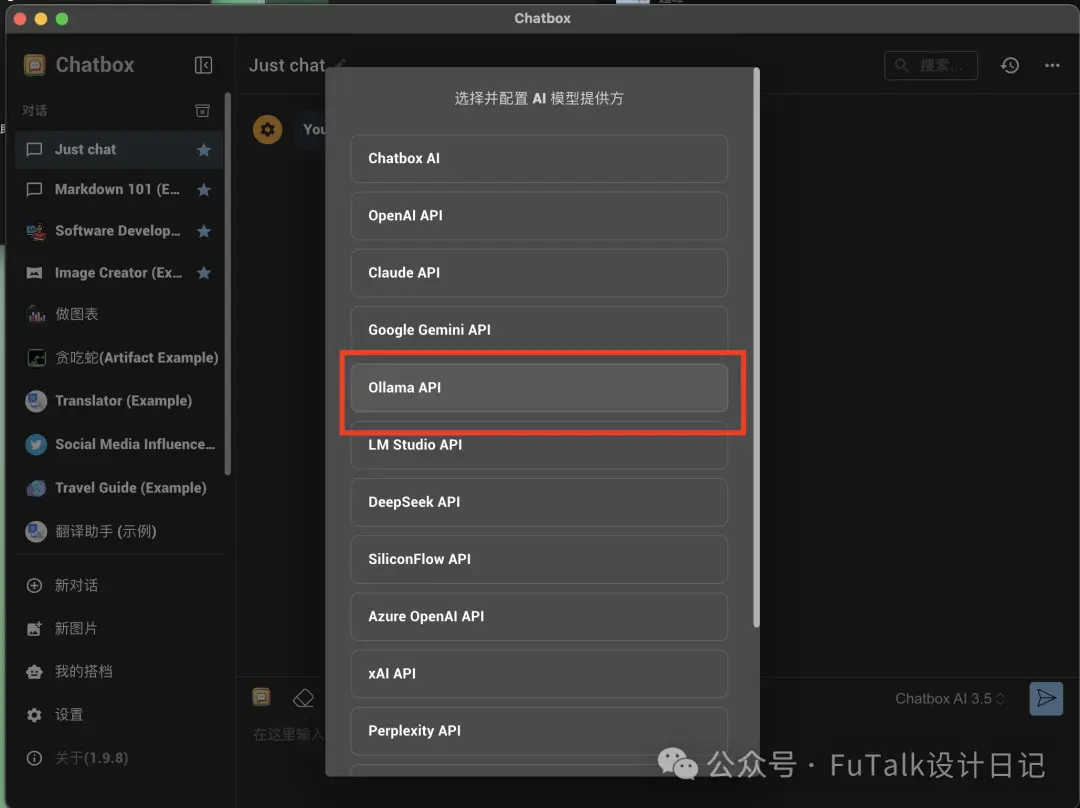
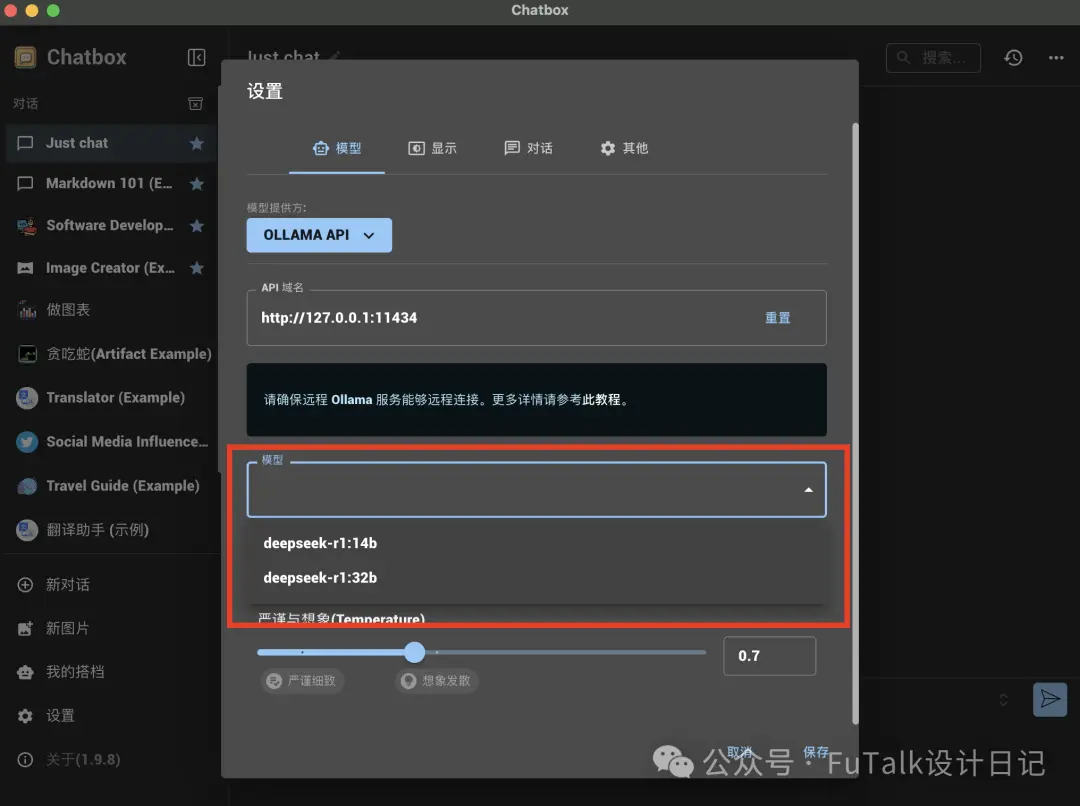
接下来就可以选择已经下载好的DeepSeek模型了,因为我下载了两个,所以可以进行切换。
最终完成后,就可以使用了。
Open-WebUI:
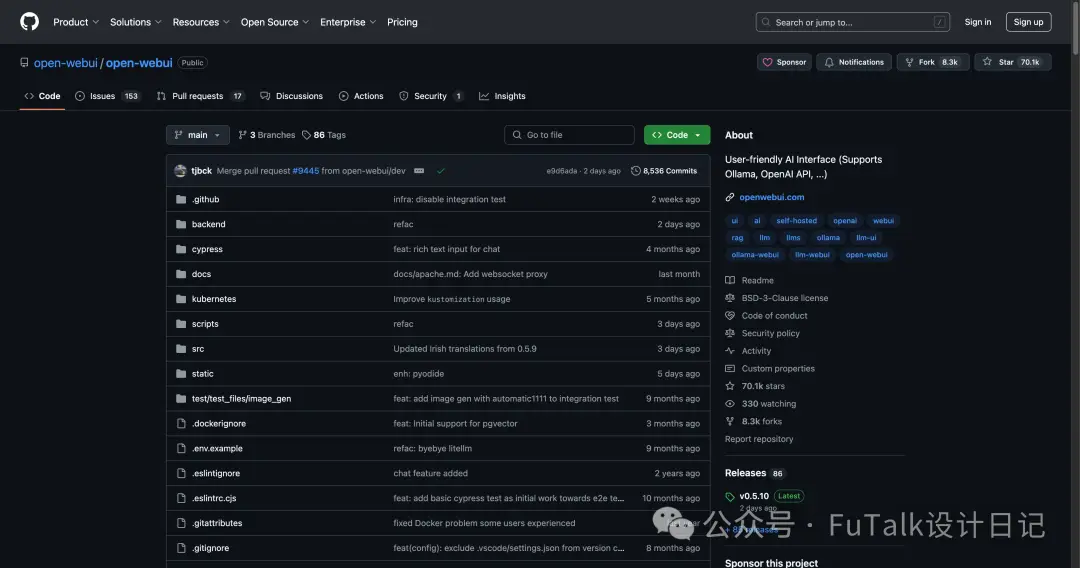
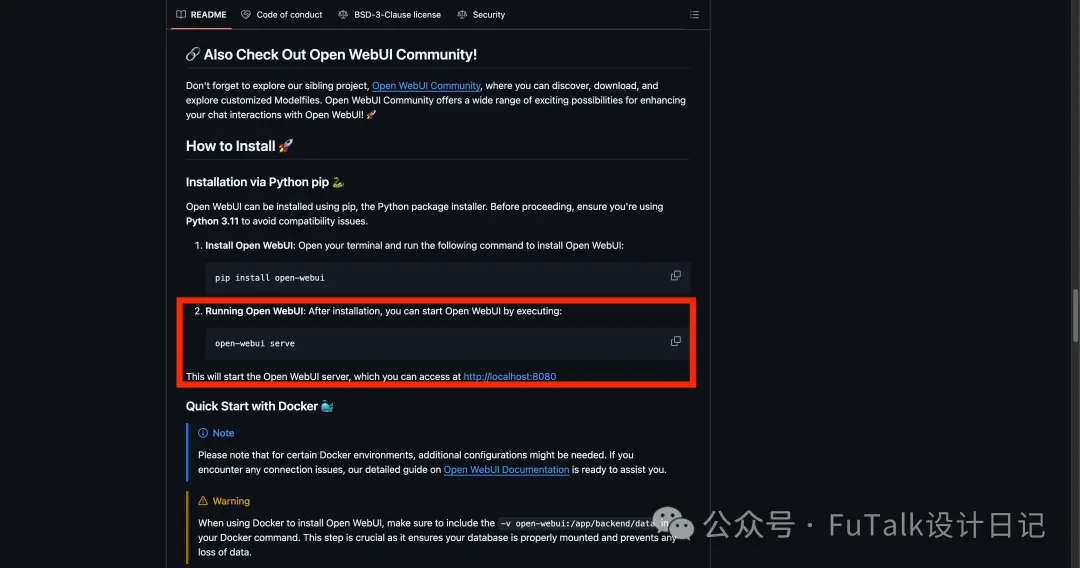
地址:https://github.com/open-webui/open-webui
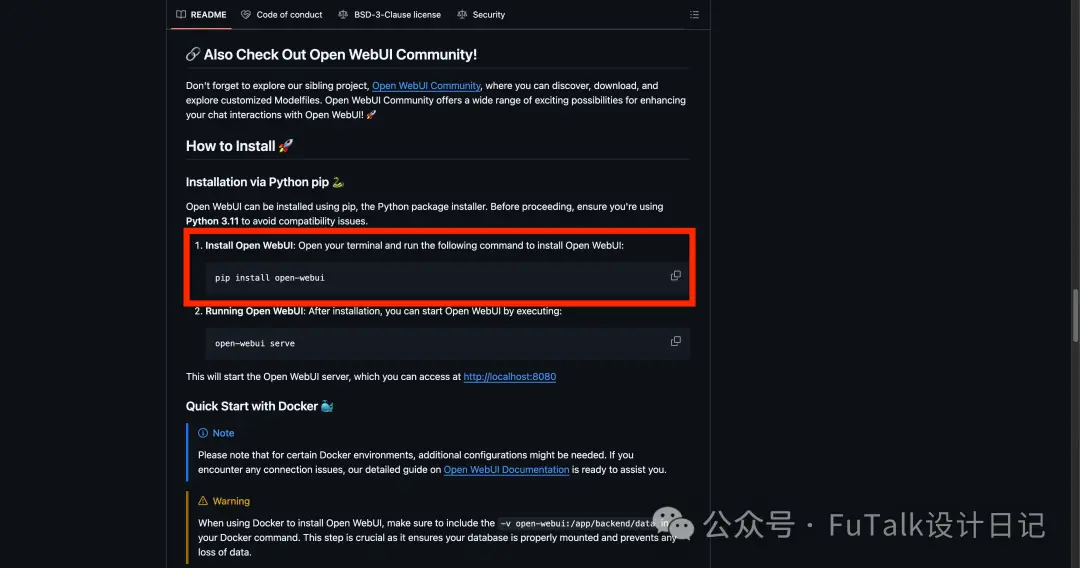
将代码复制到终端。
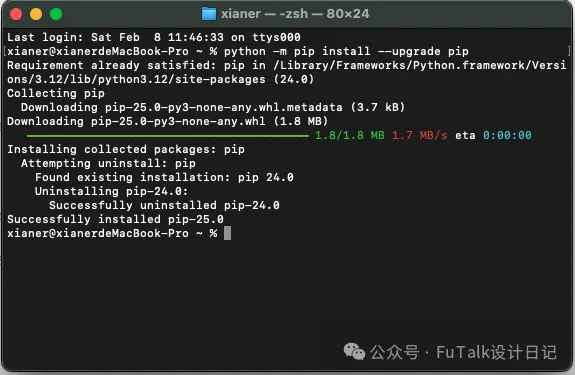
完成后再将第二步代码复制到终端
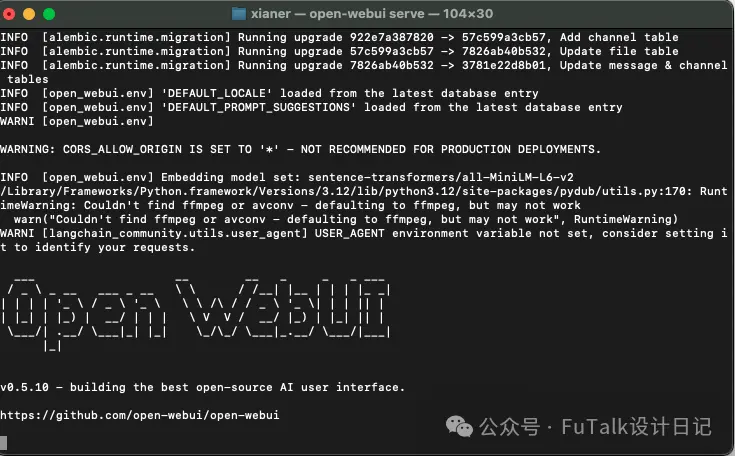
出现http://0.0.0.0:8080网址即可,复制到网页,创建自己的账号。就可以本地使用了。
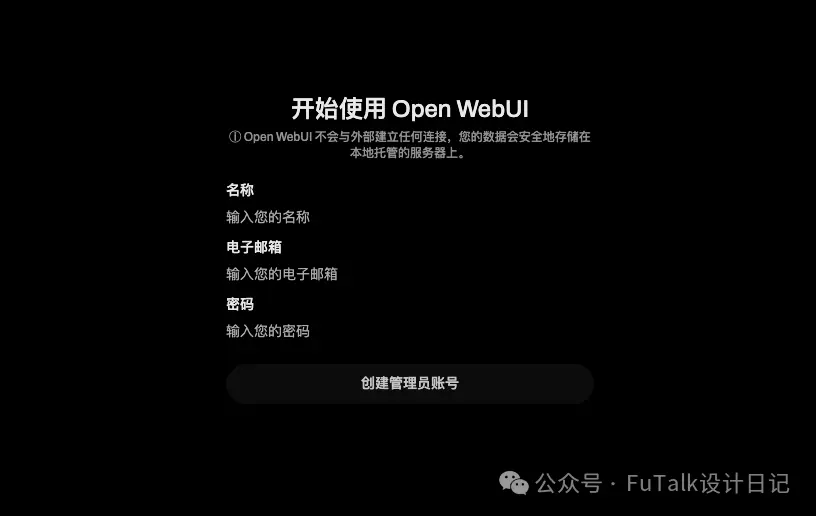
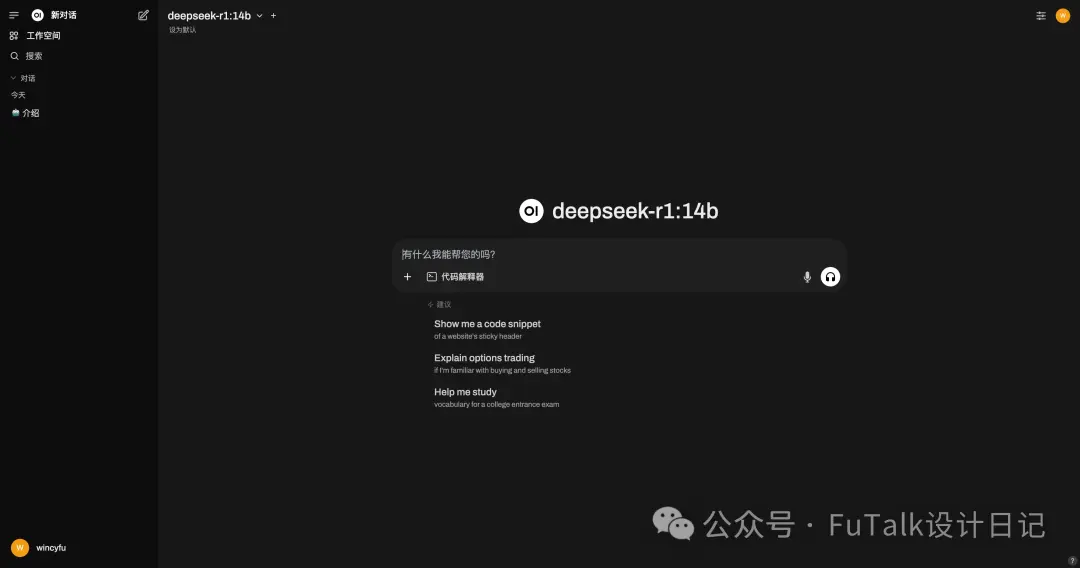
两种选其一就可。
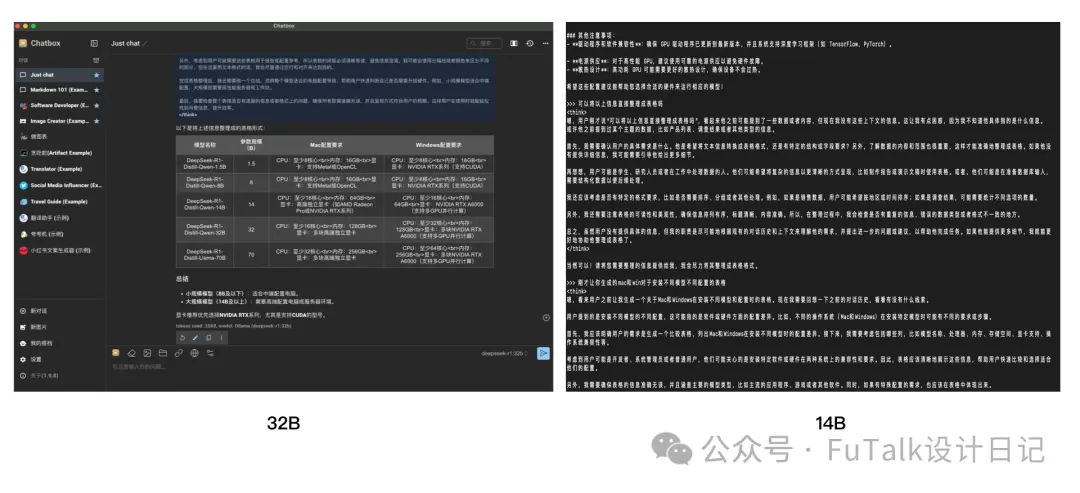
对比下14B和32B,14B上下文联想的功能弱一些,同样的问题,两种不同的回复。
回答完
DeepSeek-R1-Distill-Qwen-1.5B、DeepSeek-R1-Distill-Qwen-7B、DeepSeek-R1-Distill-Llama-8B、DeepSeek-R1-Distill-Qwen-14B、DeepSeek-R1-Distill-Qwen-32B、DeepSeek-R1-Distill-Llama-70B这几个模型分别适合什么配置的电脑进行安装部署,同... 时能够保证电脑快速稳定运行,电脑的配置按照mac和win来分别说明。
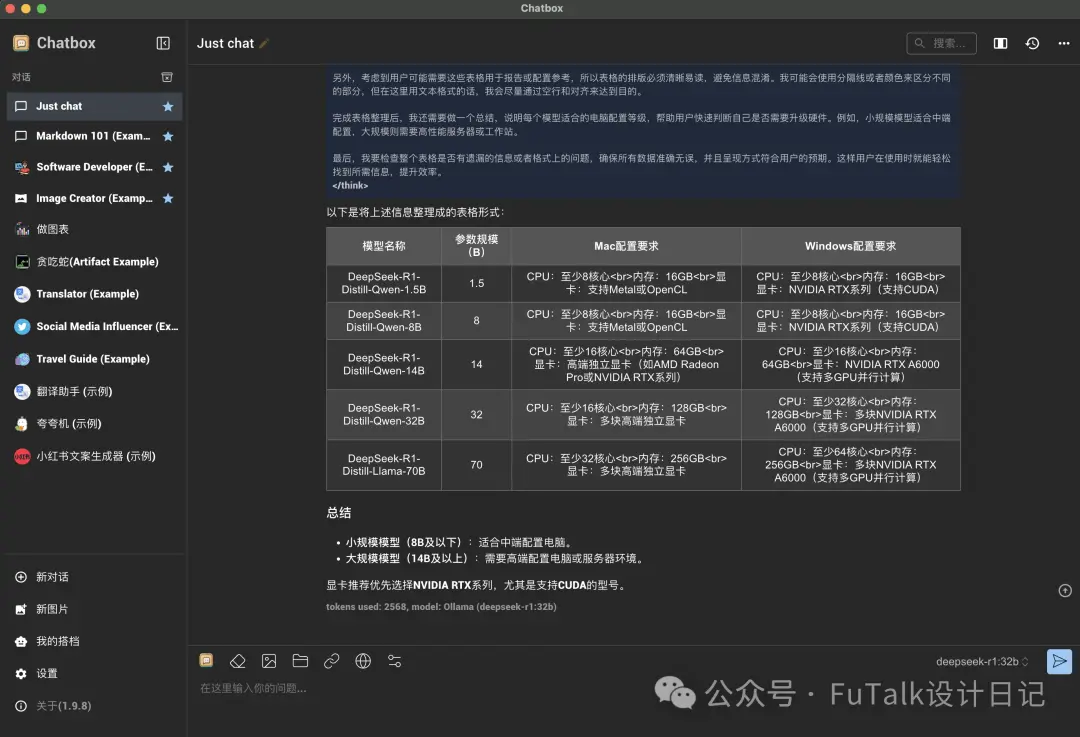
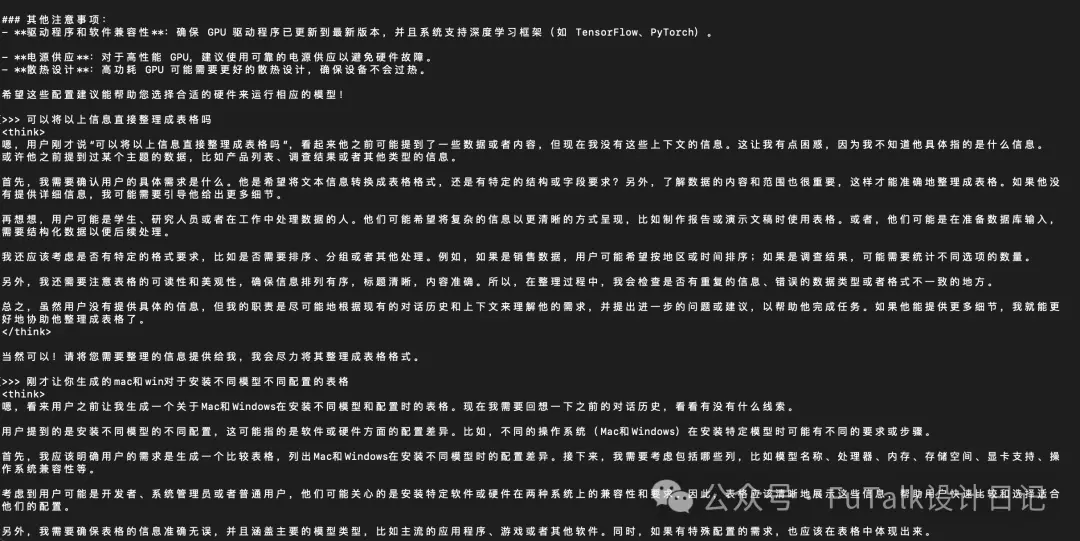
这个问题,我要求他按照表格的形式给我整理出来,可以明显的看到32B可以清楚的整理出来,明白我要的是什么,但是14B完全不能联系到刚才已经回答过的问题来生成答案,所以有条件还是安装32B,或者使用网页端,或者使用API等方式吧~

更多原创AI教程文章: