🏆 产品推荐
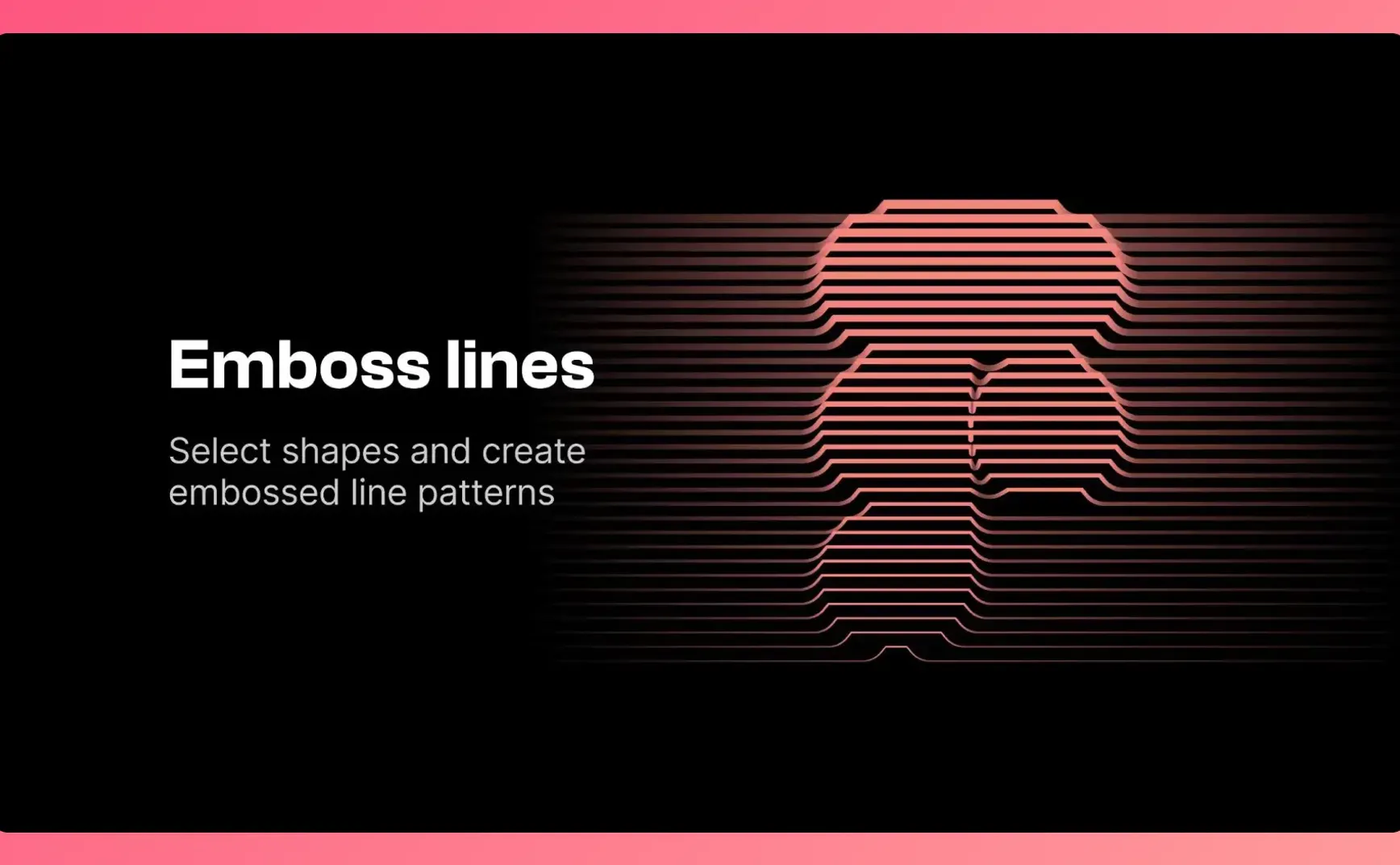
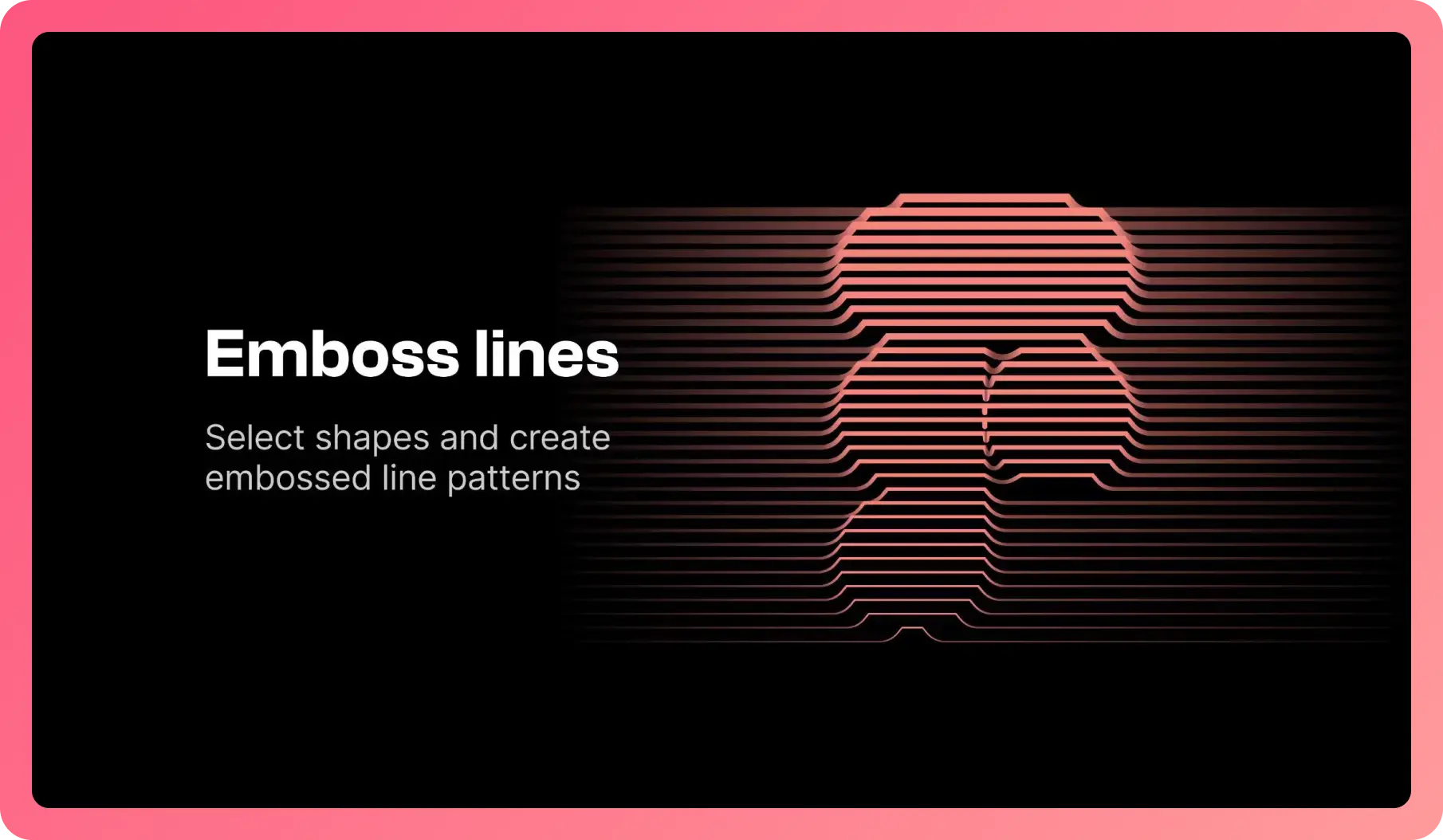
Figma 创建线条风格插画插件:Emboss lines
上周介绍的使用插件生成多线条凹凸风格插画,该插件上线了,选中一个图标就能快速生成这种线性凹凸风格插画。
https://www.figma.com/community/plugin/1329369867868989491
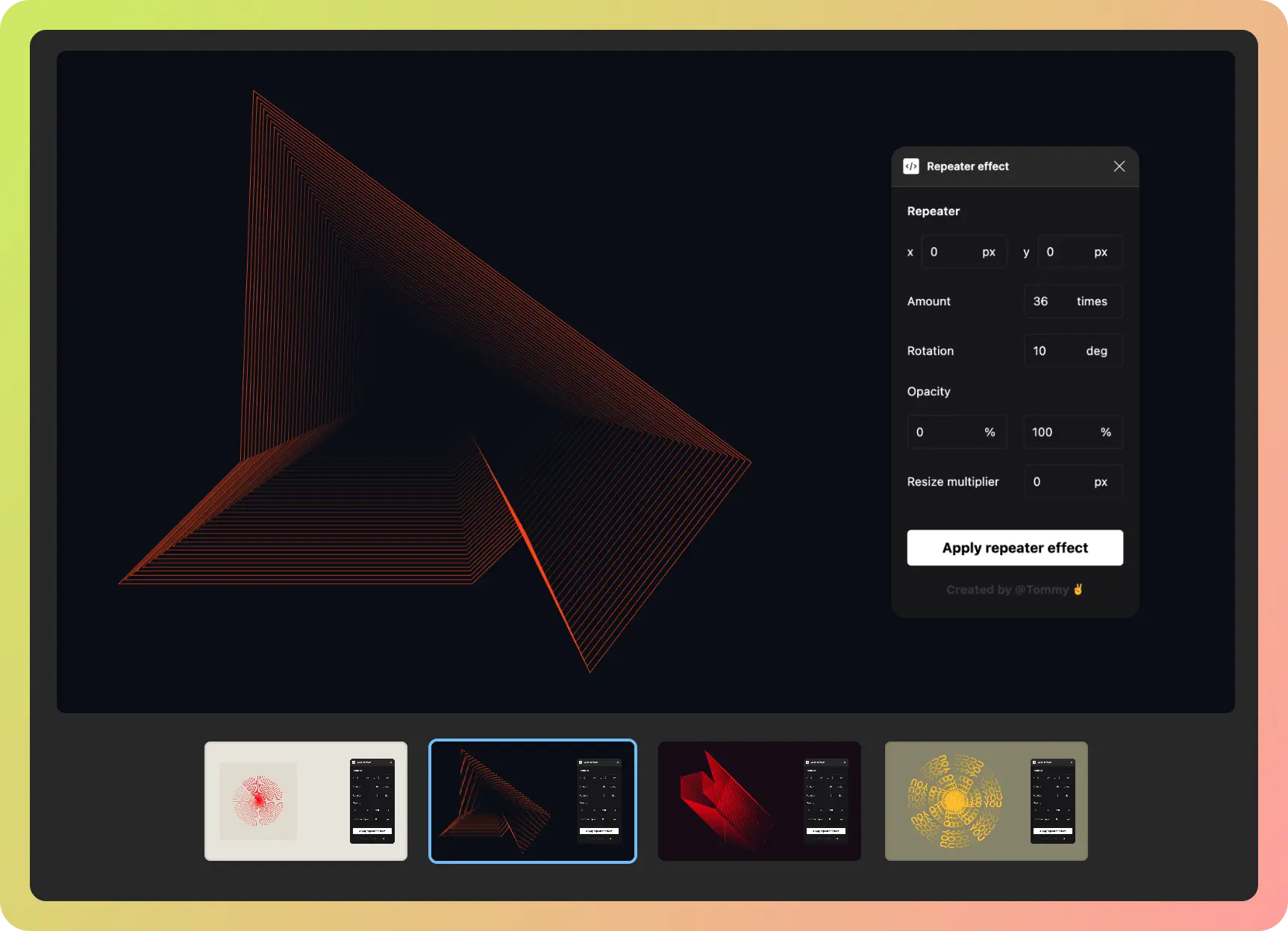
Figma 复制插件:Repeater effect
适合做背景纹理或者图案插画,复制数量、角度、不透明度、递增或者递减都可以自定义,免费有次数限制。
https://www.figma.com/community/plugin/1331998824275465178/repeater-effect
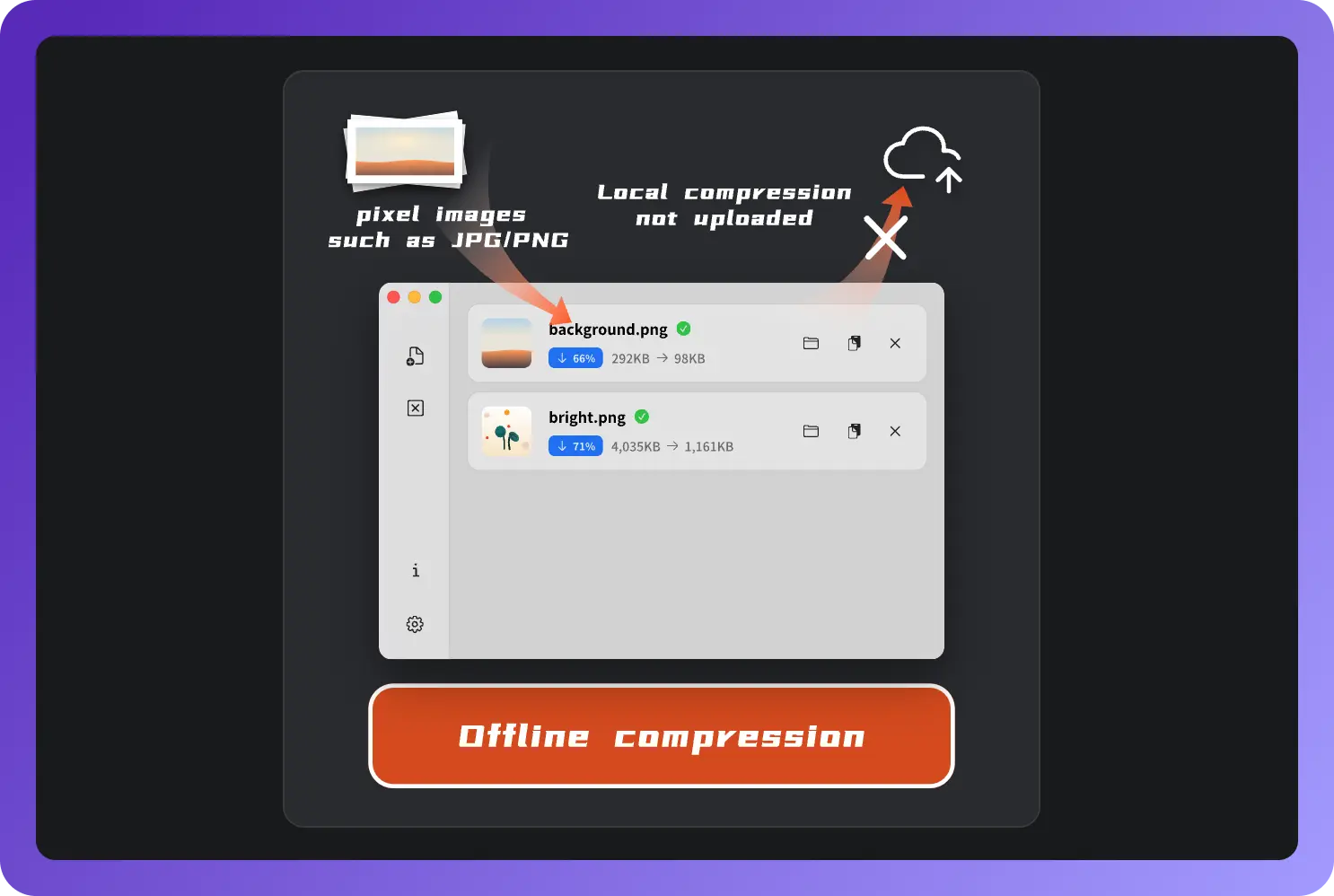
本地图像压缩工具:Zipic
在电脑本地运行的图像压缩工具,支持批量压缩和格式转换,每天免费使用 25 次。支持 Mac 和 Windows
字体删除线背后的信息:从删除线到默默无闻 MVAR
原文:https://fenx.work/from-strikeout-to-obscure-mvar-table/
苹方和 SF Pro 都是界面设计时常用的字体。在 Figma 中添加删除线样式时,上图中可以看到苹方和 SF 字体的删除线位置不一,一个偏下一个居中。
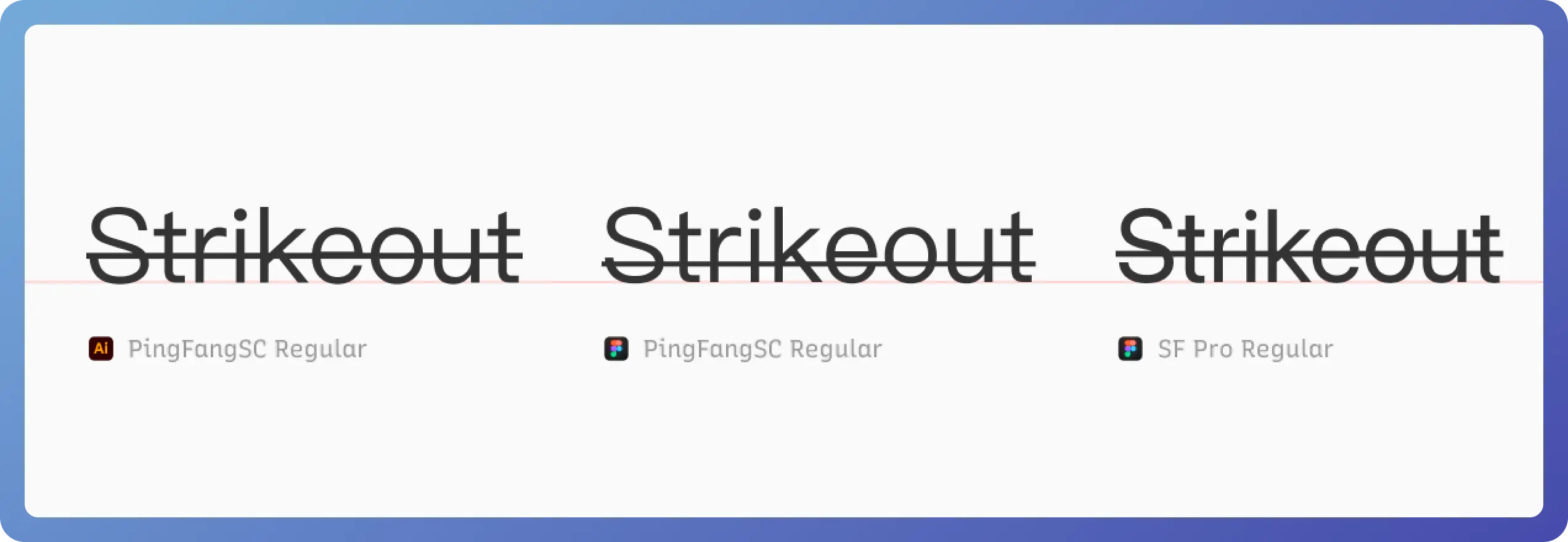
原因是,删除线属性由字体内的信息 OS/2 表 内两个参数控制:
<yStrikeoutSize value="120"/><!-- 删除线尺寸 --><yStrikeoutPosition value="620"/><!-- 删除线位置 -->xml
yStrikeoutPosition 的值是相对于 baseline 的高度,比如苹方字体(PingFang.ttc)的 yStrikeoutPosition 是 200,x-height 是 600 [1],所以苹方的默认删除线处于 x-height 1/3 处位置而不是近似 1/2 处。而像 Adobe illustrator 等软件,虽然和 Figma 同用 Harfbuzz 塑形引擎,但 Adobe 有着自己的一套渲染规则。如上图左一,同为苹方字体但删除线位置却不同。
🎊 设计素材
20个免费的网站设计组件
暗色线性风格网站官网设计组件,暗色主题风格
https://www.figma.com/community/file/1332091610740792452

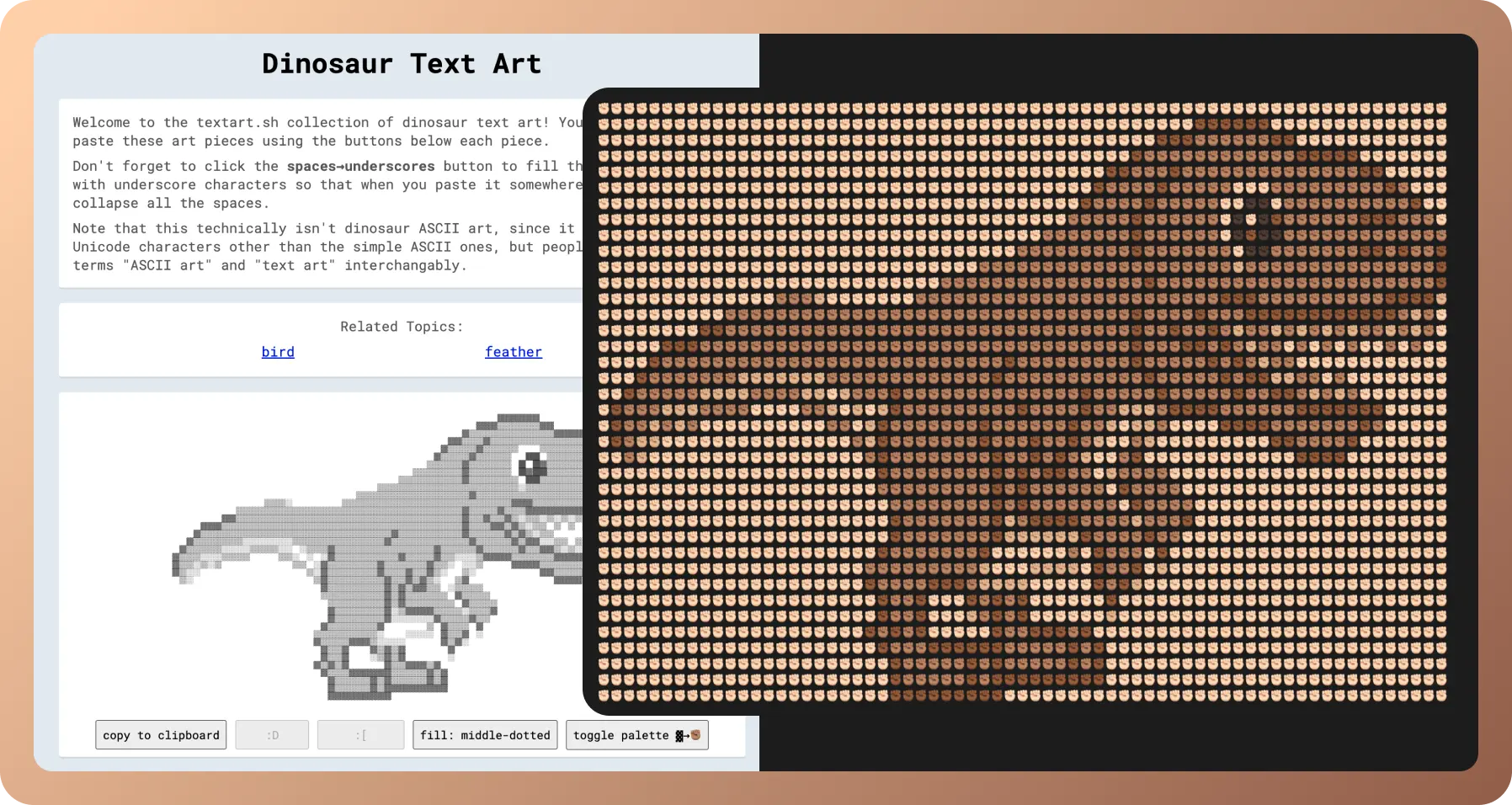
使用文字拼成的图案
使用文字字符拼的各种图案还可以替换字符生多种风格,复制到剪贴板在你的任意文本工具里粘贴就可以了
Panda 图标库
这是一套大圆角为主的可爱风格图标集,包含6种粗细以及填充类型。
https://www.figma.com/community/file/1331872221749358492

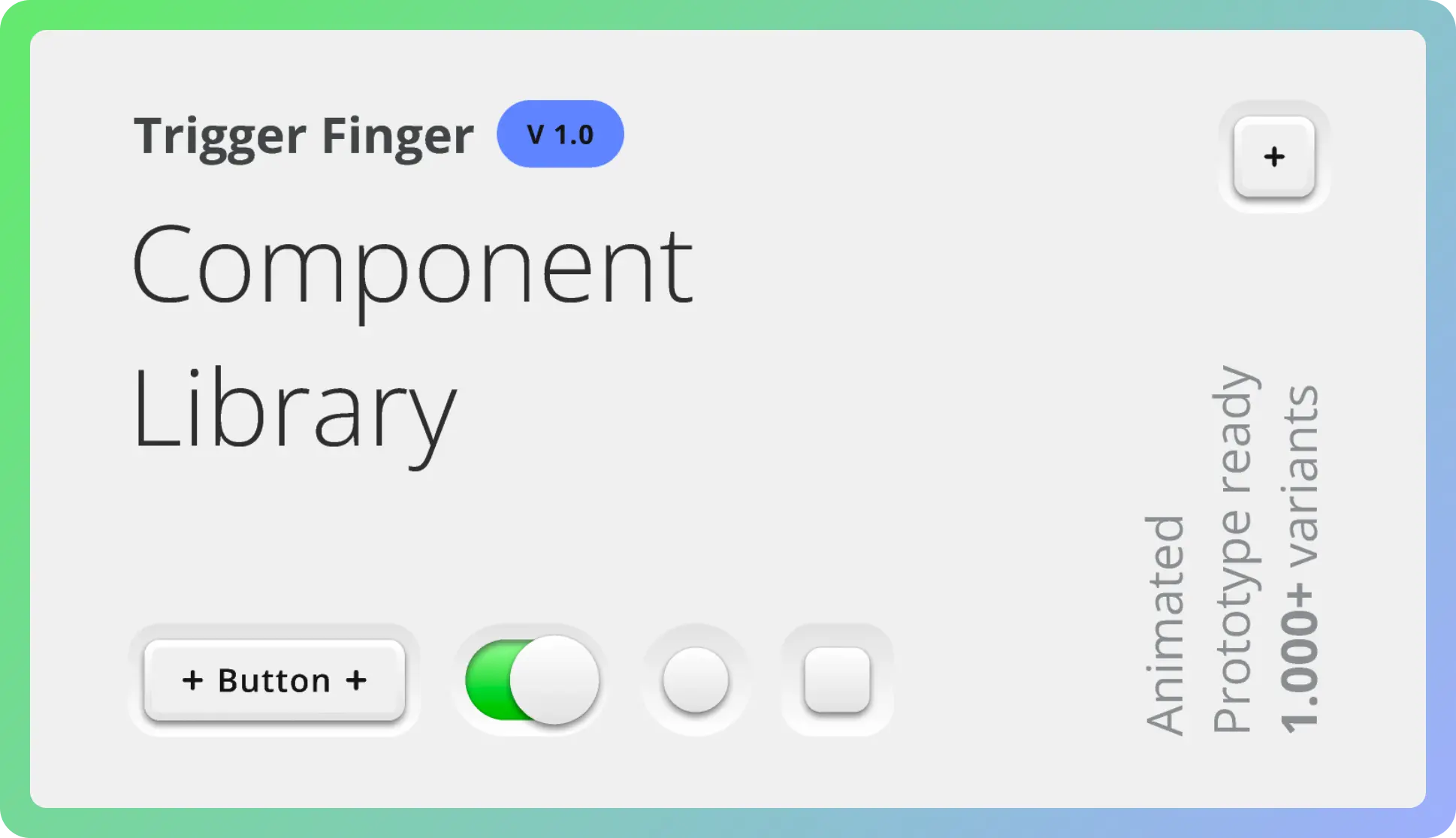
按钮交互源文件
文件中包含多种设计风格的「按钮」,并且包含交互效果。
投稿人:Anton
https://www.figma.com/community/file/1328734221562517840
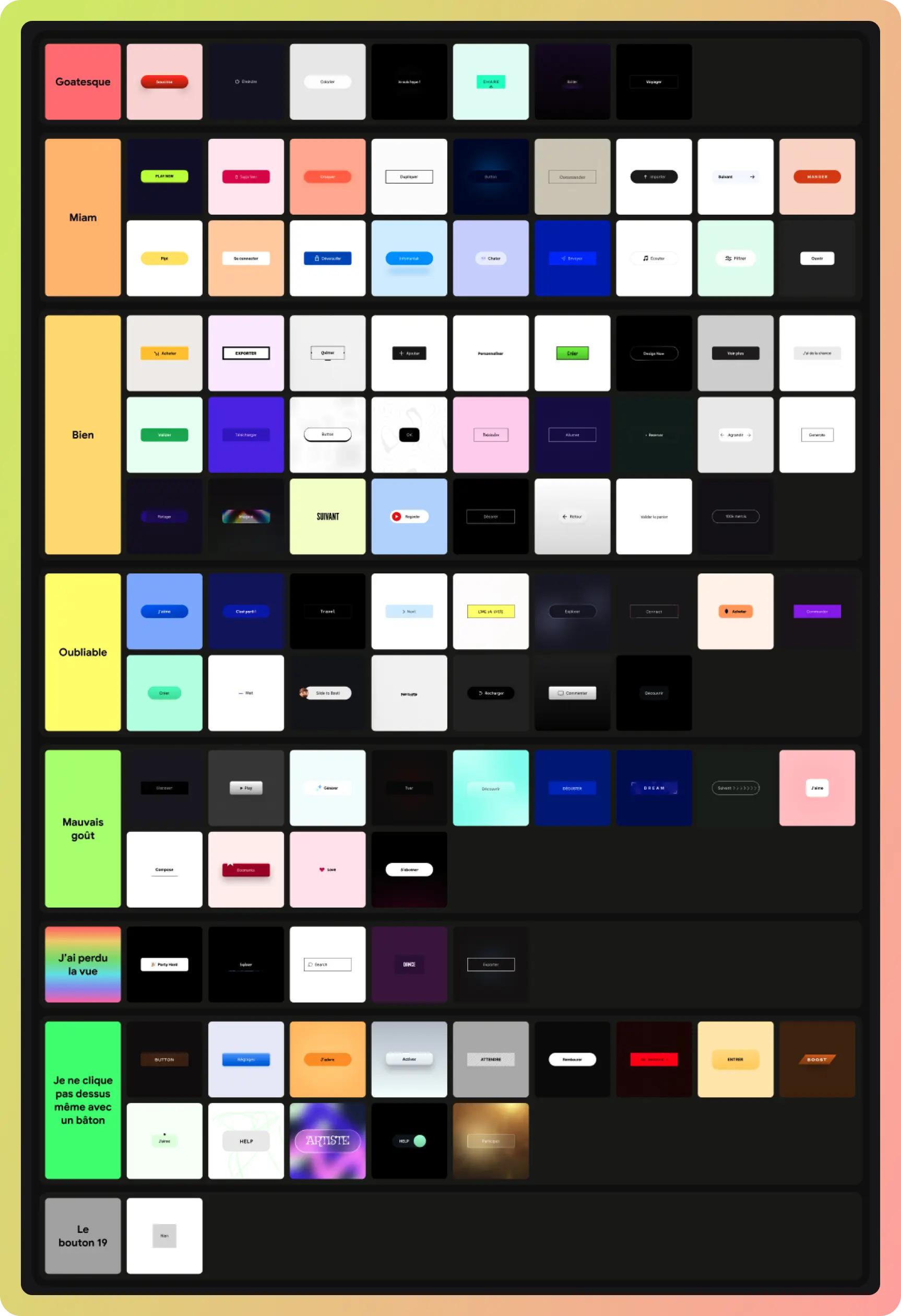
新拟物「按钮」源文件
可以通过源文件学习方法,最近这两年新拟物风格的 UI 概念界面越来越多
https://www.figma.com/community/file/1330669396774292508
免费可商用矢量插画
抽象的 2.5d 风格插画素材
https://www.figma.com/community/file/1222872291427343336

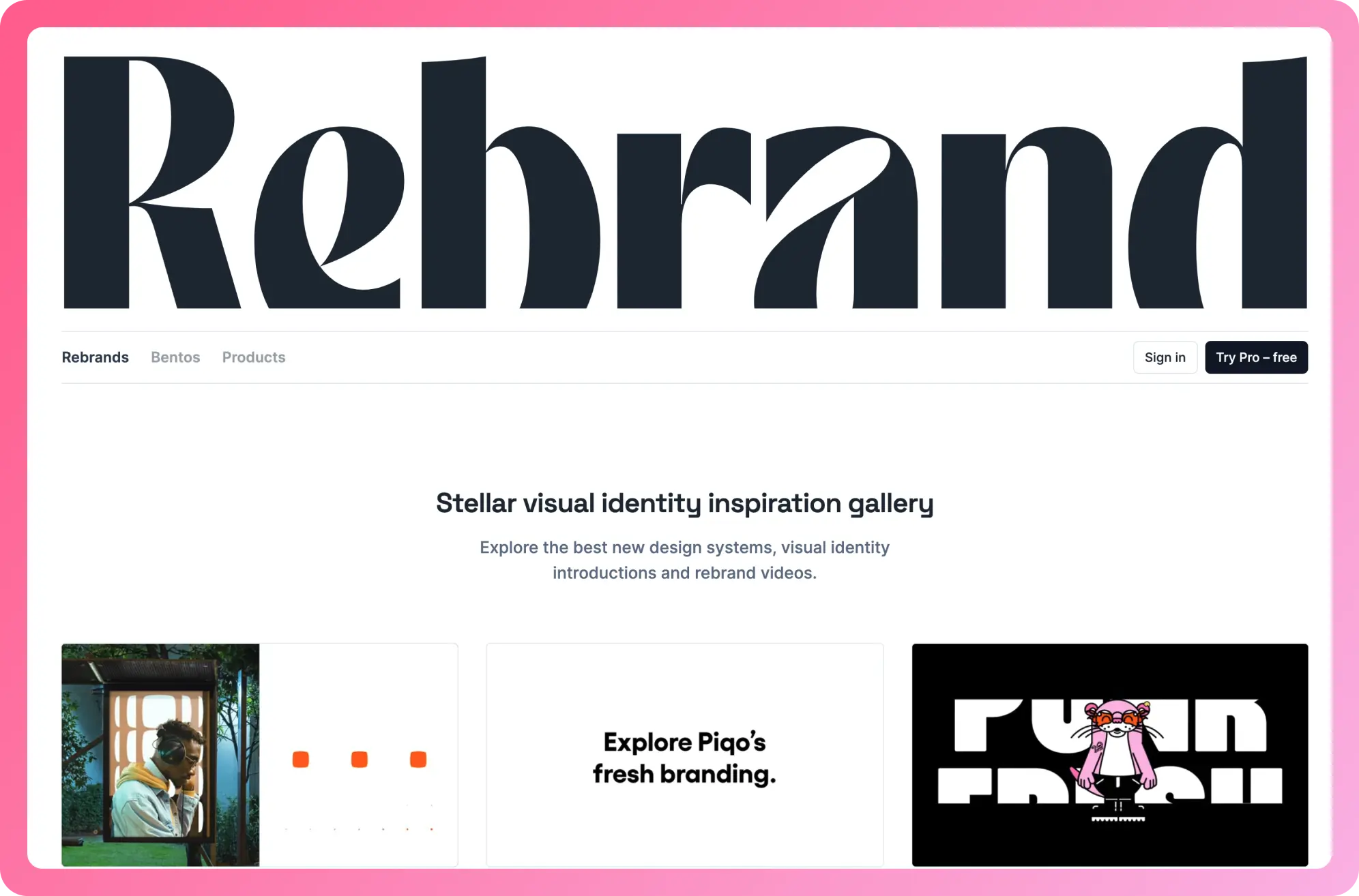
动画灵感网站
网站中采集了logo、网站转场、图标等动画灵感。
投稿人:Witto
用 Figma 矢量绘制「纸张」的视觉
https://www.figma.com/community/file/1332565636092896854

🏖 随便看看
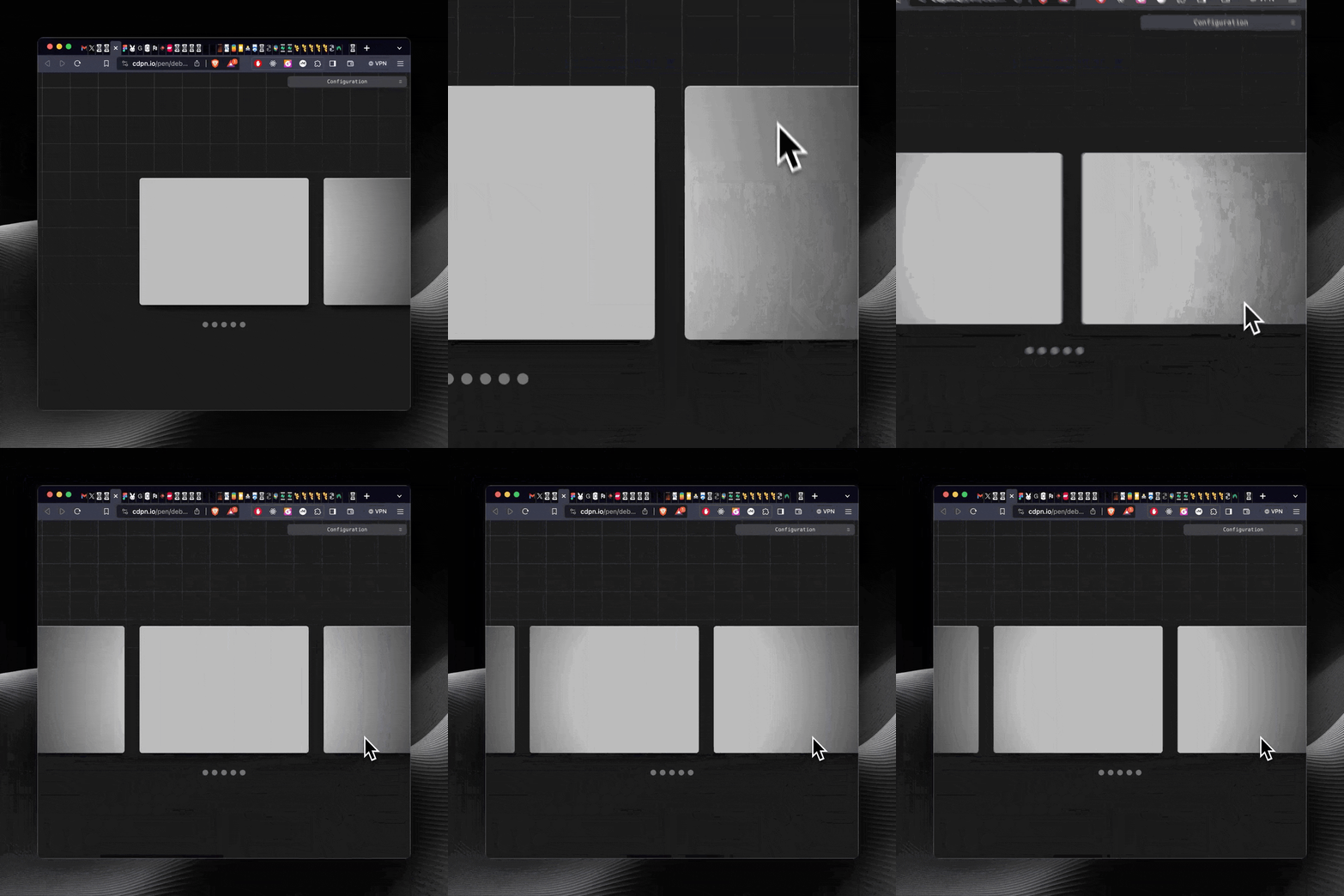
CSS 聚光灯技巧
可以轻松地将聚光灯延伸到元素上,固定值拉伸背景图像并将其固定到视口。固定后,它不再随元素移动!
要如何成为焦点?最简单的方法是径向渐变
https://twitter.com/jh3yy/status/1750019768302911829
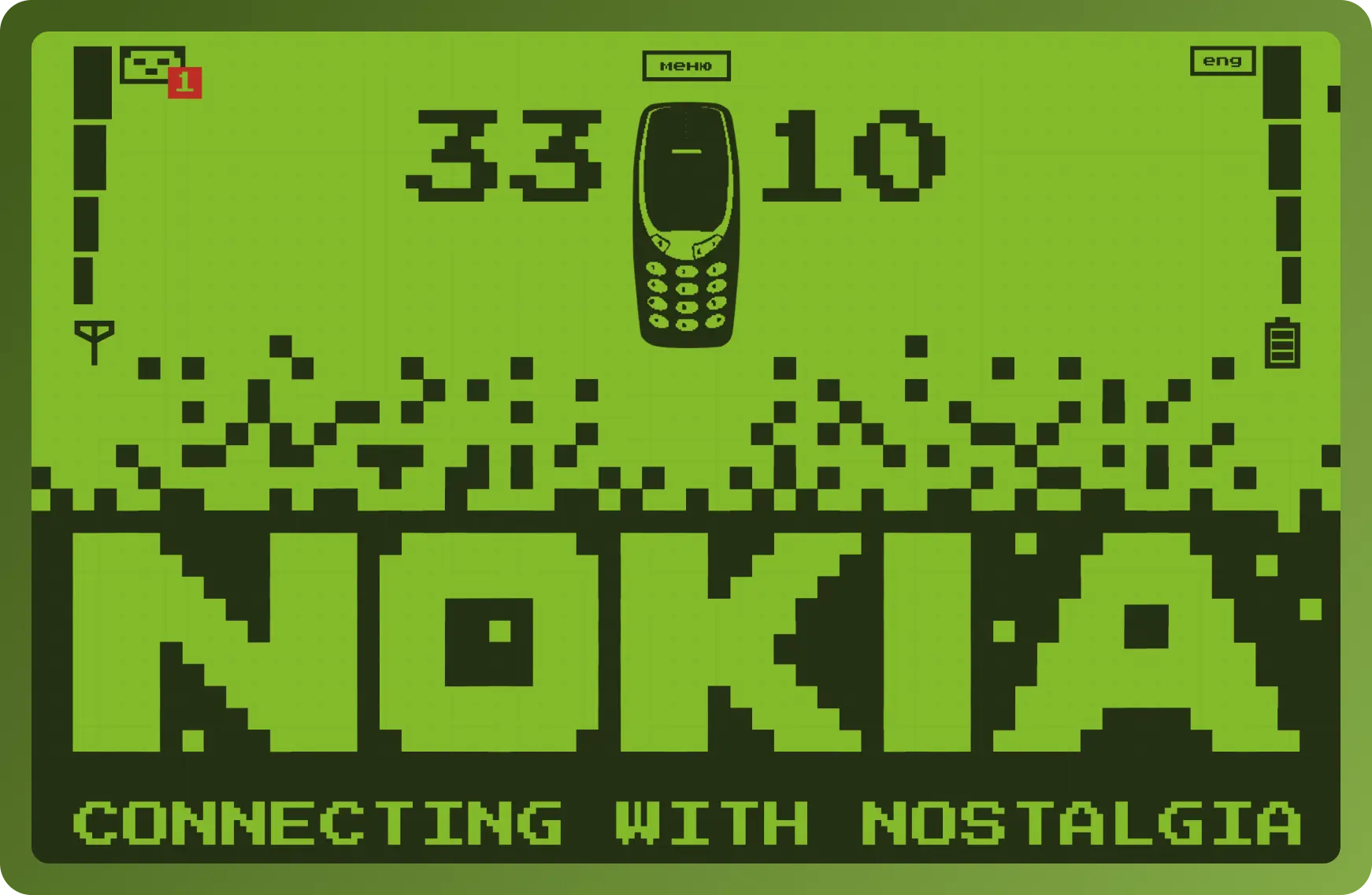
诺基亚 3310 的怀旧网站
像素化的屏幕效果和故事讲述,网站由 Karina Makarova 使用 Tilda(无代码平台)设计
https://legendary3310.tilda.ws/
优秀网站设计分享
这是一个日历工具的网站,界面和动画用滚动放大的方式结合的很好看。