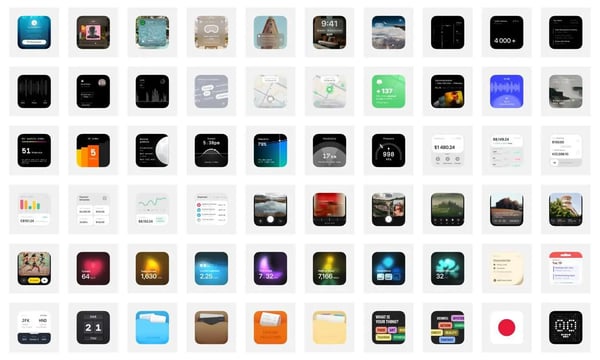

The cover of this issue comes from the opening logo of Apple Jing'an Store and it is still very nice.
🛠️ Digital Life Tools
1. Wallos: Open Source Personal Subscription Tracker
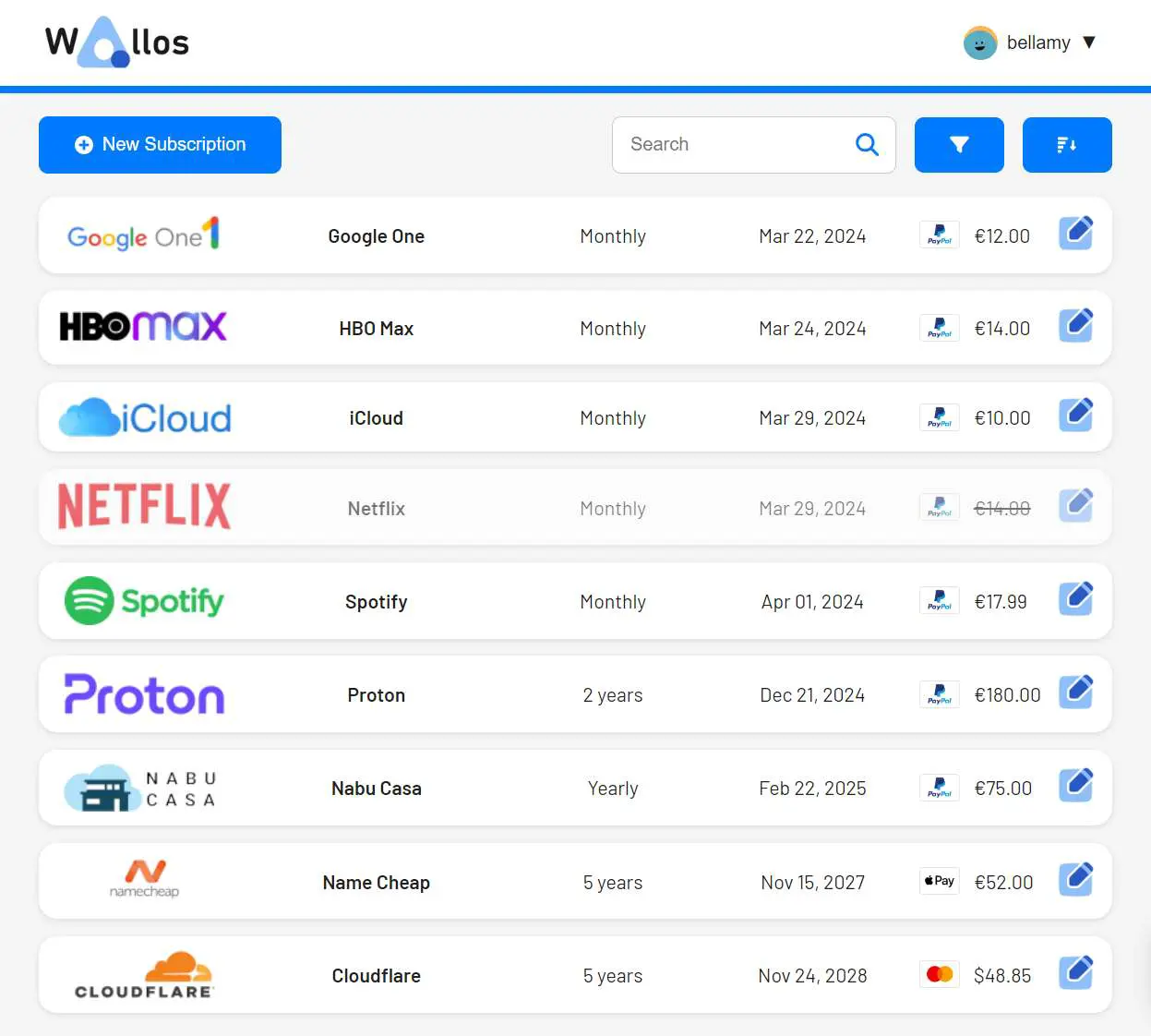
An open-source project for tracking personal subscriptions, designed to help you manage your finances easily. Say goodbye to complicated spreadsheets and expensive financial software. Features include subscription management, category management, multi-currency support, currency conversion, data privacy, and customization: use customizable categories, currencies, themes, and other display options to tailor Wallos to your needs. Logo search: If you don't have a logo to upload, Wallos can search for your subscription logo online. Mobile view support: Use Wallos anytime, anywhere. Notifications: Receive payment reminders for upcoming due dates via email. Multi-language support.
There are many similar products, such as pandora developed by Zhang Ziheng, or creating your own database in Feishu or Notion with automation to receive notifications.
https://github.com/ellite/Wallos/
2. Sensor Tower - Market Intelligence for the Global Digital Economy, View App Data and Revenue

Gain insights into your impact in the digital and mobile economy through comprehensive and accurate app store analysis and unique engagement insights offered by Sensor Tower. You can view estimated revenue and other information about your competitors to make decisions about target market size, among other things.
3. Classic Book Recognition

OK.

A platform developed jointly by Peking University's ByteDance Digital Humanities Open Laboratory, which collects and organizes a large number of ancient books. The website looks very nice and has powerful functions, such as note-taking, viewing original book images, viewing translations, and asking the intelligent assistant of ancient books. Treasure website
https://www.shidianguji.com/?page_from=reading_page
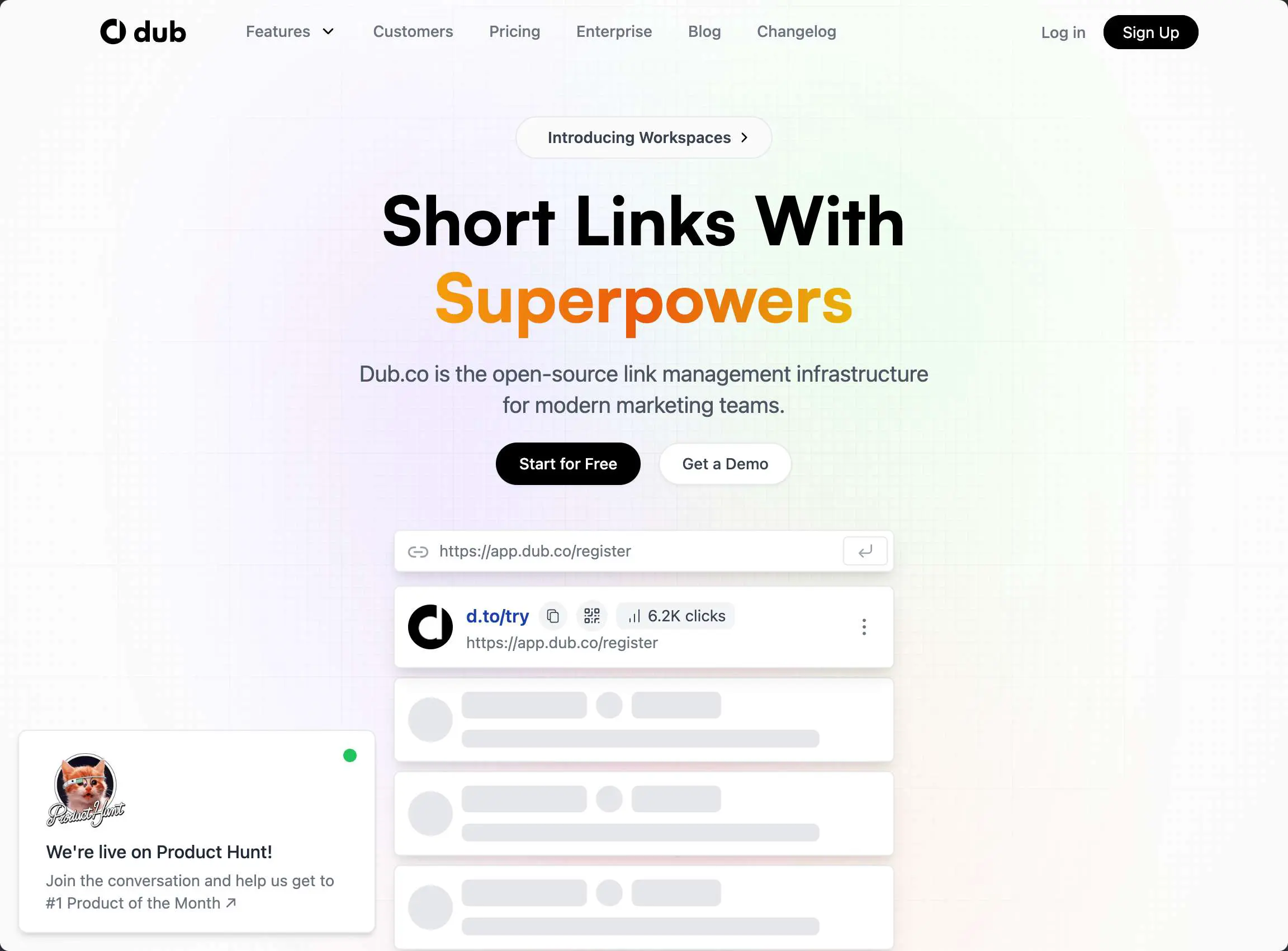
4. Dub: Open Source Short Link Conversion Tool
🧑🎨Codesign-Design and Development
1. Tongyi Lingma: AI-Assisted Programming

Alibaba has developed Tongyi Lingma, an AI that writes code. It is free for personal use and currently has a promotion where you can open a blind box. I opened a mug, which is called "lingma" in English, reminding me of figma.
2. Replicate Well-known Full Stack Projects
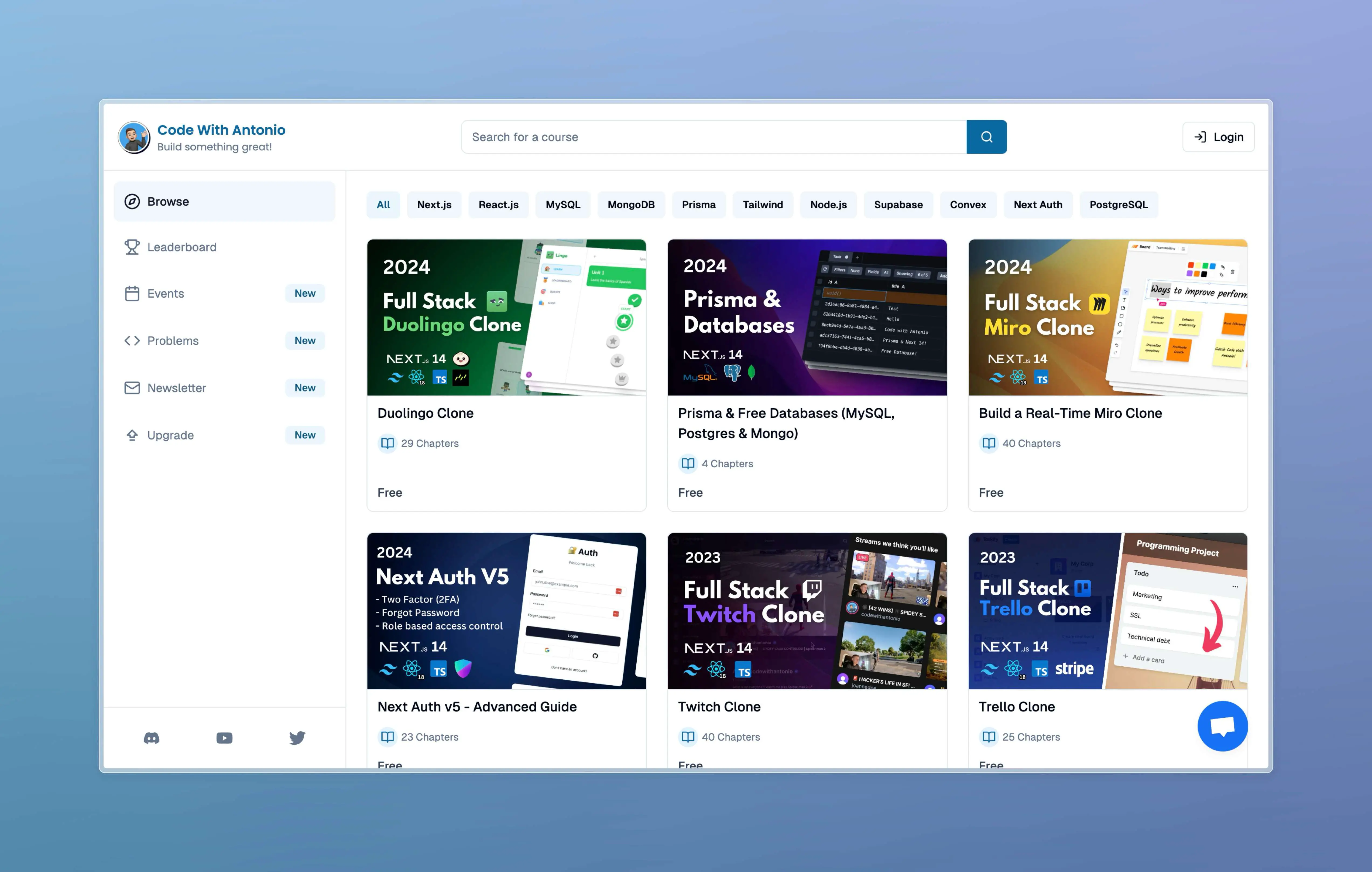
Another Cyber Bodhisattva, the author has replicated many well-known full stack projects, which are helpful for learning or other purposes. If your product is similar to these, you can take a look.
https://www.codewithantonio.com/
## 3. Learn the best tools and platforms
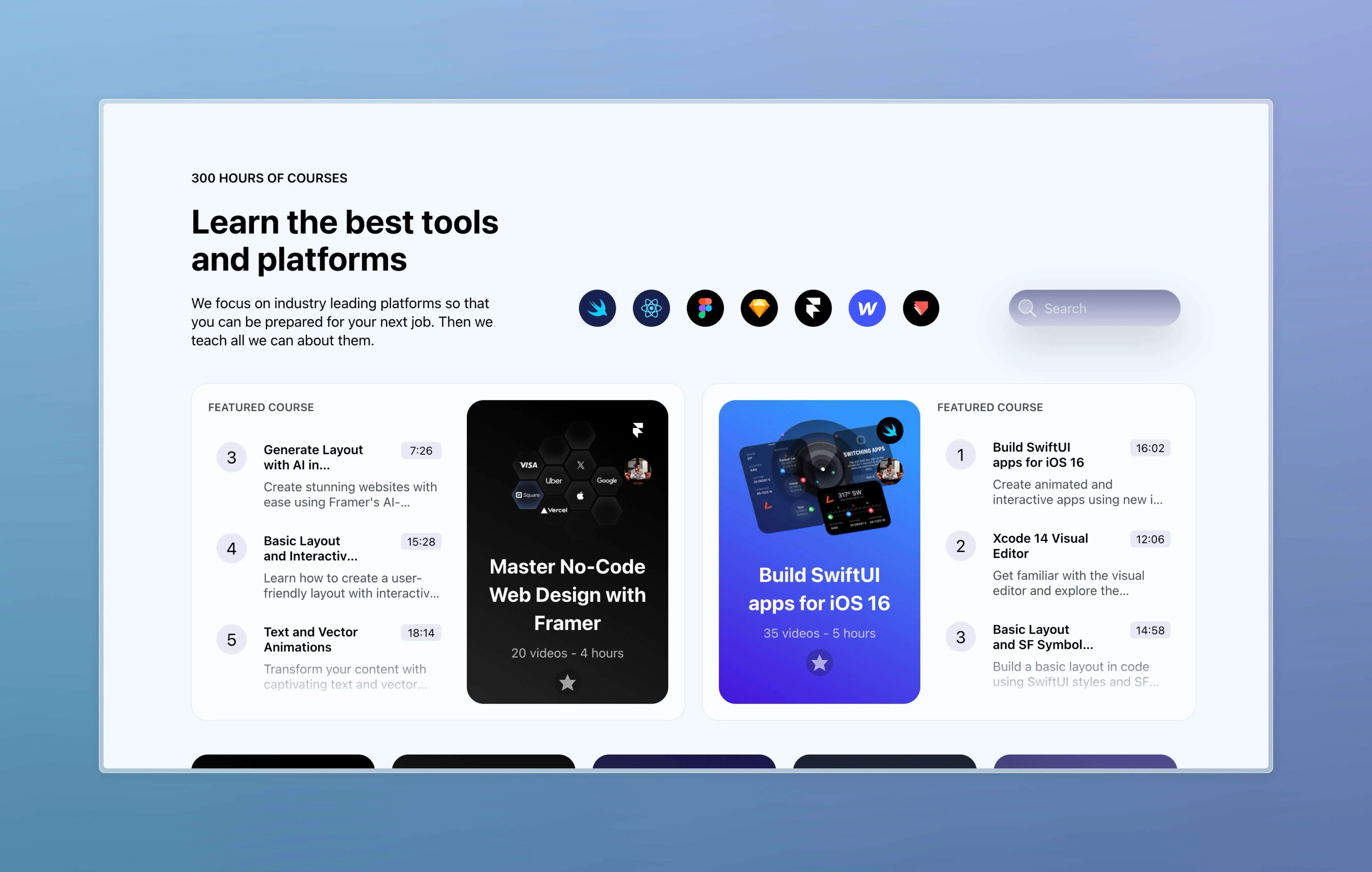
Whether you want to learn SwiftUI, Figma, React, Framer, etc., you can find free courses here.
[https://designcode.io/](https://designcode.io/)
## 4. RealCover: Figma cover-fill plugin
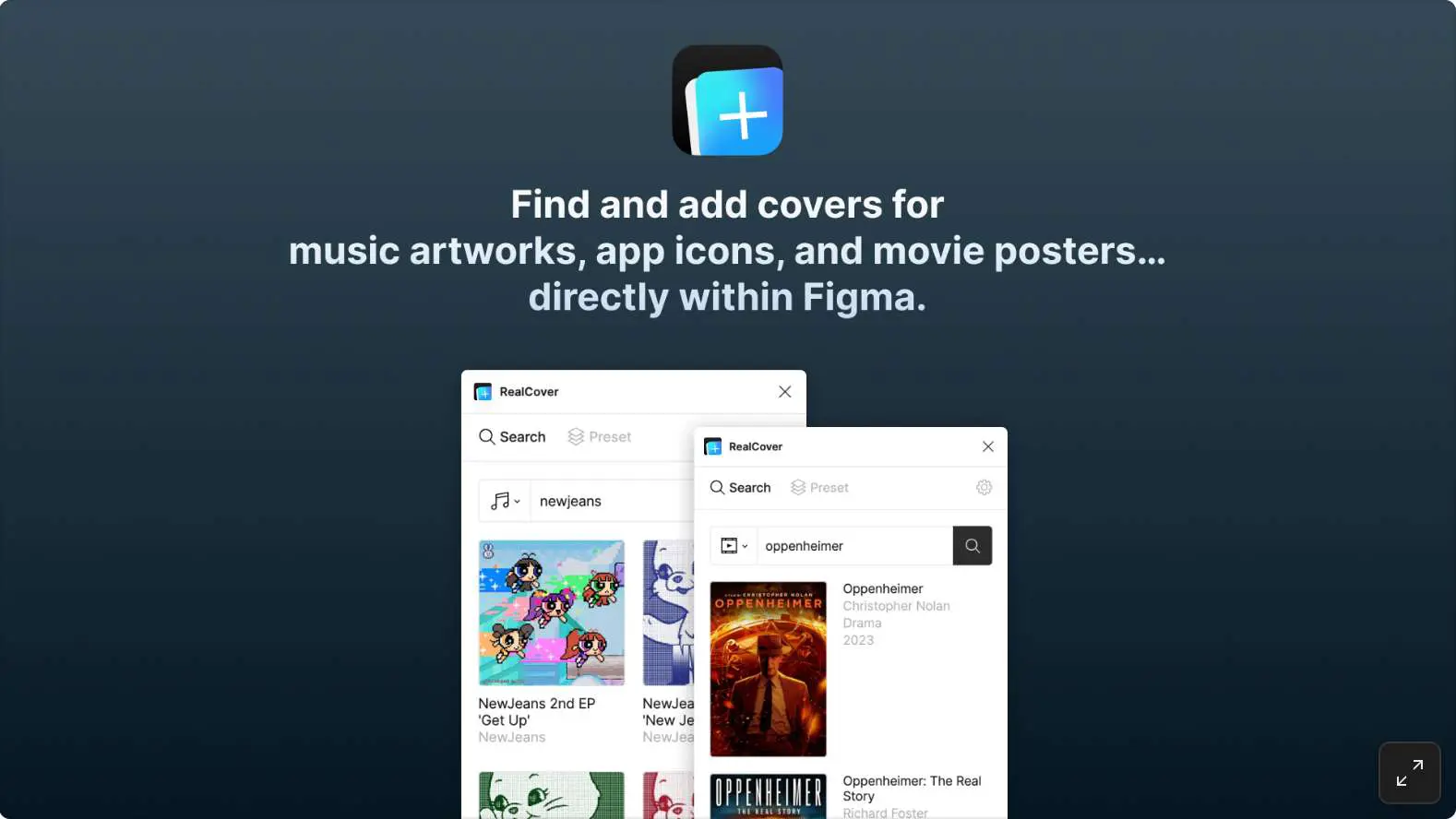
A fill plugin that directly fills cover images into your canvas. It now supports music covers, playlist covers, MV thumbnails, artist avatars, iOS app icons, macOS app icons, podcast covers, movie posters, and book covers. It is a plugin developed by designers. With so many fill plugins, you can still find a better angle and method. Very useful!
[https://figma.com/community/plugin/1337421960258020032/realcover](https://figma.com/community/plugin/1337421960258020032/realcover)
## 5. Modyfi: WebGL low-code tool
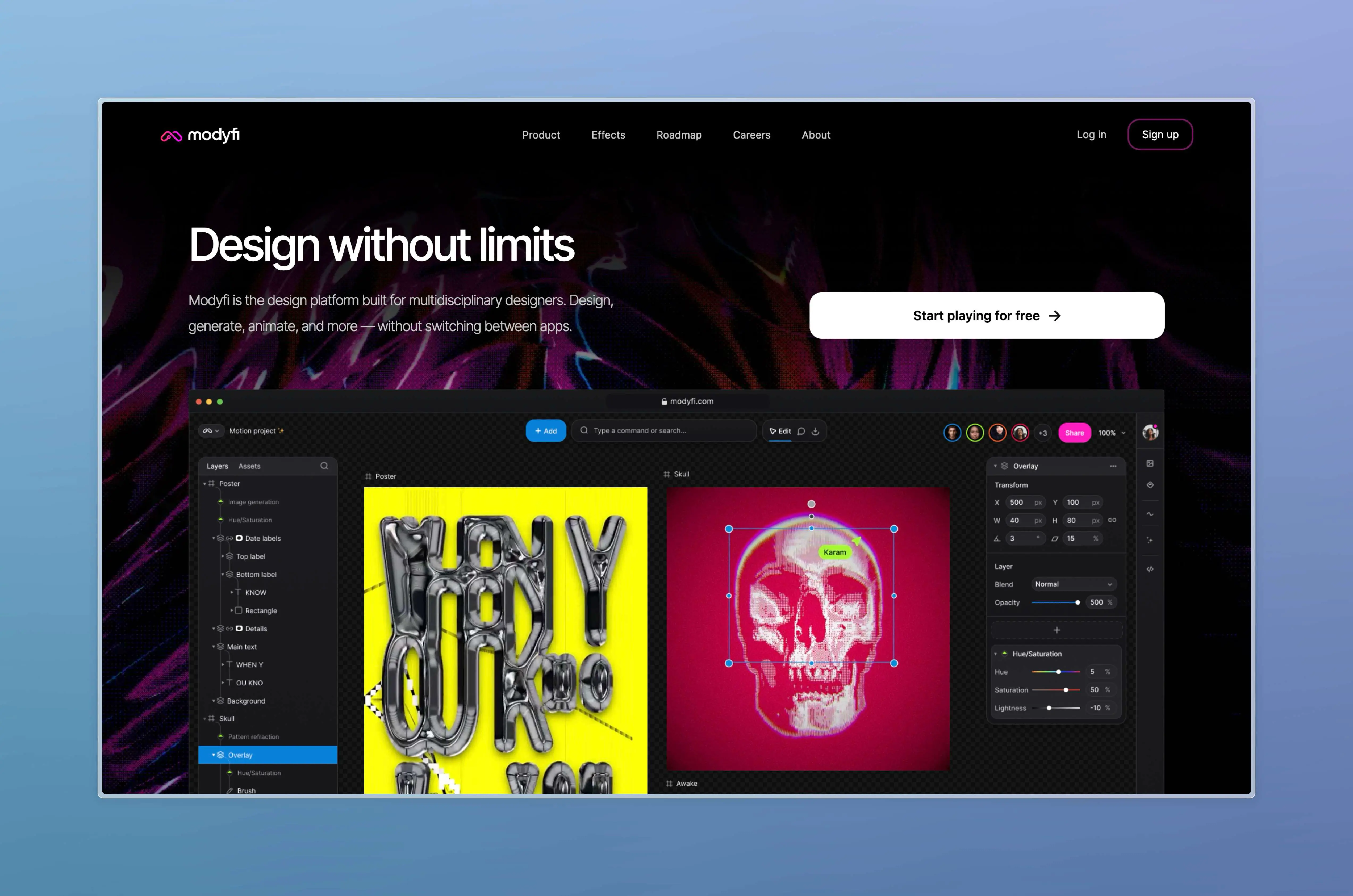
Following the no-code Framer for web pages, no-code website building with three.js - Dora, and no-code 3D collaboration tool - Spline, there is now a corresponding product for the cool effects of WebGL. Designers can have more fun with their personal websites.
[https://www.modyfi.com/](https://www.modyfi.com/)
## 6. Unicorn Studio: Another WebGL no-code tool
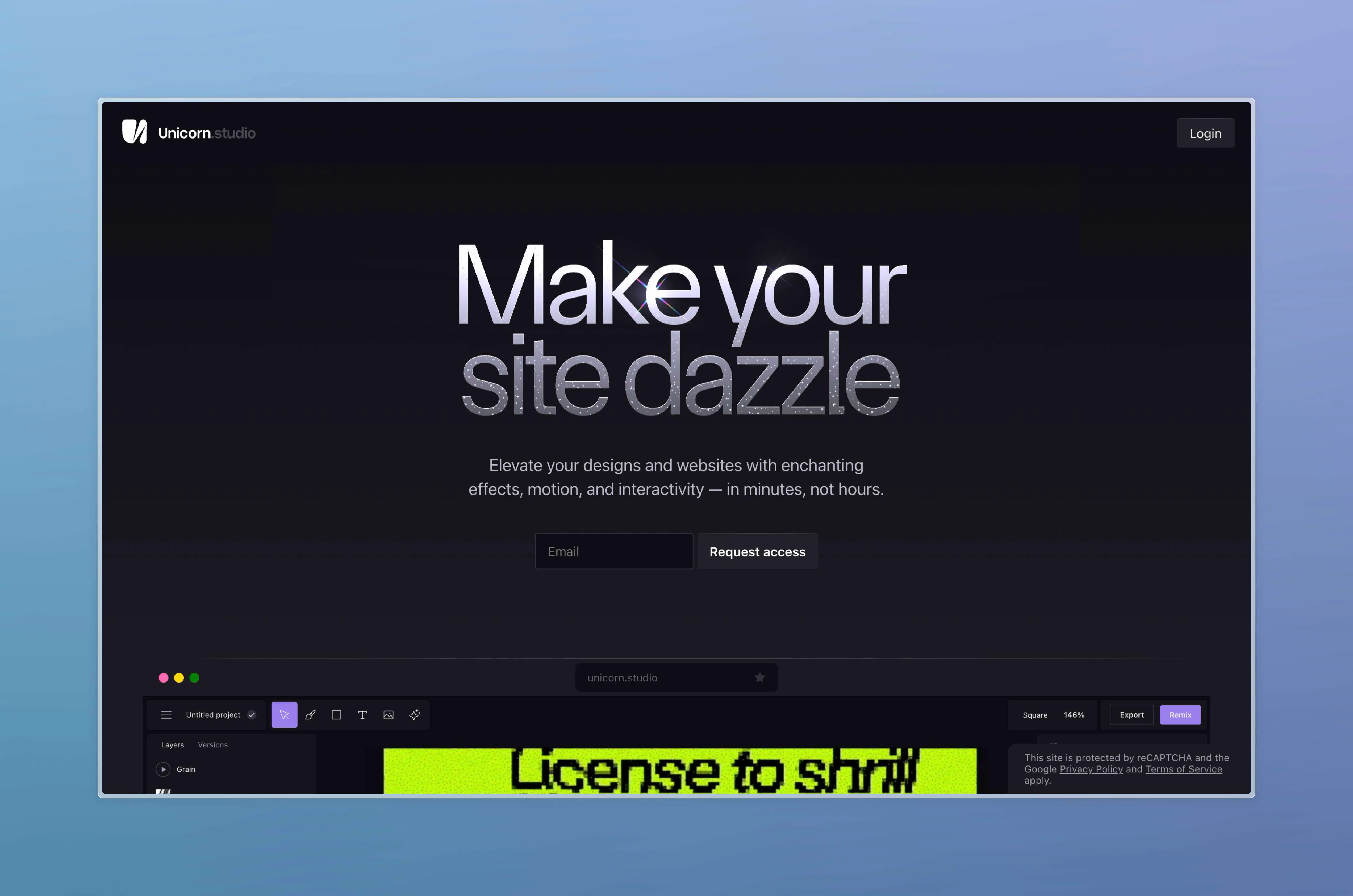
Currently on the wait list, similar to the one above.
OK
7. Raycast Plugin Recommendations for Designers
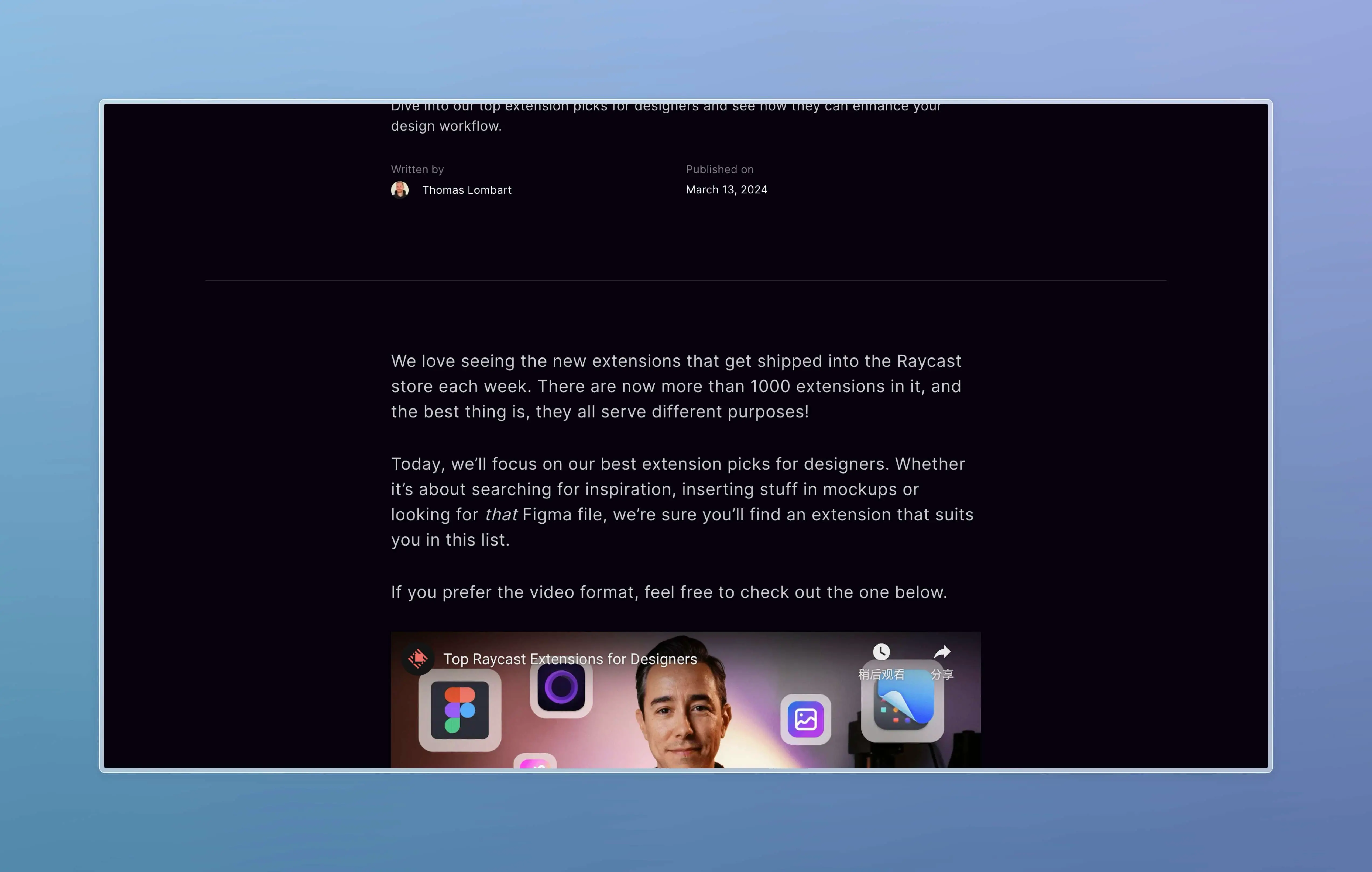
Raycast Extension Picks for Designers
🤖AI Related
1. OpenModelDB | AI Upscaling Model Database
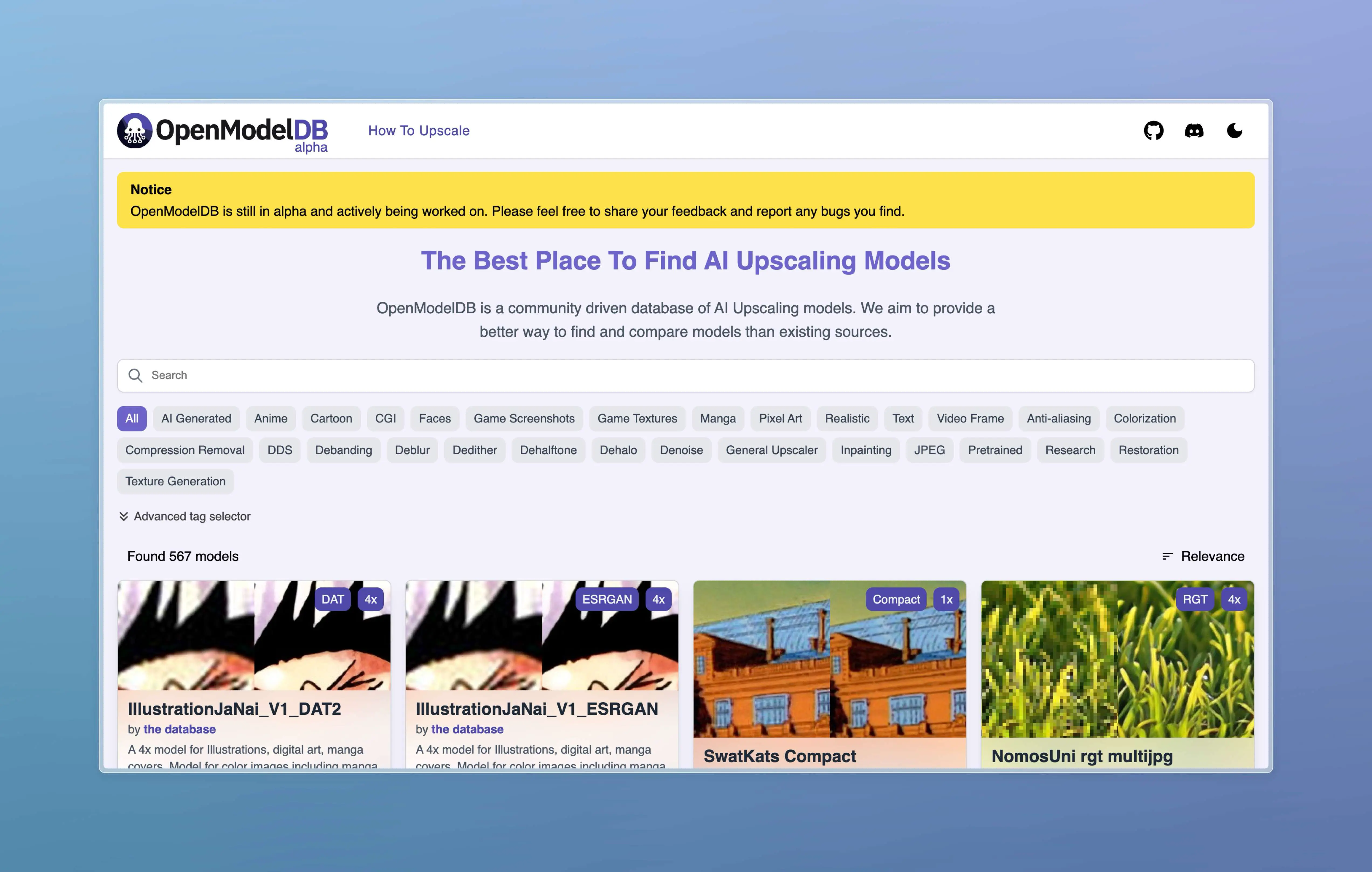
OpenModelDB is a community-driven database of AI upscaling models. We aim to provide better ways to search and compare models than existing resources.
2. Autojourney - Midjourney Automatic Pathing Script

This article introduces an efficient plugin called AutoJourney, designed specifically for MidJourney users. It aims to solve a series of problems that users encounter during usage, such as the tedious process of writing prompts, repetitive work of manually sending prompts, inconvenience of image zooming and downloading, etc. By providing features such as batch sending, automatic queuing, automatic repetition, automatic zooming, automatic downloading, and prompt generation, the AutoJourney plugin, in conjunction with GPT technology, greatly improves the efficiency of MidJourney users, allowing them to focus more on creativity and creation rather than being troubled by cumbersome operations. Note that it should not be used on public accounts, and fast mode should be disabled, otherwise the funds may be quickly depleted.
https://mp.weixin.qq.com/s/BZkIaM_R9iSBE9kv5leAHQ
3. OpenRouter - Intermediate Router for Large Language Models

OK
OK
📚Take a Look Around
1. AI Development Information Collection Design
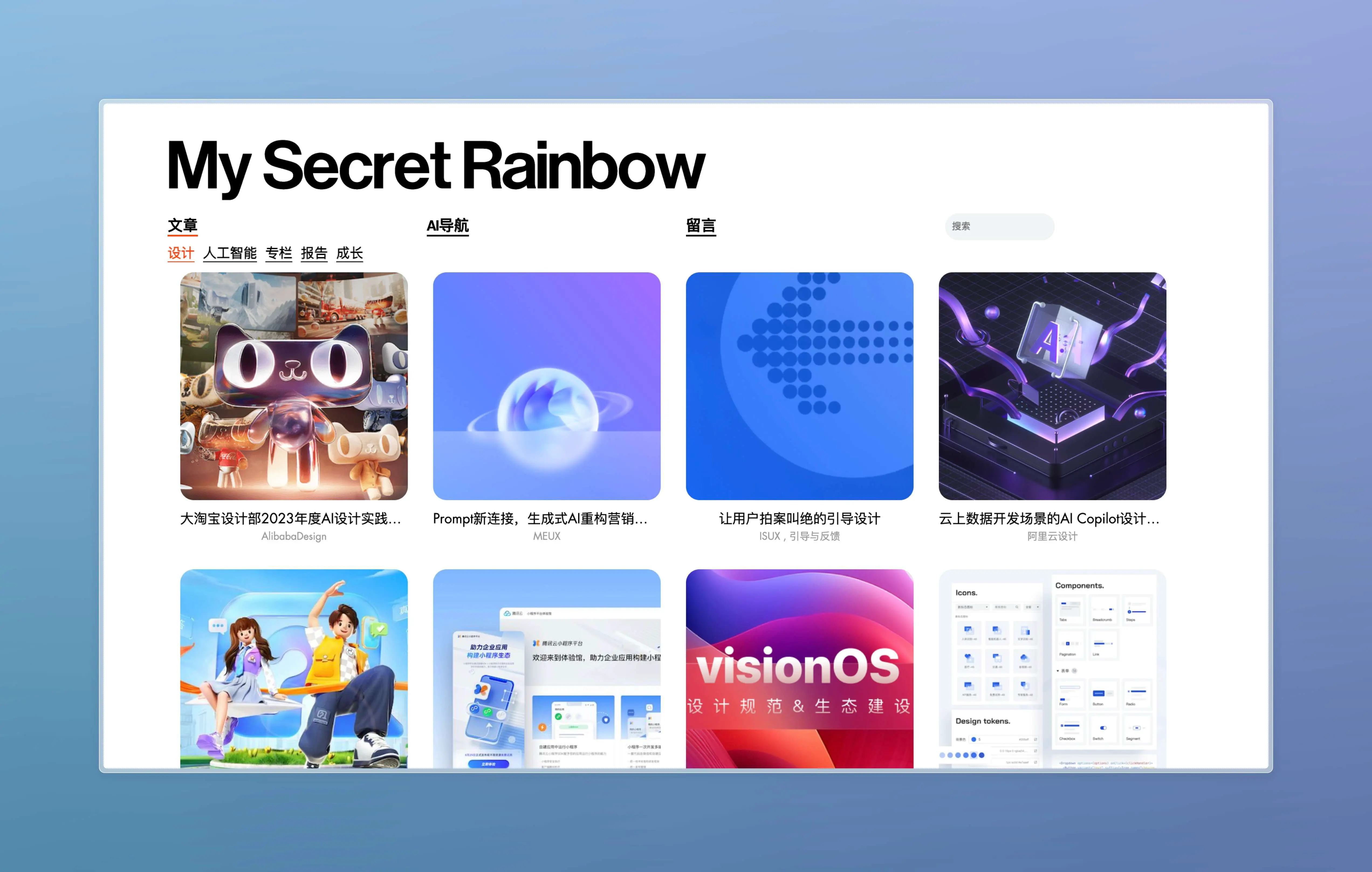
A personal homepage of a designer, collecting a large number of articles in the fields of design, AI development, and more. Take a look.
http://www.mysecretrainbow.com/category/blog
Thank you all for reading this. The above is the content of this week's newsletter. If it has been helpful to you, please don't hesitate to like, share, and subscribe! See you next time. 👋
Want to receive timely updates? You can subscribe to me via email here (https://quaily.com/digital-life), or you can subscribe to me via the WeChat official account "Lazy Person's Digital Life".
Looking forward to seeing you.