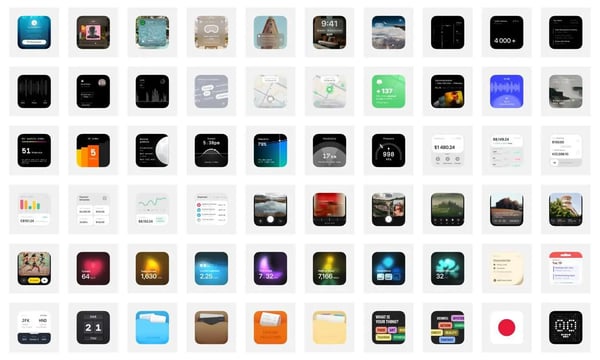

The cover of this issue is a panoramic picture of West Lake taken by myself, with the ten scenic spots of West Lake marked inside. The photo was taken from the top of Jiuyao Mountain. Previously, I saw a panoramic picture of an important landmark in Hong Kong, so I also began to like this kind of panoramic photos.
🛠️ Digital Life Tools
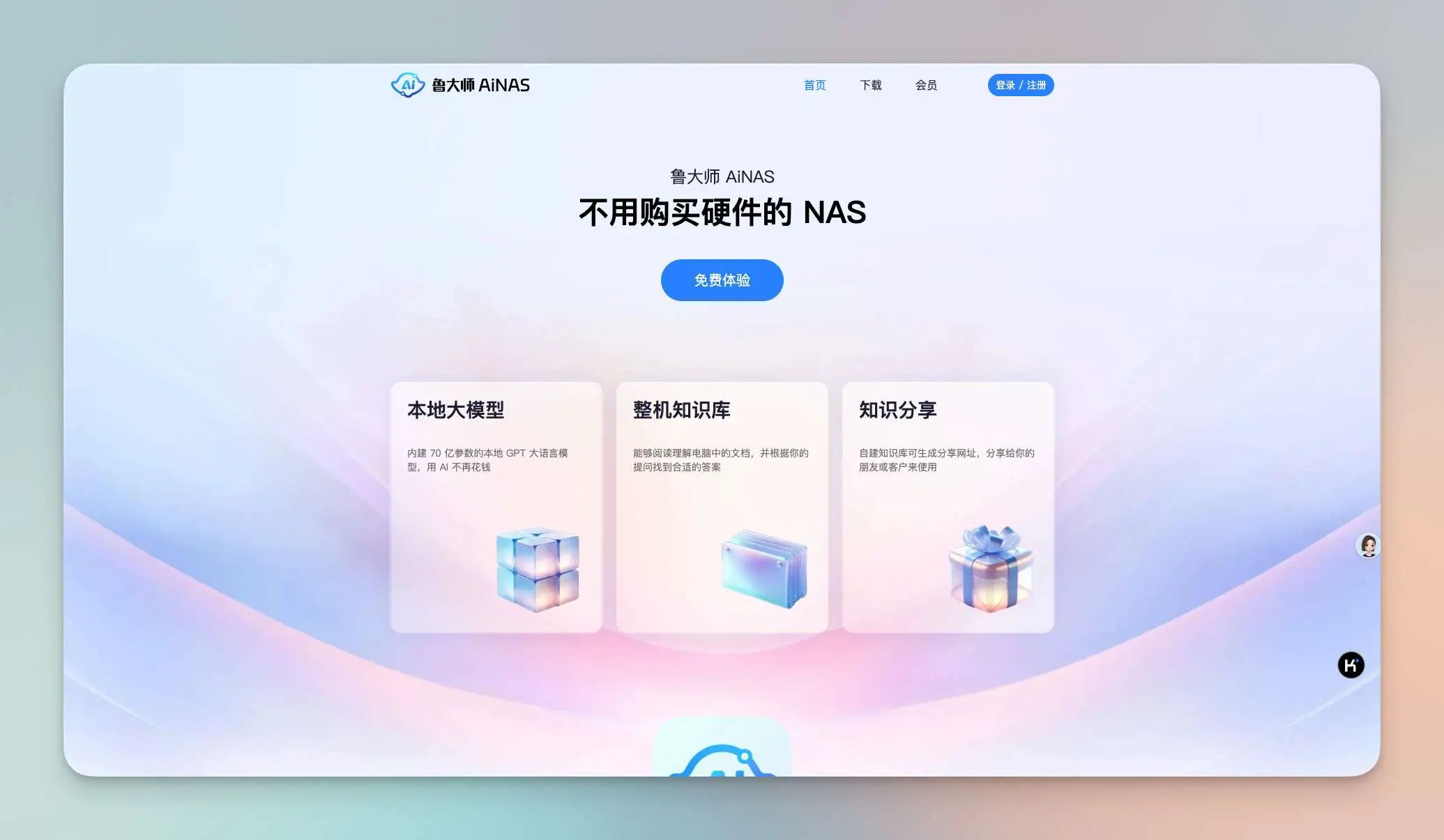
1. Lu Da Shi AiNAS
You can turn your personal PC into a NAS with local AI capabilities. If you happen to have a computer and want to use a NAS, give it a try. The free version also seems pretty useful.
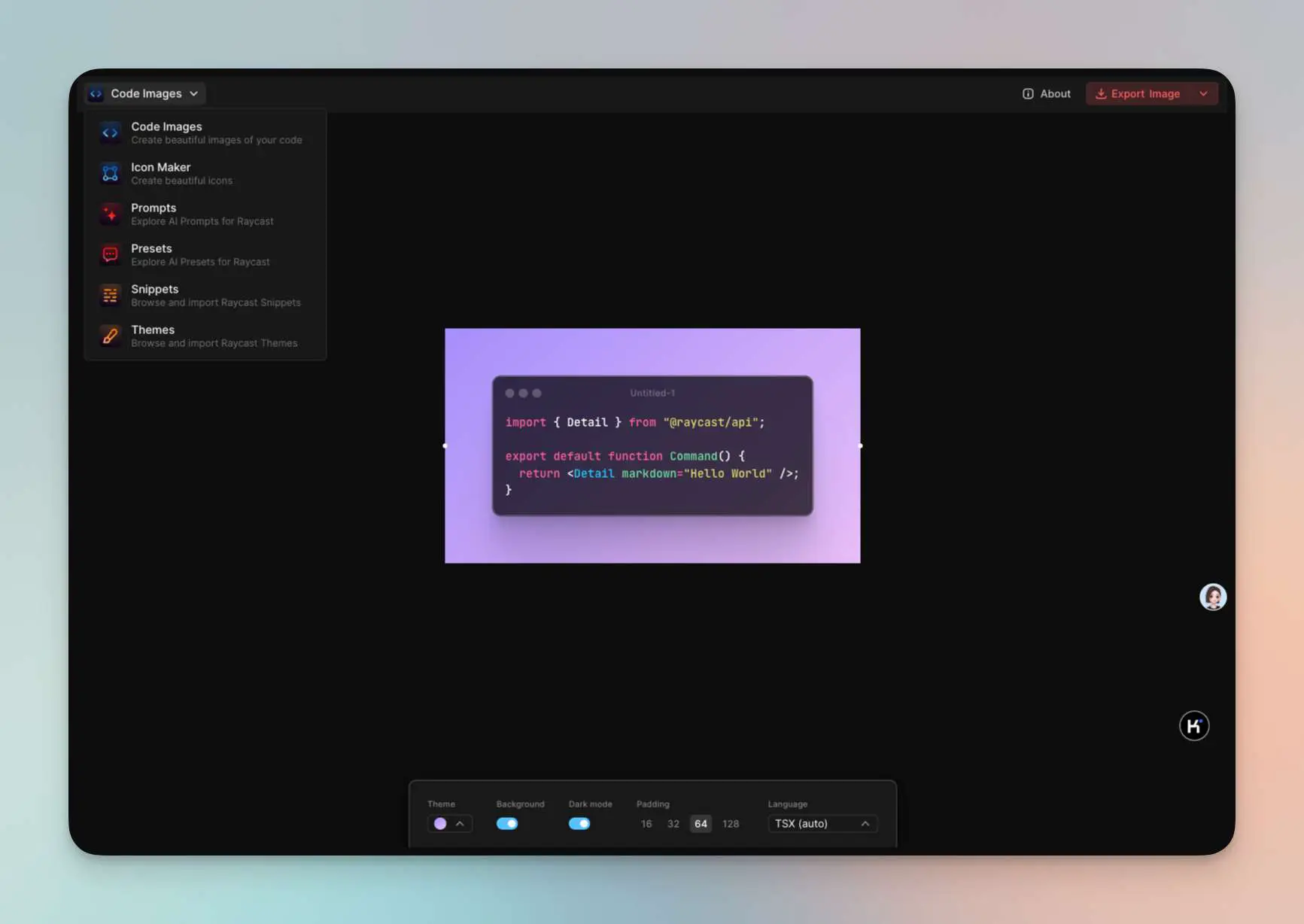
2. Raycast's Toolbox
Includes various features such as creating beautiful code images, icon maker, AI suggestions for Raycast, and Raycast AI presets.
They have also open-sourced it: GitHub Repository
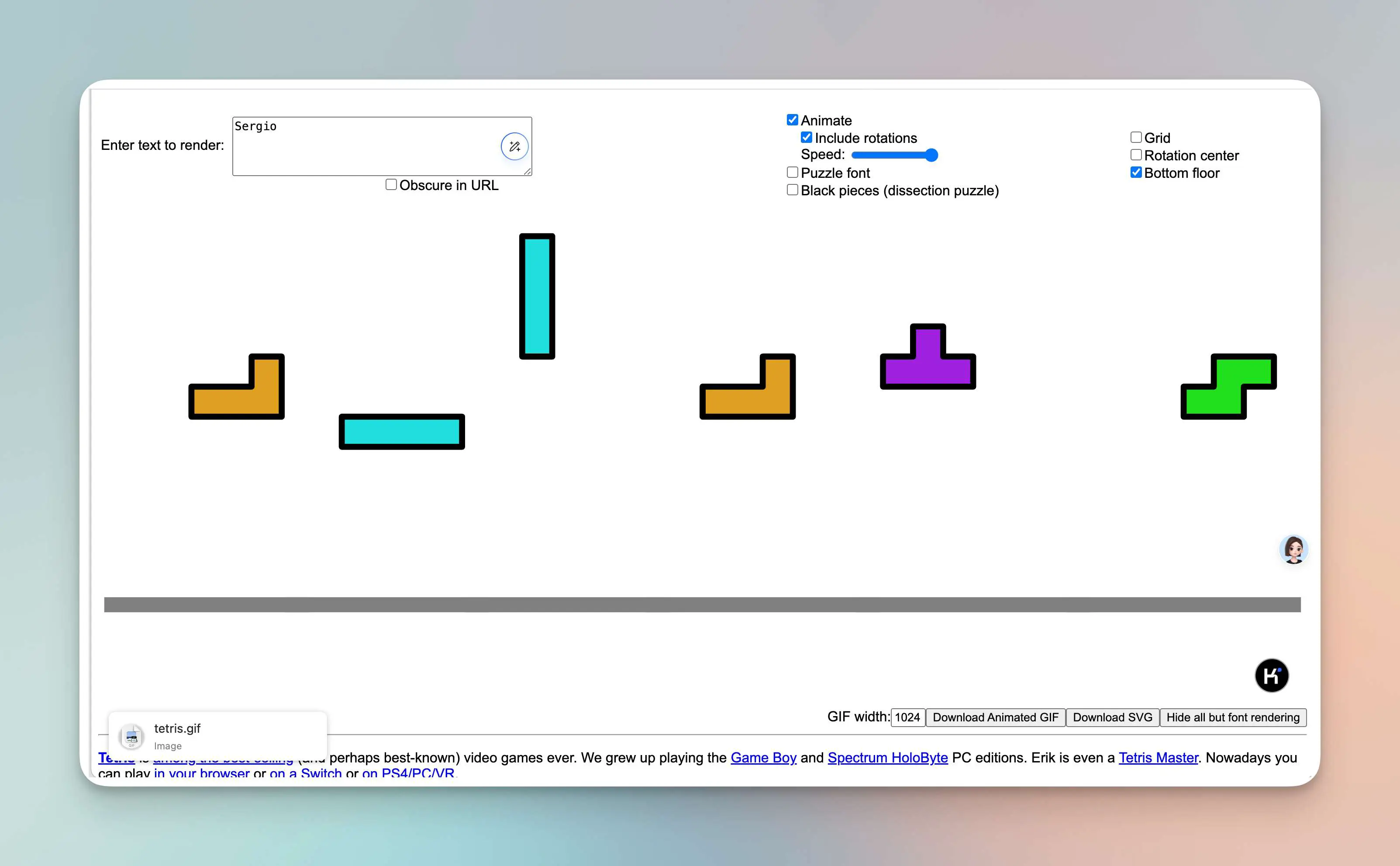
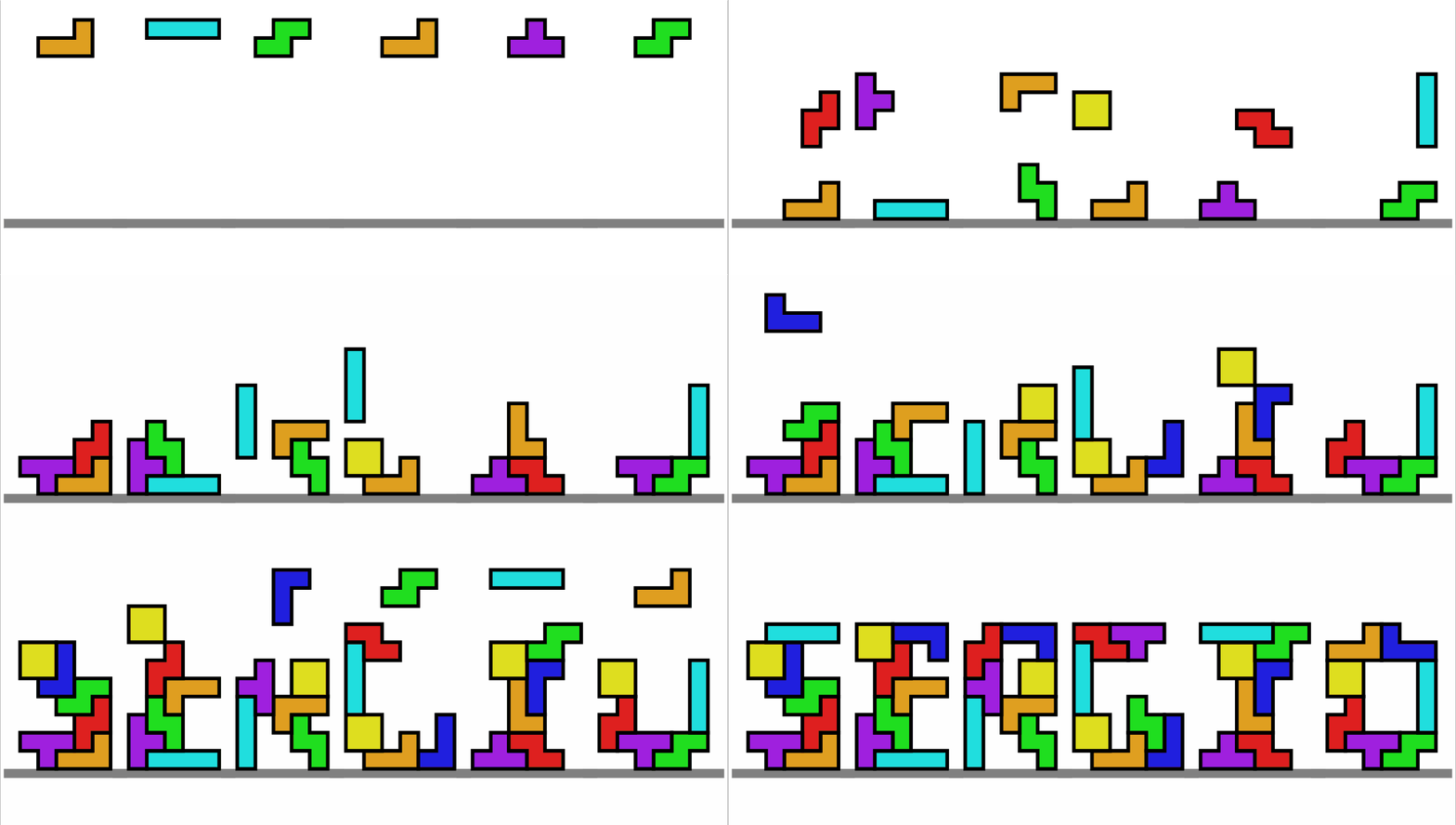
3. Tetris Font Animation Maker
You can transform Tetris blocks into text, supporting downloading of GIF and SVG. Currently supports letters.
OK
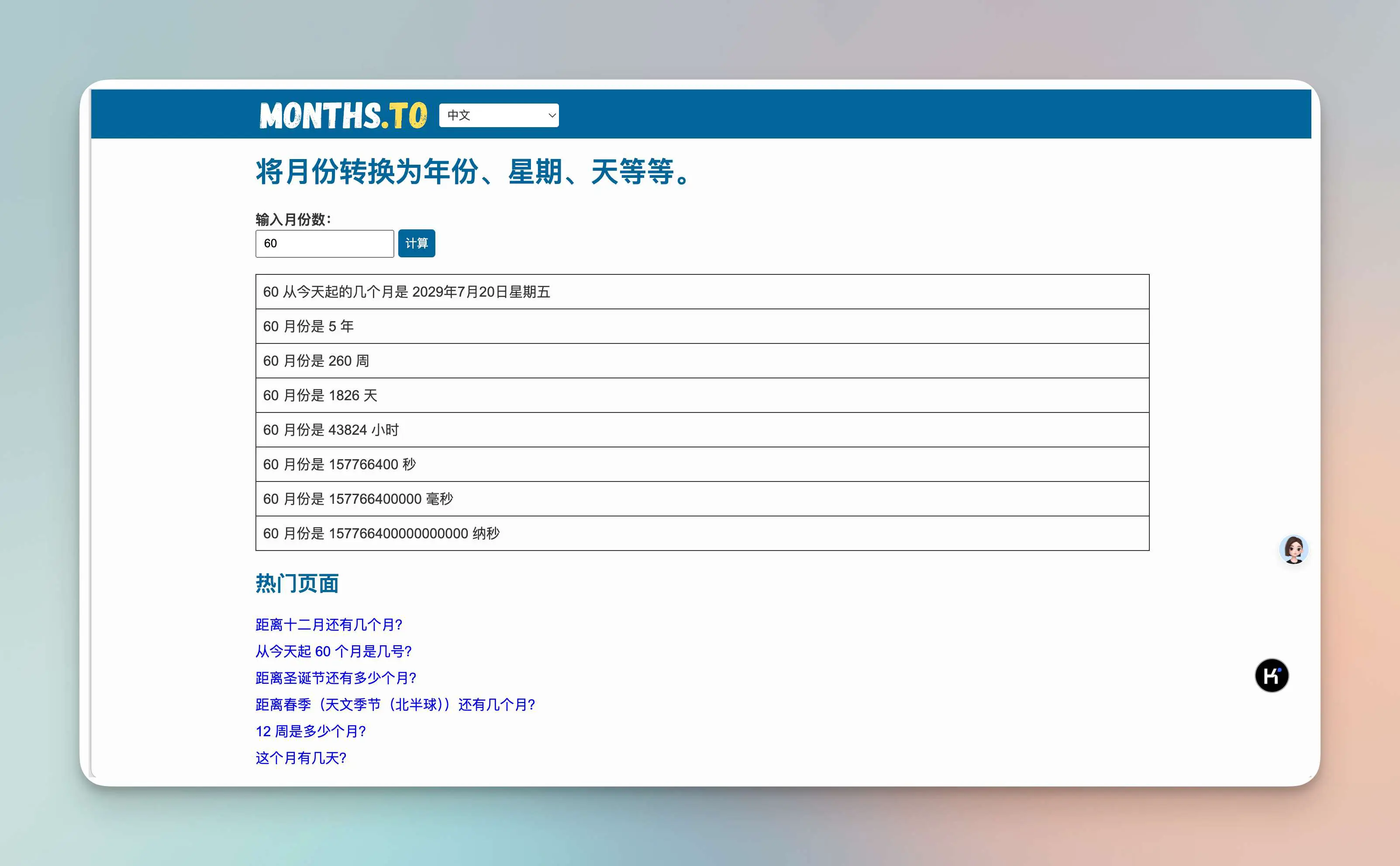
4. Check Your Month
When you open it, you can see... the current month where you are...
Fortunately, besides this nonsensical page, there is another link in the bottom right corner that contains more tools about months. I suspect that the nonsensical page is used for attracting traffic.
5. Link 2Notion
This is a smart beanbag created by You Xiao Xin Xin Gan, connecting to Notion. After linking it, you can send article links to it, and the summaries of the articles generated by the smart beanbag will be automatically saved in Notion.
https://www.doubao.com/bot/ZXJfVTT5
🧑🎨Codesign-Design and Development
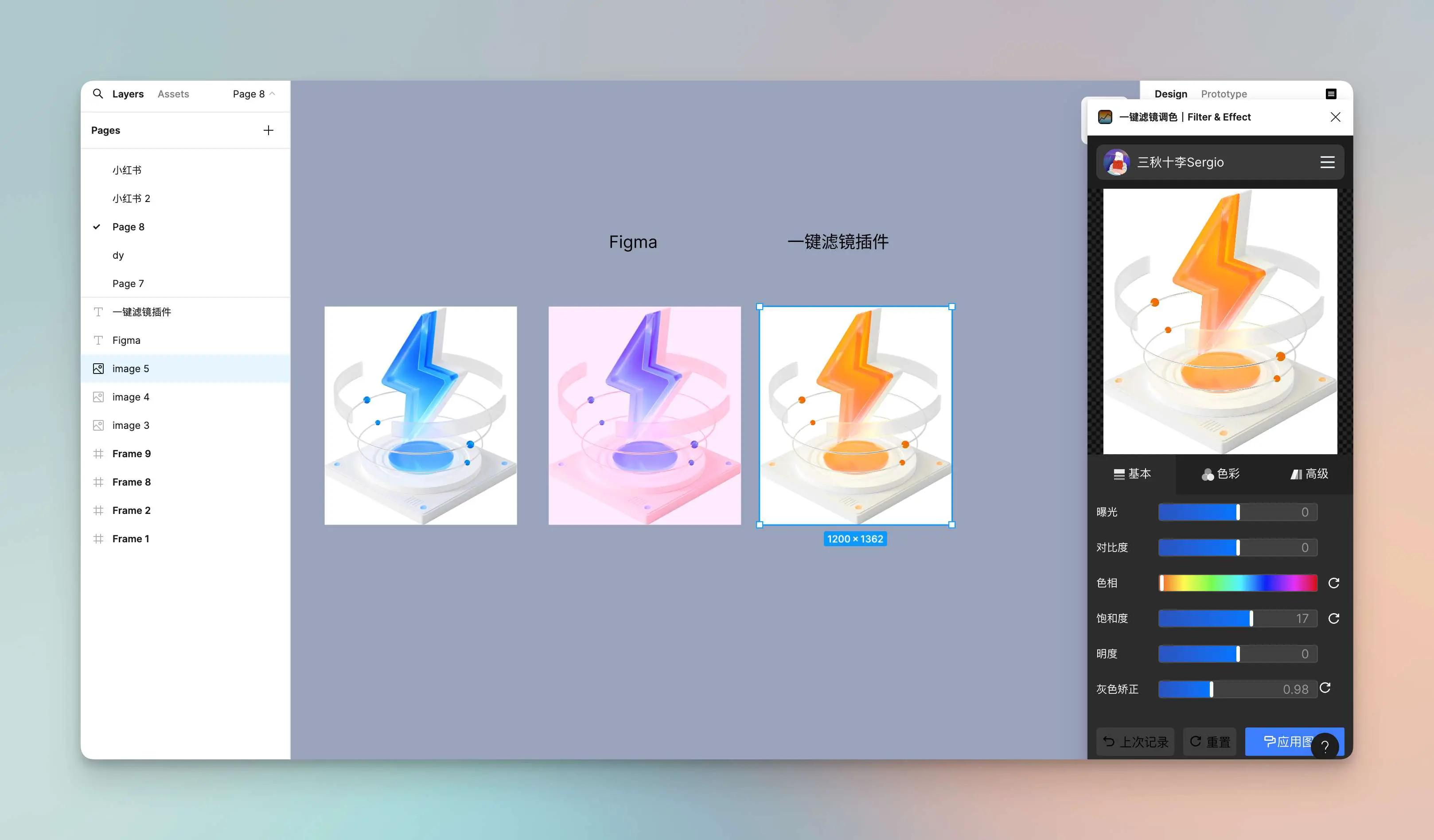
1. One-click Filter and Color Adjustment
The built-in image adjustment of Figma is not very useful for adjusting colors, as it also changes the background without color. This method makes it much more convenient, as it only changes the color. There are also other tools such as dynamic blur, mosaic, and an image editor that are quite good. The adjustable parameters are numerous and professional.
OK.
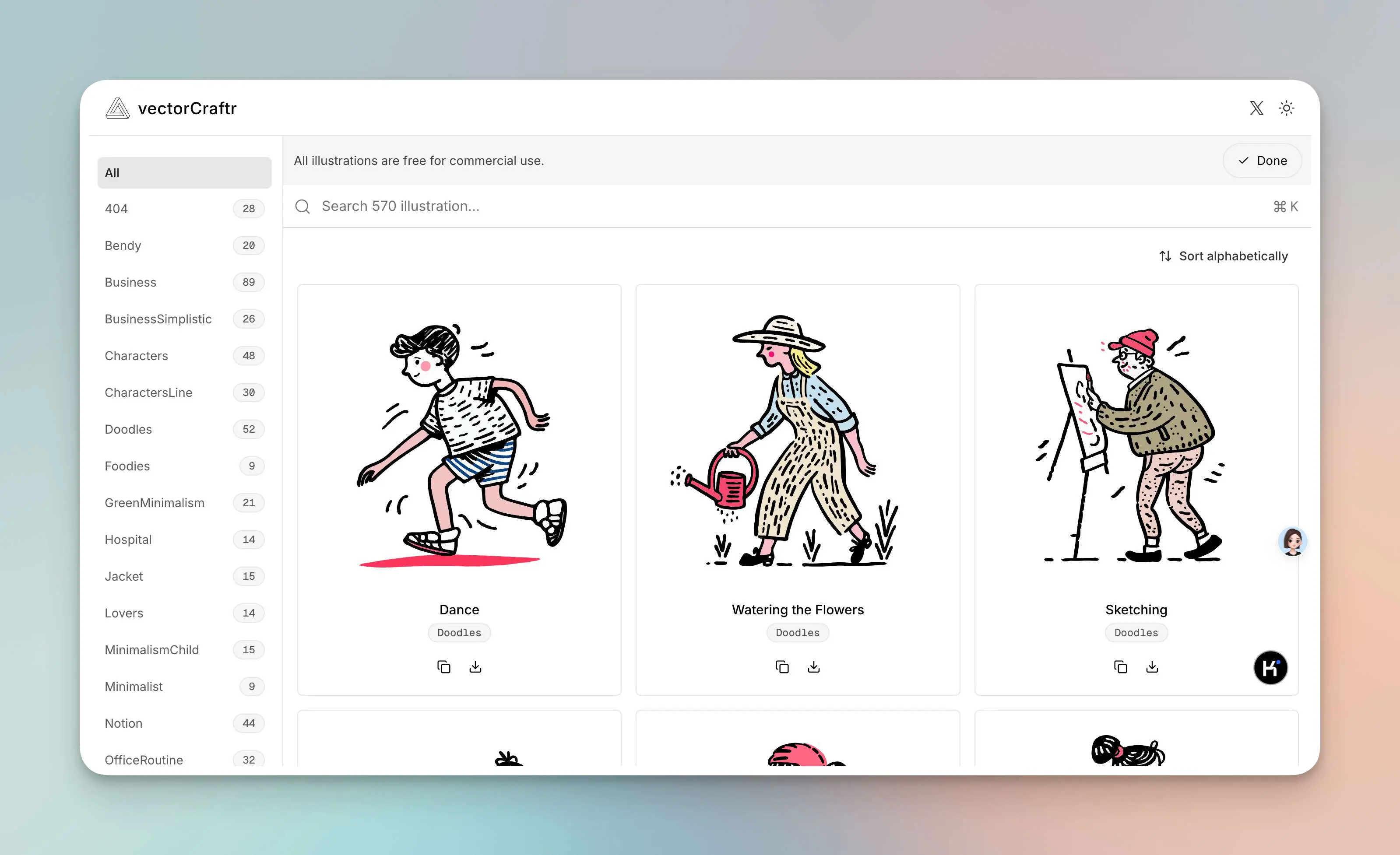
2. An illustration library
Free for commercial use
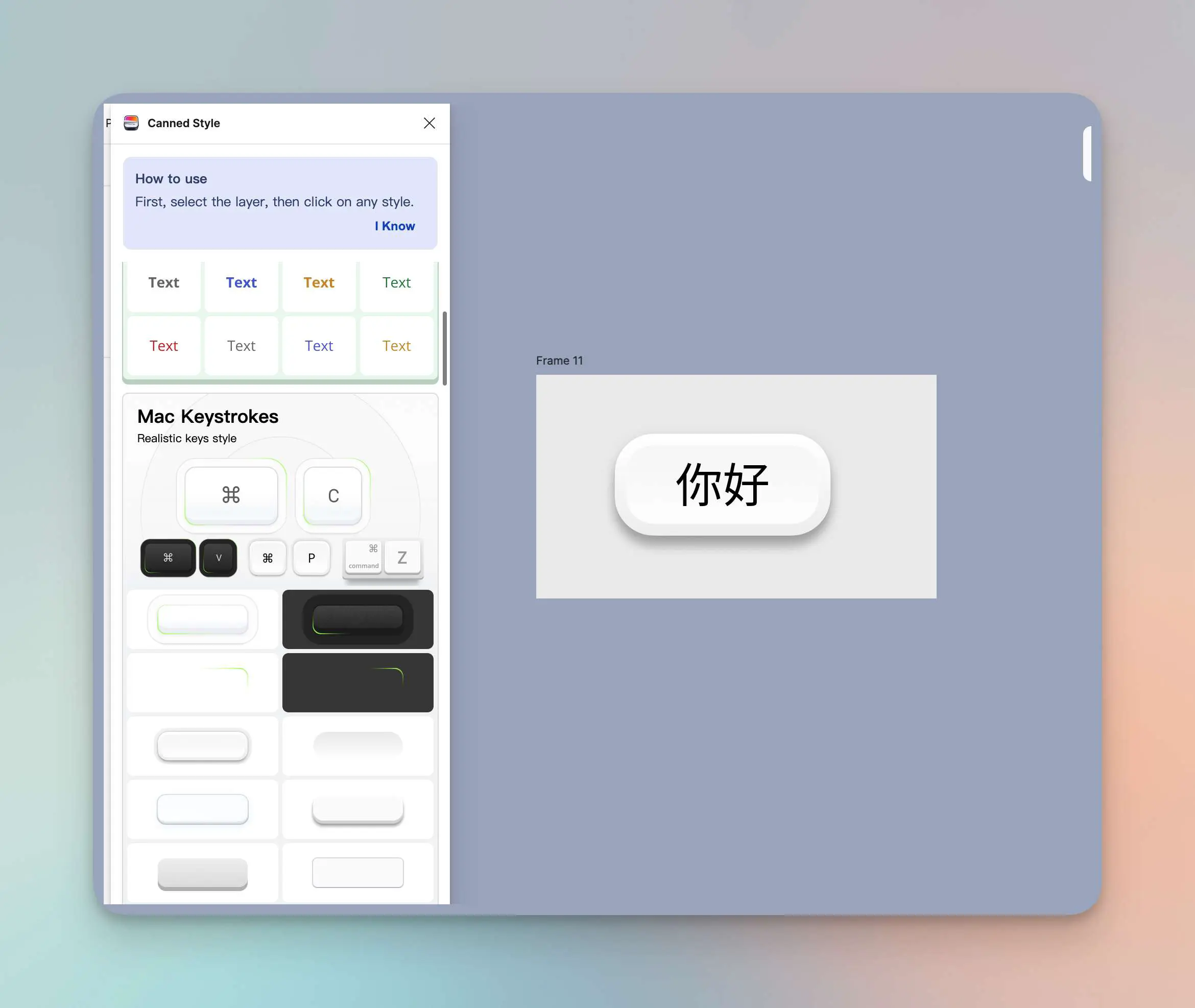
3. Canned Style, a new plugin by Yuewei
It comes with many beautiful styles that can be applied with a click. The cover and examples are well-made. It's great for creating simple promotional materials. In the future, it will also support user-defined styles. There's a clever idea behind it, all the styles are made using a single layer. Fantastic.
This is called "Guànzǐ" (Can) and coincidentally, I am also working on a product related to cans. I hope to meet everyone soon.
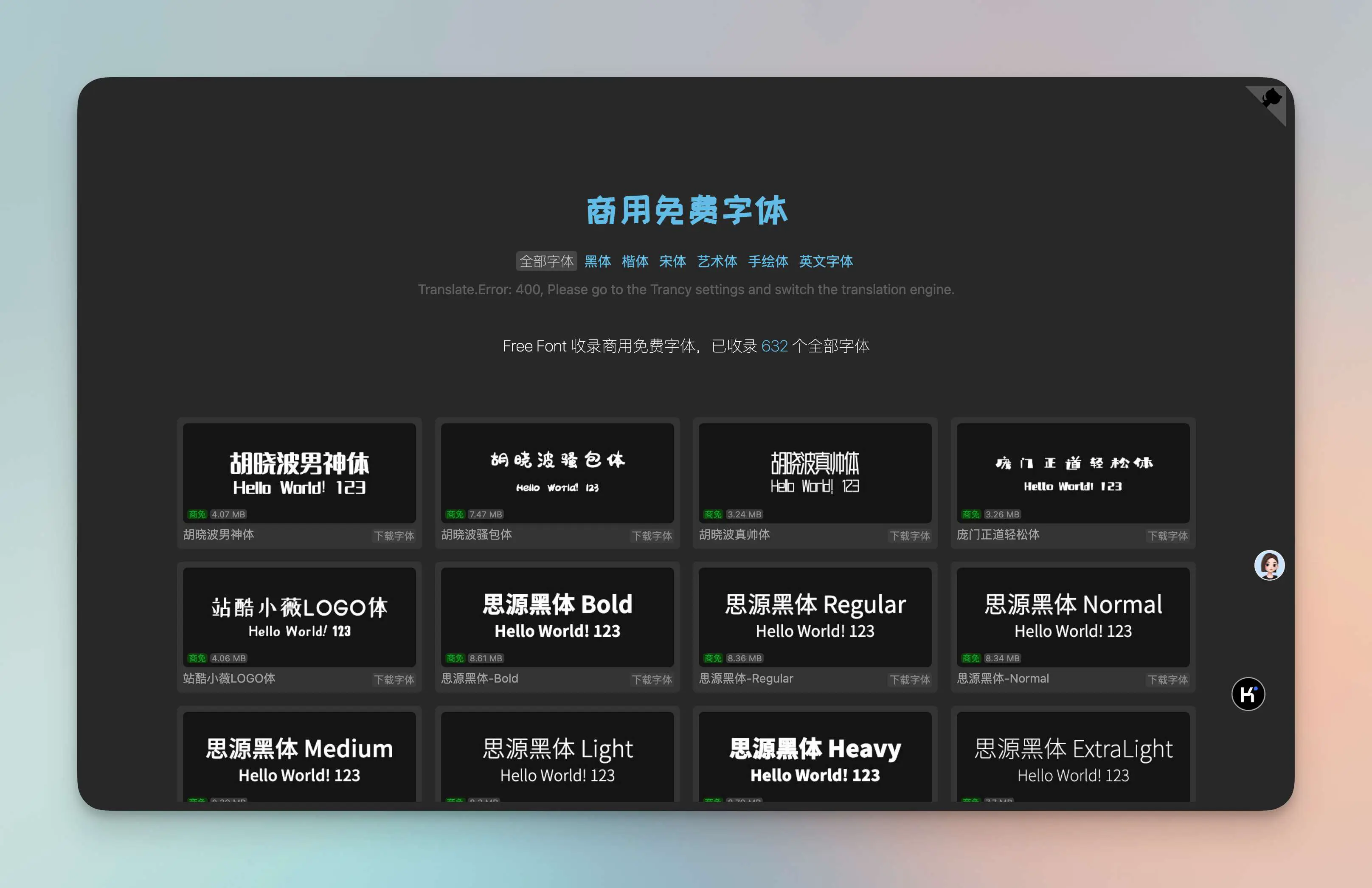
4. Collection of commercial-use free fonts
This project collects Chinese fonts based on the discontinued Wordshub's Free Font open-source project.
Interesting Projects and Products
1. Sparkling Thought Shell
Use voice to record ideas and inspiration, AI transcribes and enhances them, further discuss and intensify ideas. The software looks pretty good. As soon as I opened it, I was pleasantly surprised. The login page even has a little game, full of easter eggs. It's very well-made, and I can't resist such an app at all. Link to the app

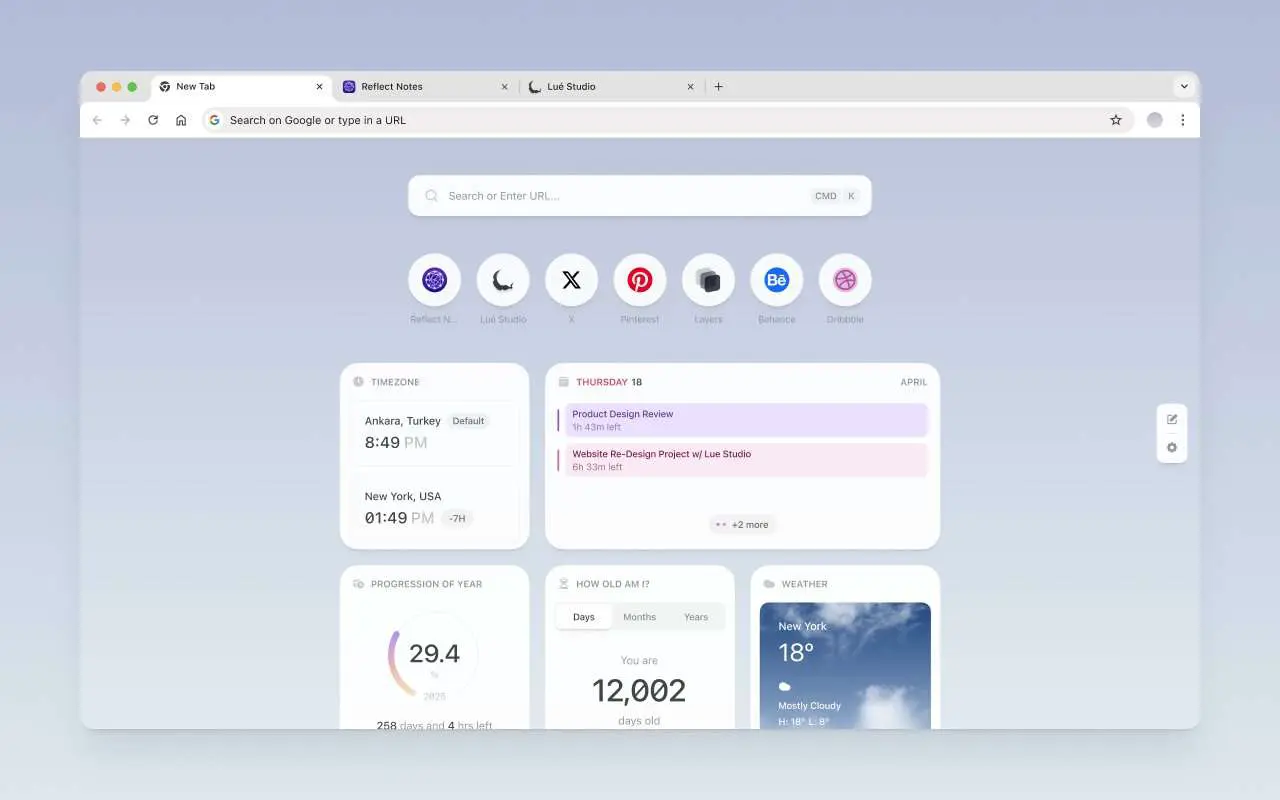
2. A Beautiful New Tab
Reflect has released a very nice new tab tool, which is a browser extension. You can freely drag and resize it. It's very exquisite, but it doesn't have many features. Currently, it has the following: Compare international time zones • View a aggregated view of calendar events for the day • View your age in days, months, or years • View local weather forecast • Track progress through calendar years • View recently visited websites • Bookmark frequently visited sites, and other functions. It's a beautiful tab.
https://chromewebstore.google.com/detail/reflect-new-tab/jnhdkfampckckkmbanadkkjlcaemdkob…
🤖AI Related
1. Claude 3.5 Encoded Core Prompt Suspected Leak, Blowing Up on Reddit
I tried it.
https://www.reddit.com/r/ClaudeAI/comments/1dwra38/sonnet_35_for_coding_system_prompt/?rdt=54060
OK
Later, the author released a v2 version
[here](https://www.reddit.com/r/ClaudeAI/comments/1e39tvj/sonnet_35_coding_system_prompt_v2_with_explainer/)
and provided detailed instructions and explanations.

# 📚Recommended Reading

## 1. How Figma's Web Experience team used Notion to plan Config
When preparing for its annual user conference, Config 2024, Figma successfully organized a large-scale event by using the Notion tool. Throughout the process, Figma's Web Experience team faced significant challenges, including communication and collaboration with multiple cross-functional partners and vendors. By using Notion, the team was able to centralize all information, documents, plans, and resources, effectively addressing version control issues and improving work efficiency through integration with other tools. Additionally, the team optimized the entire planning process by automating Slack updates, preparing additional resources, and injecting fun into the process. Through this experience, Figma recognized the importance of choosing a tool like Notion to facilitate team collaboration and streamline workflows.

[Read More](https://www.notion.so/blog/figma)

Thank you for reading this. The above is the content of this issue's newsletter. If it has been helpful to you, please consider liking, sharing, and subscribing! See you in the next issue. 👋


To receive timely updates. You can subscribe to me via email ([https://quaily.com/digital-life-en](https://quaily.com/digital-life-en))or through the Medium([https://medium.com/@sqsl](https://medium.com/@1537652059))


Looking forward to seeing you.