

當我們使用剪輯軟體在編輯影片時,為了提升操作效率,可以將預設的組合快捷鍵變更成單鍵按鍵,這樣右手以滑鼠操作,左鍵單鍵點擊。例如切割影片片段按Ctrl+B,變更成b鍵就能少按一個按鍵。
1. 我的建議
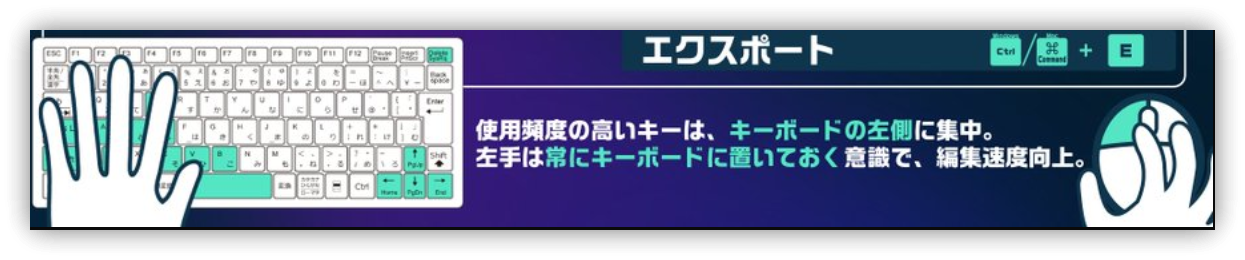
以下是我自己的Filmora快捷鍵設定(全部用小寫):
| 功能 | 原有按鍵 | 新按鍵 | 說明 |
|---|---|---|---|
| Trim left of playhead | Alt+[ | q | 點選片段後,將播放頭移動到位置後按q刪除片段左側影片 |
| Trim right of playhead | Alt+] | w | 點選片段後,將播放頭移動到位置後按w刪除片段左側影片 |
| Split | Ctrl+B | b | 切割影片片段 |
| Delete | Del | z | 所有的刪除變更為z。按鍵集中由左手操作 |
| Go To Previous Marker | Shift_Up | , | 在M右方,位置接近方便記憶 |
| Go To Next Marker | Shift+Down | . | 在M右方,位置接近方便記憶 |
| Select Previous | Ctrl+Left | d | 方便操作與操作 (A、S已被佔用) |
| Select Next | Ctrl+Right | f | 方便記憶與操作 |
| Start of project | Home | Ctrl+Home | 單鍵很容易誤按,改成組合鍵 |
| End of project | End | Ctrl+End | 單鍵很容易誤按,改成組合鍵 |
2. 💡 相關鏈接
💡 解說文章(繁體中文): https://jdev.tw/blog/8797/
💡 Explanation article(English): https://quaily.com/jdevtw-en/p/fimora-practice-efficiency-editing-fimora-shortcut-custom-tips
💡 解説記事(日本語): https://quaily.com/jdevtw-jp/p/fimora-practice-efficiency-editing-fimora-shortcut-custom-tips
✅ Keryboard shortcuts list: https://filmora.wondershare.com/guide/keyboard-shortcuts-on-windows.html
3. 教學影片
##