

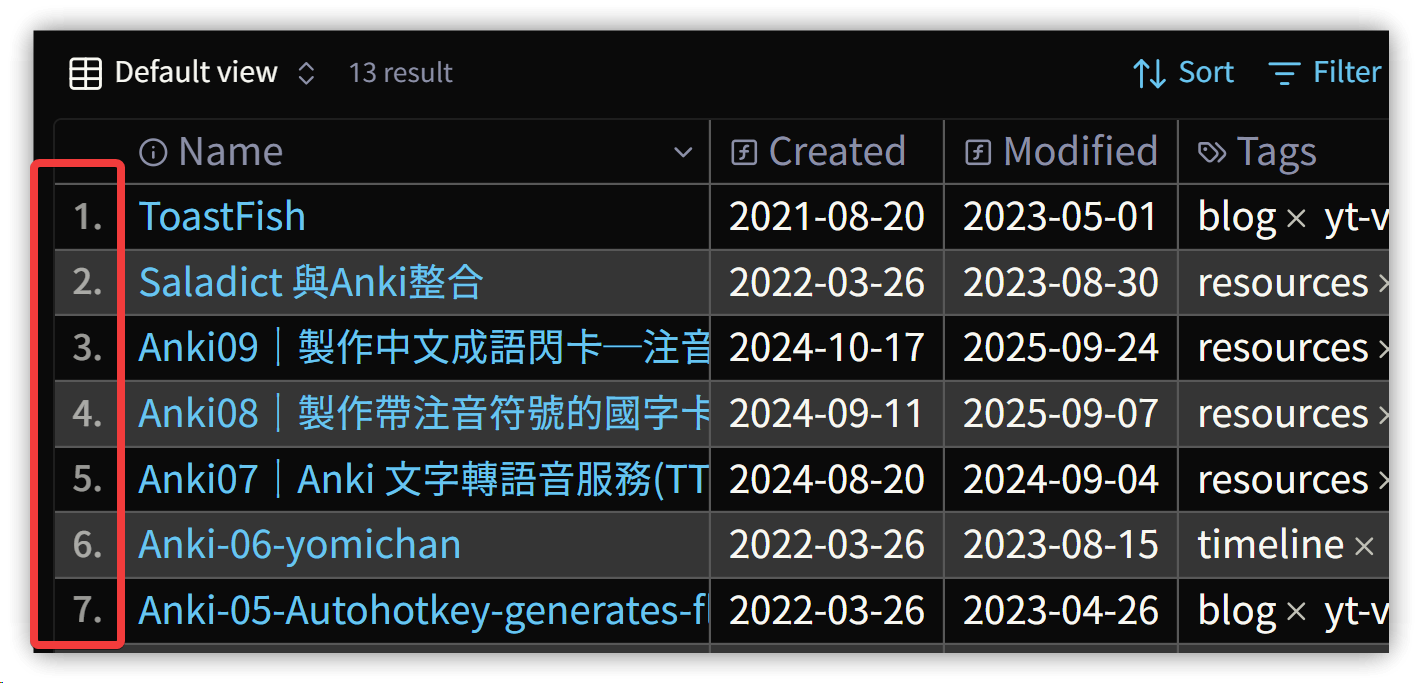
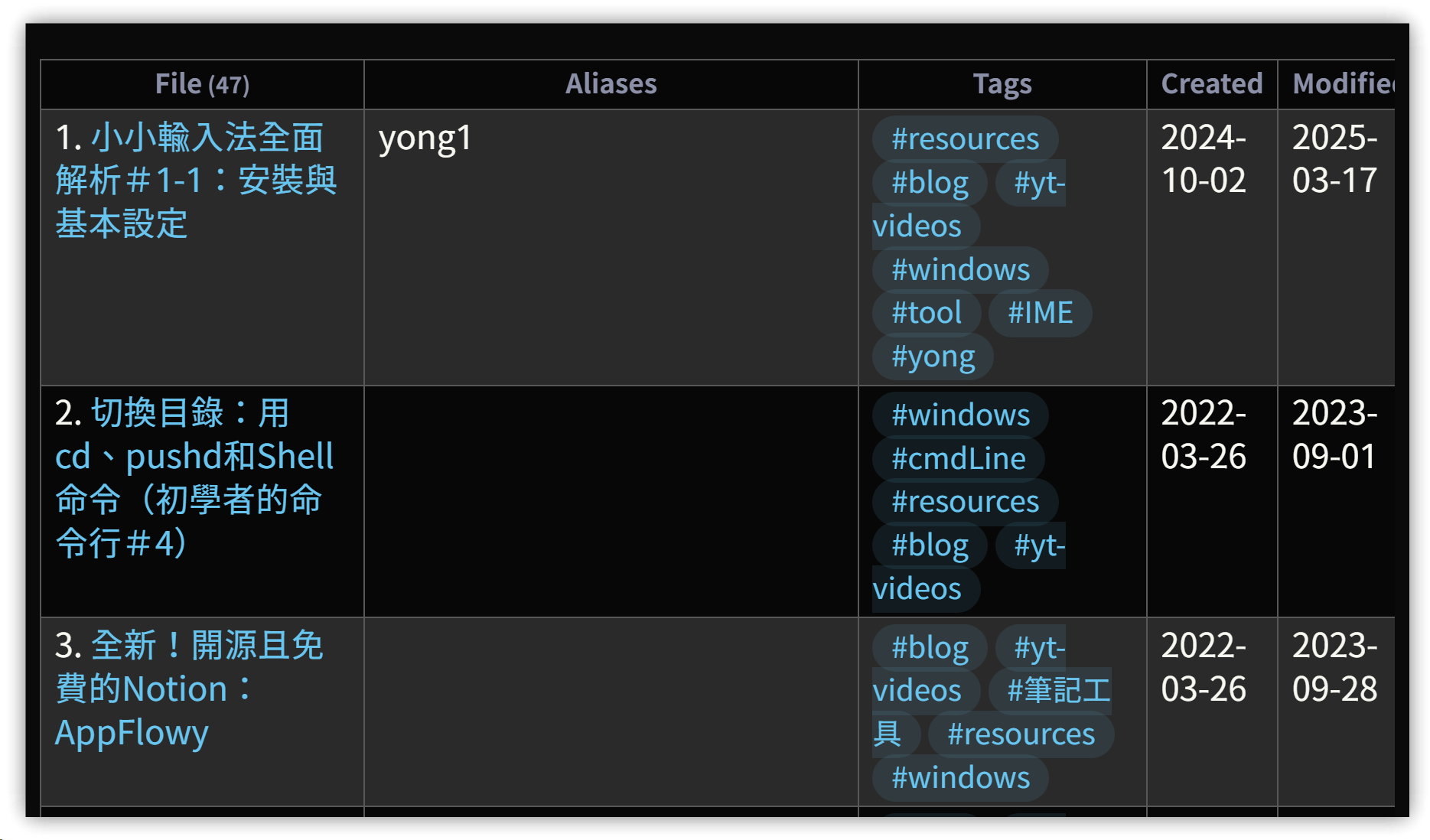
彙總測試的成果:將Dataview和Bases的表格加上記錄編號,個人覺得看起來更美觀。
Bases的CSS主要是用Gemini AI產生出來再加修改的,不敢掠美。
1. 作法
- 使用CSS片段,在 .obsidian/snippets 目錄裡新增 .css 檔
- 在【設定】→【外觀】裡啟用新加的 .css 檔
▼ Bases
▼ Dataview
2. CSS內容
/* Dataview table row counter */
.table-view-table {
    counter-reset: section;
}

.table-view-table > tbody > tr > td:first-child::before {
    counter-increment: section;
    content: counter(section) ". ";
}


/* 1. 設置計數器:只針對表身部分 */
/* Bases 和 Dataview 表格的表身 (.bases-tbody 或 table tbody) */
:is(.bases-tbody, table tbody) {
  counter-reset: rowNumber;
}

/* 2. 應用計數器到每一行 */
/* 排除表頭 (thead) 的行 */
.bases-thead  {
    counter-reset: reset;
}

.bases-table .bases-tbody > .bases-tr {
  counter-increment: rowNumber;
}

/* 3. 在每一行的第一個儲存格前面插入序號 */
.bases-tbody > .bases-tr > .bases-td:first-child::before {
    content: counter(rowNumber) "."; /* 顯示序號,例如 "1." */

    /* 調整序號樣式和位置 */
    position: absolute;
    left: 0.5em; /* 序號離左邊的距離 */
    opacity: 0.6;
    font-size: 0.8em;
    font-weight: 500;
}

/* 4. 調整第一個儲存格的內邊距 (Padding) 以容納序號 */
/* 增加左側空間,確保序號不會遮蓋內容 */
.bases-td:first-child {
    padding-left: 1.5em !important;
}
3. 💡 相關鏈接
✅ 解說文章(繁體中文): https://jdev.tw/blog/8942/
✅ Explanation article(English)
##