

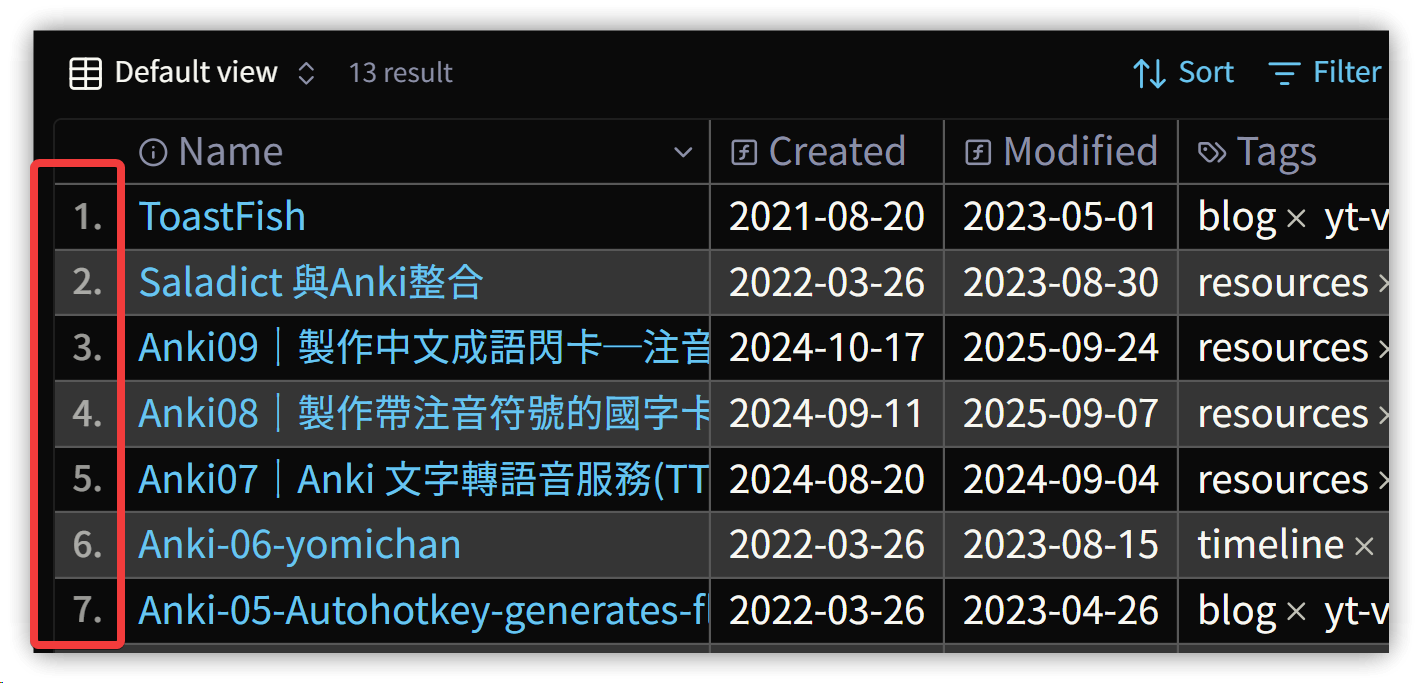
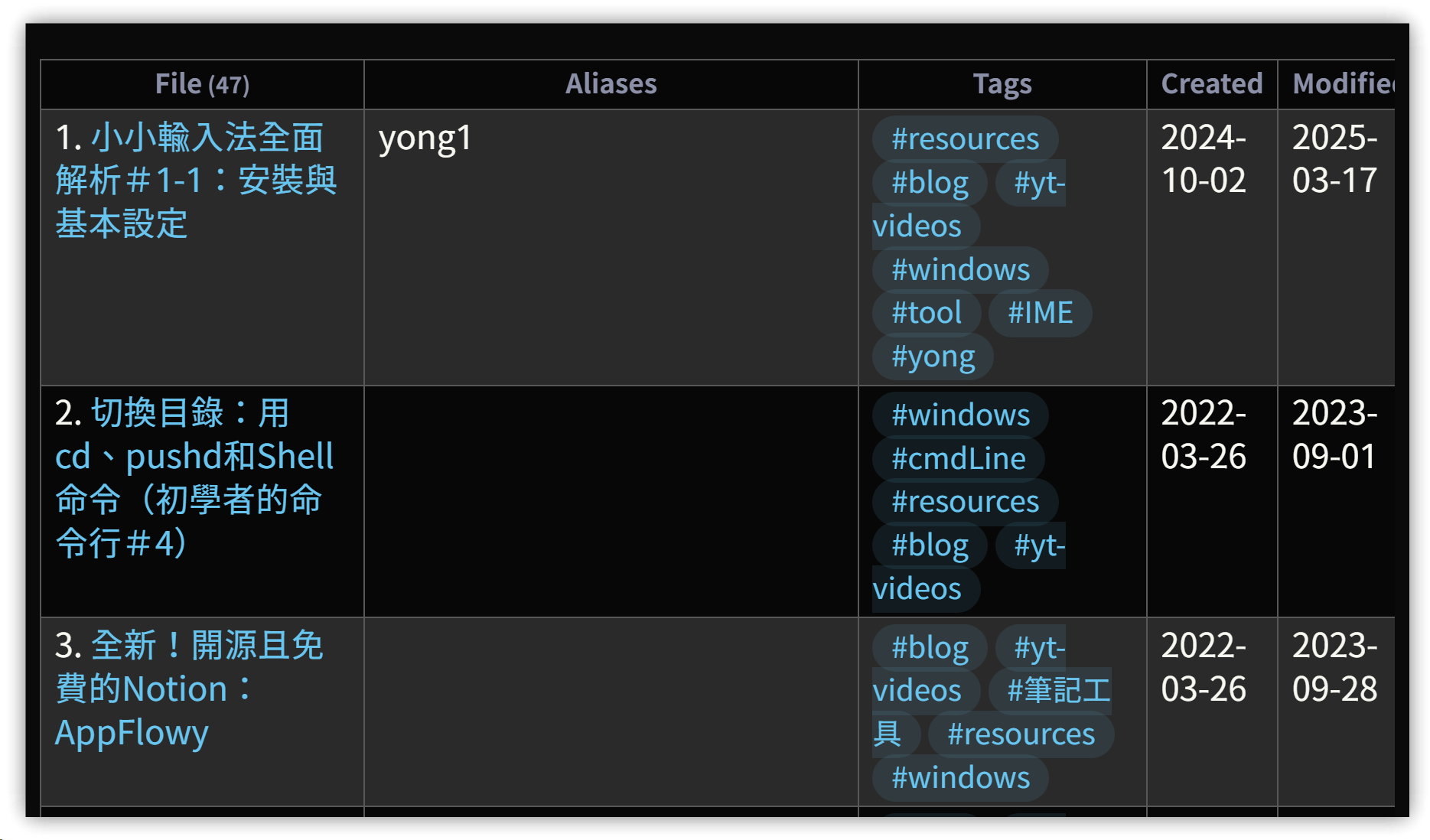
Summary of the test results: Added record numbers to the tables in Dataview and Bases, which I personally think looks more visually appealing.
The CSS for Bases was primarily generated using Gemini AI and then modified, so I can’t take full credit.
1. Method
- Create a CSS snippet by adding a
.cssfile to the.obsidian/snippetsdirectory. - Enable the newly added
.cssfile in Settings → Appearance.
▼ Bases
▼ Dataview
2. CSS Content
/* Dataview table row counter */
.table-view-table {
    counter-reset: section;
}

.table-view-table > tbody > tr > td:first-child::before {
    counter-increment: section;
    content: counter(section) ". ";
}

/* 1. Set the counter: only for the table body */
/* Table body for Bases and Dataview (.bases-tbody or table tbody) */
:is(.bases-tbody, table tbody) {
  counter-reset: rowNumber;
}

/* 2. Apply the counter to each row */
/* Exclude header rows (thead) */
.bases-thead {
    counter-reset: reset;
}

.bases-table .bases-tbody > .bases-tr {
  counter-increment: rowNumber;
}

/* 3. Insert the sequence number before the first cell in each row */
.bases-tbody > .bases-tr > .bases-td:first-child::before {
    content: counter(rowNumber) "."; /* Displays the number, e.g., "1." */

    /* Adjust style and position of the number */
    position: absolute;
    left: 0.5em; /* Distance from the left edge */
    opacity: 0.6;
    font-size: 0.8em;
    font-weight: 500;
}

/* 4. Adjust the padding of the first cell to make room for the number */
/* Add space on the left to ensure number does not overlap content */
.bases-td:first-child {
    padding-left: 1.5em !important;
}
3. 💡 Related Links
✅ Explanation article (Traditional Chinese): https://jdev.tw/blog/8942/