

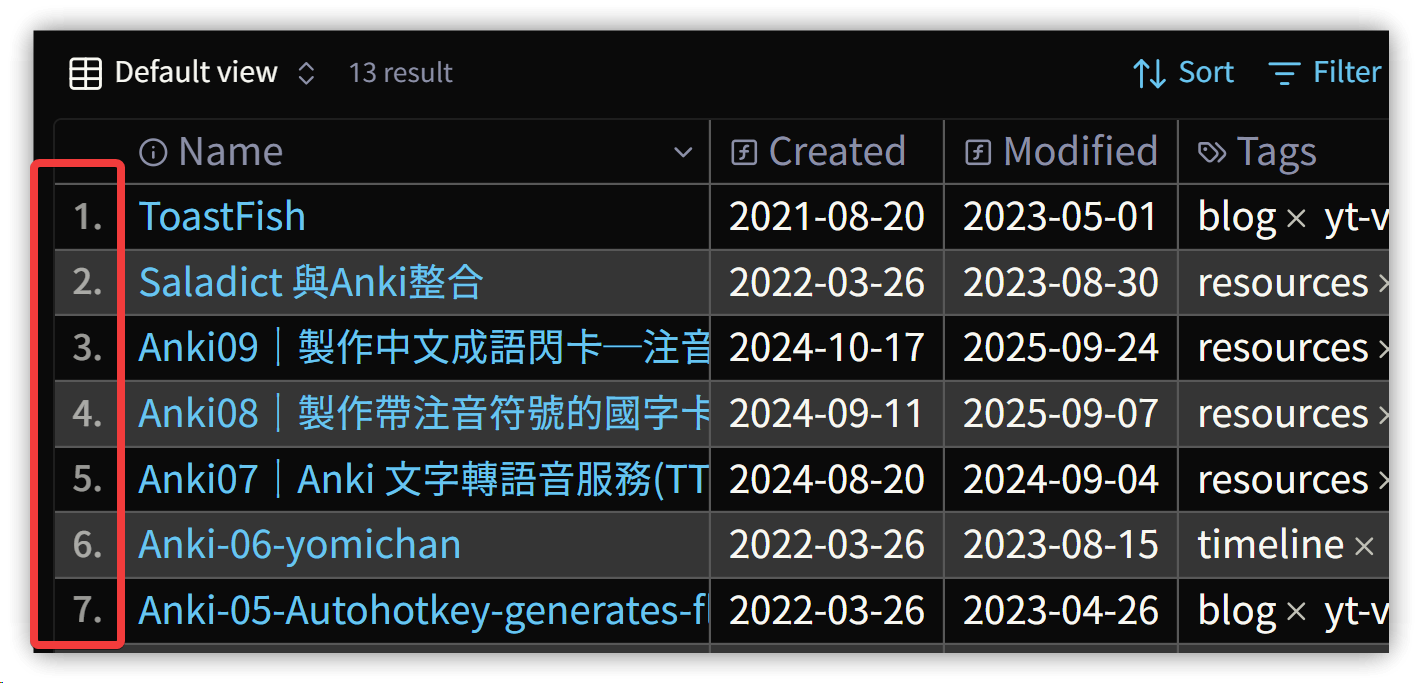
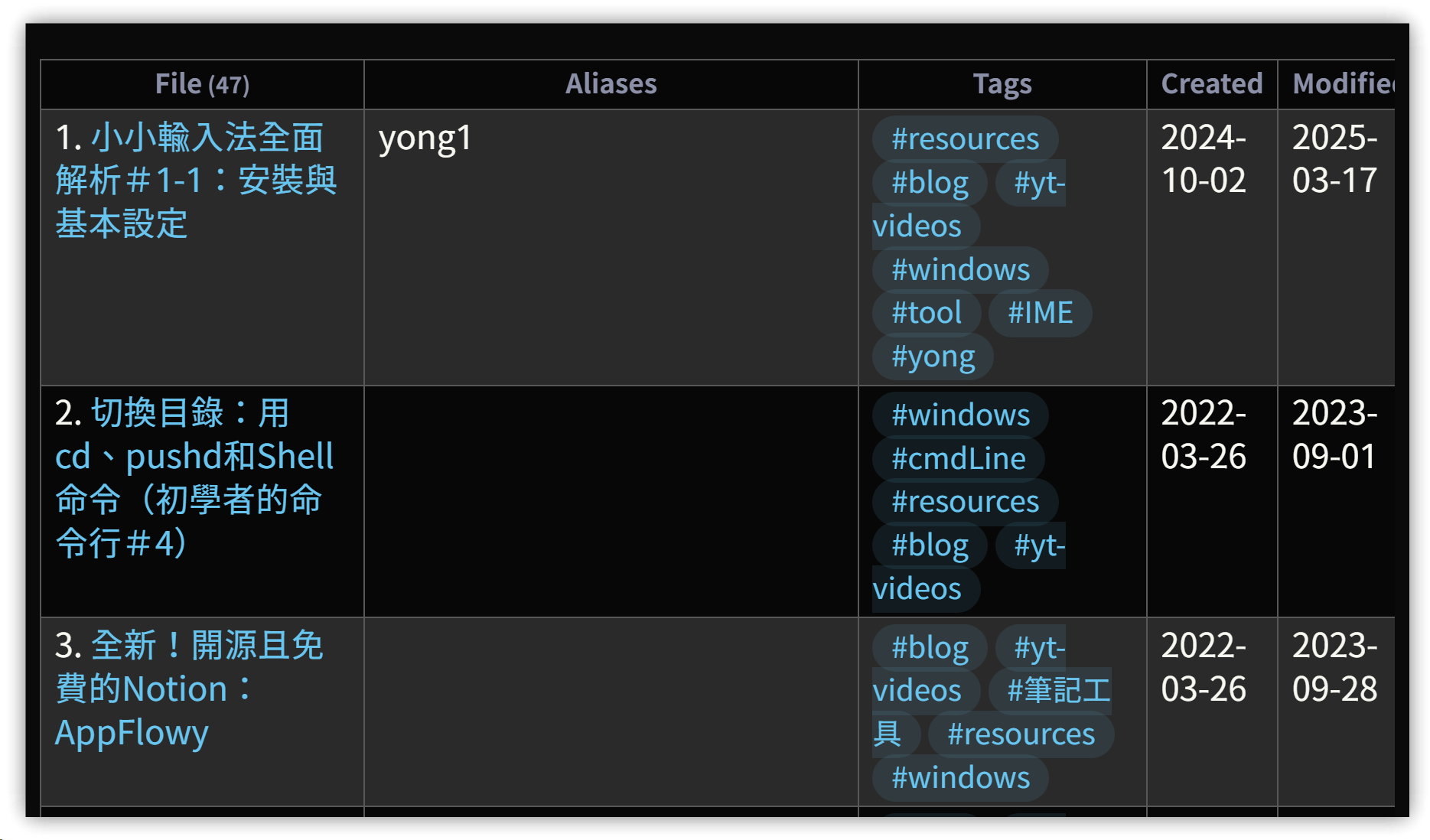
集計テストの成果:DataviewとBasesの表にレコード番号を追加し、個人的には見た目がより美しくなったと思います。
BasesのCSSは主にGemini AIで生成したものを加筆修正したものであり、手柄を横取りする意図はありません。
1. 方法
.obsidian/snippetsディレクトリにCSSスニペットとして.cssファイルを新規作成- 【設定】→【外観】から追加した
.cssファイルを有効化
▼ Bases
▼ Dataview
2. CSS内容
/* Dataview table row counter */
.table-view-table {
    counter-reset: section;
}

.table-view-table > tbody > tr > td:first-child::before {
    counter-increment: section;
    content: counter(section) ". ";
}


/* 1. カウンター設定:表の本体のみ適用 */
/* BasesおよびDataviewの表本体 (.bases-tbody または table tbody) */
:is(.bases-tbody, table tbody) {
  counter-reset: rowNumber;
}

/* 2. カウンターを各行へ適用 */
/* 表ヘッダー (thead) の行を除外 */
.bases-thead  {
    counter-reset: reset;
}

.bases-table .bases-tbody > .bases-tr {
  counter-increment: rowNumber;
}

/* 3. 各行の最初のセルの前に番号を挿入 */
.bases-tbody > .bases-tr > .bases-td:first-child::before {
    content: counter(rowNumber) "."; /* 例: "1." のように表示 */

    /* 番号のスタイルや位置を調整 */
    position: absolute;
    left: 0.5em; /* 番号と左端の距離 */
    opacity: 0.6;
    font-size: 0.8em;
    font-weight: 500;
}

/* 4. 最初のセルのパディングを調整 */
/* 左側にスペースを追加し、番号が内容を隠さないようにする */
.bases-td:first-child {
    padding-left: 1.5em !important;
}
3. 💡 関連リンク
✅ 解説記事(繁体字中国語): https://jdev.tw/blog/8942/
✅ Explanation article (English)
✅ 解説記事 (日本語)