
When GPT-3 was first released, it gave me an “aha moment.” Before that, I never imagined that I could have such a natural conversation with a robot—one that could write reflections on my readings, generate code, and answer my questions when I was uncertain.
It was released shortly after I had started college, and I had never encountered anything this “frightening” before. Before college, I even considered enrolling in a journalism program. I’m really lucky I didn’t🤣.
I started using it as soon as it came out. Back then, no one around me was using it yet, so I guarded it closely as if it were my “magic tool.”
Later on, I began exploring more software—not just text-based, but also voice, drawing, and even video generation. These AI tools were like toys to me. I used them to create many fun things; yes, fun things rather than useful ones (which might be rare).
This was soon followed by a “wealth crisis.”
My subscription list kept growing. It all started with ChatGPT, and before I knew it, I was subscribing to more services. There was even a month when my subscription fees reached 5,000 (in my local currency). I even went so far as to save money just to try subscriptions, as I was utterly fascinated by the impressive features and functionality that made them irresistible.
ChatGPT, Midjourney, ElevenLabs, Runway, Perplexity… A row of colorful icons bounces around like a teeter-totter in a children’s playground, capturing your attention. Meanwhile, words like “annual plan” quietly add up in the corner of your bill.
Minimizing Applications
Of course, this couldn’t go on forever. The first anxiety I faced later was how to minimize my app collection. My approach was to start from functionality—finding the smallest number of apps or subscriptions that could cover all the functions I needed.
My method resembles a “greedy algorithm”: at each step, I choose the most cost-effective option at that moment and try to cover as many function tags as possible with a minimal set of apps.
It’s like browsing a buffet—you first load your plate with the most sumptuous dish, then see what’s missing, pick another dish, and continue until your plate has everything you need.
First, list your requirements, then find an app that can cover as many thematic tags as possible all at once. For instance, ChatGPT covers text generation, coding, answering questions, and searching, so if it has many tags, pick it first.
For example, your requirements might be:
1. List all use cases:
   - Text generation (emails, documents, creative writing)
   - Code writing (frontend, backend, debugging)
   - Image processing (design, retouching, generation)
   - Data analysis (spreadsheet manipulation, visualization)
   - Learning assistance (Q&A, summarization, translation)

2. Score each scenario:
   - Frequency of use: daily (5 points) / occasional (3 points) / rare (1 point)
   - Importance: core work (5 points) / support work (3 points) / leisure (1 point)
   - Substitutability: irreplaceable (5 points) / hard to replace (3 points) / easy to replace (1 point)
I started by choosing GPT because it covered most of my scenarios.
After selecting GPT, although Gemini can also generate images, write code, answer questions, and search—the features largely overlap with GPT’s capabilities, and its performance isn’t as strong—so I still chose GPT.
I felt that Claude covered too few scenarios, so I didn’t choose it either. Claude is particularly good at coding; if your coding requirements are high, you might want to keep it.
As for Perplexity, its main focus on search and Q&A is already covered by GPT, so I discarded it.
Midjourney specializes in drawing, but since GPT can also generate images and my image generation needs aren’t high, I set it aside.
Notion, on the other hand, has evolved from a document, database, or note-taking tool with AI-assisted writing into my life management software.
Regarding ElevenLabs, I hardly use it because it’s a TTS (text-to-speech) tool, which I rarely need. I only had a brief interaction with it when it introduced a speech-to-text feature, rumored to be the best. During that free trial period, I used it, but after it started charging, I switched to using Whisper locally.
Of course, this is a rational selection based on functional coverage. If you want to be even more data-driven, you might need to create a table and score each option for comparison.
Minimizing applications comes down to more than just a rational matching of functions.
Often, what makes it really hard to let go are those apps “you don’t really need but can’t bear to delete.” They’re like beautifully designed trinkets in a drawer that you rarely use, yet you always feel that one day they might come in handy. Or even if it’s just because the interface is visually pleasing, the brand story is moving, or the function descriptions are enticing, you hesitate before cancelling.
A while ago, I purchased an AI agent called Scout as part of a test phase, selling its membership at half price, and I spent 100 dollars. Its performance was impressive—more stable and smarter than Manus—but the complexity was far beyond what I needed in my daily routine.
Every time I opened it, it was more about “I’ve already paid for it, so I should try it out” than a real necessity. Even though I often couldn’t fully use the membership quota, I was still reluctant to cancel—simply “owning” it gave me an inexplicable satisfaction.
Then there was Gamma, an AI tool for generating PPTs. It came with 400 free credits during its trial and had a beautiful interface with smooth interactions. Reflecting on how I used PPTs over the past year—aside from occasional class presentations—I hardly needed it.
Last year, I even downloaded Dot—elegant interface, smooth interactions, positioning itself as “emotional support + journal assistant.” I was attracted by its aesthetics and philosophy. In reality, when I actually needed to vent, opening an app to chat with an AI never felt as natural as calling a friend. Habit didn’t form, and usage gradually declined.
Three invisible psychological pillars underpin our reluctance to let go: first, sunk cost; second, emotional attachment due to aesthetics or brand; and third, fear of missing out (FOMO).
One useful solution for me is simply to look at the money—that gives the most straightforward feedback.
Just consider how much it costs. For example, you might feel it’s 20 dollars a month, roughly 150 RMB, but if you subscribe for a year, it amounts to over a thousand. This outcome is very intuitive because we are all very sensitive to money.
Sure, using these tools makes you feel good, but tools are meant to produce results.
You can evaluate whether the value they produce truly matches the cost you invest in them.
This is the most direct method—money.
From a monetary perspective, if you can’t break away and you want to keep up with cutting-edge technology, then look for alternatives. Good products almost always have many options, unless they have an unmatched moat. Among the alternatives, there are certainly free or trial-based options.
Of course, I don’t highly recommend that, because then you might become even more attached to such products and find it even harder to let go later.
Analysis of the Three Pillars
As mentioned earlier, there are at least three internal pillars that compel you to use apps you don’t really need.
First is sunk cost—the obsession that “since I’ve already spent money, I must get some utility out of it.”
If you subscribe to an AI app, even if you only use it once a month or not at all, you still hesitate to cancel because of the money already spent. It’s like buying an annual gym membership and only going once in three months, stuck between “not wasting money” and “not really using it.”
We think that continuing the subscription will eventually “pay itself off,” but in reality, sunk cost only traps you in further spending.
This psychology is innate to us—loss aversion. We fear loss more than we value gains, and we tend to continue investing to avoid admitting mistakes. Apps or subscriptions that should have been cancelled end up lingering on our phones for a year.
Last year, I subscribed to an AI writing assistant. It impressed me in its first month, so I promptly bought an annual plan. Three months later, my work changed and I no longer needed it, yet every time I considered cancelling, I hesitated: “I’ve spent so much money already; maybe I should experiment with its new features. Who knows, I might use them one day.”
In the end, in the three months before the annual plan expired, I barely opened it. (Another lesson is: with AI products, it’s best to avoid annual payments.)
Extending the idea of “getting something out of it,” we tend to force additional work on ourselves and on the app because we don’t want to waste the money we paid.
One outrageous instance was when I could get result B directly using product A, but because I had paid for a certain product, I forced my workflow to change from “A → B” to “A → C → B”—completely unnecessary.
The second pillar is emotional attachment. Many AI apps have beautifully designed interfaces and compelling brand stories.
Take Dot, for example. Its product positioning is not as a conventional “AI tool,” but as a “digital companion” with a strong personality. From its inception, it promoted “emotional support + journal assistant”—a concept that resonated with me. Secondly, its design is truly elegant, founded by former Apple designer Jason Yuan and engineer Sam Whitmore.
Its interface is extremely refined and graceful, with smooth interaction animations that feel like using a piece of art. Even its logo—reminiscent of two koi fish—evokes the ideas of “companionship” and “protection.”
Just writing these lines makes me feel drawn back to Dot, even though I consciously try to restrain myself.
I think many people are visual enthusiasts; using something beautiful makes you happy, and when combined with the promise of emotional support, it makes you reluctant to let go.
At its core, emotional attachment reflects our deep human desire to be understood, accompanied, and accepted. This attachment occurs not only between people but also toward objects, brands, or even virtual personas. Digital products, especially those with personality traits, fulfill this need.
The main characteristic of emotional attachment is that it renders your decisions irrational, even if you rarely use the app. With Dot, even after deleting it, you might have the illusion that you’ve “lost someone who understands you.” Such attachment is much harder to break than functional dependency.
The final pillar is FOMO (fear of missing out), a term that has become particularly popular in recent years. For me, it’s the feeling that “if I don’t try it, I’ll be left behind by the times.”
Unlike the other two pillars, this anxiety is future-focused. I previously subscribed to Scout’s membership and bought Manus not because I had an immediate need, but driven by the illusion of “cutting-edge dividends”—what if it could change my workflow, what if it could boost my efficiency?
It’s similar to the fear of “missing out” on stocks…
AI agents like Scout and Manus initially attracted me with their flashy promotions. In particular, I turned to Scout as a substitute when I found Manus somewhat underwhelming, and it did perform well.
Many of these features I don’t really need, but when I see posts online claiming “AI Agents boost efficiency 100-fold” and combined with limited-time half-price trials or discounts, FOMO pushes me further.
So I spent 100 dollars, and even though I hardly ever use the full monthly quota, I couldn’t bring myself to cancel the subscription—I just feel that “owning” it is a way of seizing the trend.
FOMO drives us to continually chase new tools, yet hardly ever do we distill a workflow that truly belongs to us. AI agents like Scout and Manus are meant to enhance efficiency, but under FOMO, they instead become sources of “digital anxiety”—always feeling that there might be a more efficient possibility out there, that “everyone else is using it, only I haven’t caught up.”
Ultimately, we must focus on our actual needs, going back to the basic functional requirement tags. Products will only get better and more abundant; just because we aren’t using one now doesn’t mean we won’t need it later.
Moreover, we, as users, should choose tools based on our needs, not the other way around—tools shouldn’t force us to change our established workflow.
Returning to Simplicity
The principle is clear: understanding the concept is one thing, but true implementation comes from disciplined habits built day by day.
For me, my primary methodology is to ask myself: What is my real need? What matters most?
As you read through, it becomes obvious—it all comes down to money or, more precisely, return on investment.
Does the value an app provide (whether physical or psychological) truly “justify its cost”? Psychological value is hard to measure, but for efficiency tools, it’s mostly about the user experience, which is supplementary to its practical value.
Put aside the “feel-good” factor for a moment and ask yourself what you really want.
When you come across an app that excites you, give yourself time to cool down instead of letting emotion drive you. You can add it to a wishlist, set a time limit, and within that period, ask yourself, “What problems does it solve for me?” List its pros and cons, assign scores—writing it all down is much more satisfying than merely mulling it over in your head.
Another benefit of waiting is that your initial enthusiasm might naturally subside—like the bubbles in a soda, which eventually dissipate.
This is my first stage: a cooling-off period before I commit to a payment.
I put multiple safeguards in place for myself, in case of unexpected temptations—like “what if I really can’t bear to stop?”
At that point, I revert to my usual methods. Oftentimes, monthly fees seem inexpensive, but as mentioned, once you start paying, it’s hard to stop. So before subscribing, I calculate the annual cost—even though it’s an annual fee, people are more sensitive to the total number.
Alternatively, like I do, you can add it to your existing list of paid subscriptions to get a cumulative total, which serves as a deterrent.
For example, Google recently introduced a package at Ultra pricing, which I found very tempting: 30TB of storage, YouTube Premium, Gemini DeepThink, and other features.
The offering is rich, and the first three months are available at half price. Even though most of the features aren’t needed, it sounds enticing.
I was torn about whether to buy it, so I added it to my Notion table and recorded a monthly cost of 250 dollars. That immediately doubled my total monthly payments to 580 dollars—a change that was quite striking.
The second safeguard is during usage: allow yourself to “temporarily own” a tool, but set a reminder. Some tools offer free trial periods, and while I usually adopt a “why not grab free resources” attitude, I always set a reminder at the start to ensure I don’t forget to cancel before being charged.
From the provider’s perspective, they want you to become dependent on their product during this period, so you need to remain rational and not let it become an integral component of your workflow or force you to change your workflow around it.
It’s like sampling food in a supermarket—the food looks delicious before you taste it, but even if it is tasty, you might not buy it afterward.
During the trial period, set the tool aside rather than deliberately integrating it into your workflow. However, during the trial, assess which tasks it helps you accomplish and plan how you would replace it if you were to cancel. Consider the importance and frequency of those tasks—these factors should all be taken into account.
My Approach to Using Tools
Don’t let tools change you; tools are here to serve you.
There was a time when I was briefly obsessed—each morning I’d first use Dot to report on what I did the previous night, what dreams I had, and what I planned for the day.
It would even sync with my Google Calendar to review my tasks for the day and suggest a schedule.
After a while, I reflected and realized that in making Dot “understand” me better, I was, in fact, distorting my natural way of expressing myself.
I began altering my own rhythm to accommodate the tool, and soon the priorities became reversed. So I made a new rule for myself: if I notice that any app is influencing my natural habits, I immediately hit pause.
Don’t worship “all-in-one” solutions; only keep what feels natural.
After using so many tools, the most tempting slogan I encountered was “All-in-One.” Many AI products claim to cover text, images, audio, code, project management, and more—essentially replacing half the icons on your desktop.
In reality, they often prove to be mediocre—not specialized enough. They offer a bit of everything, but nothing seems to excel. In the end, it’s better to stick with specialized tools that do one thing exceptionally well.
Money provides the clearest feedback.
I even set a rule for myself regarding hourly rates. I convert every subscription fee into an hourly cost—calculating the price per hour of usage—and then compare that to the market rate.
For instance, if you’re using an API or a pay-as-you-go tool, check whether its hourly cost is justified. If that cost is too high, it means you’re essentially subsidizing its existence with your time, and it might be too expensive.
Money is never something to feel ashamed of or consider shallow—it objectively tells you whether the cost of your exploration is worthwhile.
In Conclusion
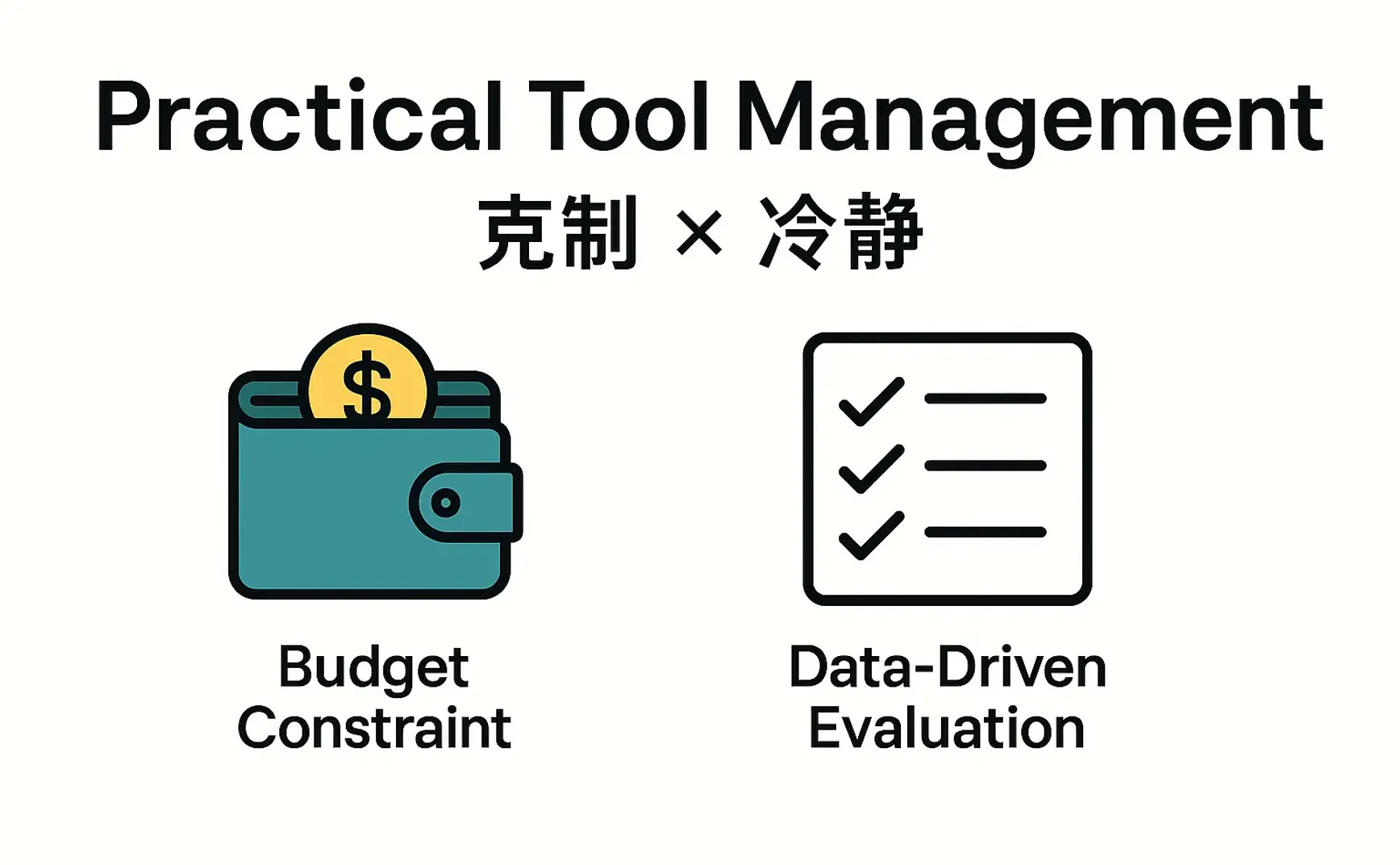
Ultimately, what matters most is discipline and calm. You need to set clear boundaries for your exploration, and your decisions should be based on data, not just emotional feelings.
Whether the tools are free or paid, tasks come first. There is no free lunch—even free tools will capture your attention. In the AI era, attention is the most precious resource, so even when using free software, you must evaluate whether it’s worth the time it demands.