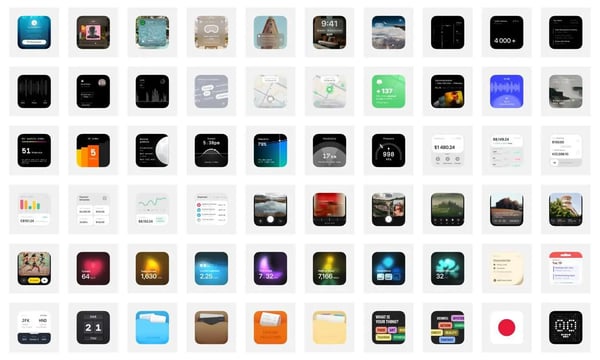

This issue's cover features the work of French illustrator Malika Favre, whose bold and minimalist style—often described as a blend of pop art and op art—is a significant example of the use of positive and negative space and color. Malika Favre's Website. Some works may need to be viewed with parental supervision, such as the collection on the second item in the last row; entering it leads to various forms of art. All of her works are for sale, averaging around 200 euros each. Quite envious!
I always say not to upgrade to a beta system on work machines, but last week I couldn't help but upgrade to the beta version of macOS. Impulse always comes with consequences, and the upgrade failed; I didn't get any work done that day. The issue manifested itself as being stuck on the Apple logo and progress bar during the desktop boot process.
I contacted Apple Support, and they suggested I first try repairing the disk, followed by reinstalling the system, both in recovery mode (by holding down the power button during startup). Neither method worked, so I attempted to enter safe mode to back up, but that didn't work either; I couldn't access safe mode.
In the end, I created a bootable drive from another computer's memory card, partitioned it in recovery mode, and installed a new system. Once in the new system, I manually backed up some data, then returned to recovery mode to wipe the disk completely and reinstall the system, followed by manually restoring the backup. It was like giving the system a clean slate.
Tip: Time Machine is a great tool.
🛠️ Digital Life Tools
Video Compression Tool
There’s a highly efficient method for video compression, reportedly utilizing a command from FFFmpeg, and, regardless of the specifics, it works well. Here’s a plug-and-play free service: Video Compression Tool.
Multi-Platform Visual SD Installation Tool
Stability Matrix is a tool that enables even beginners to easily install various versions of Stable Diffusion on their computers. It features one-click installation, drag-and-drop model uploads, and automatic updates, making it straightforward to use—just a few clicks are needed.
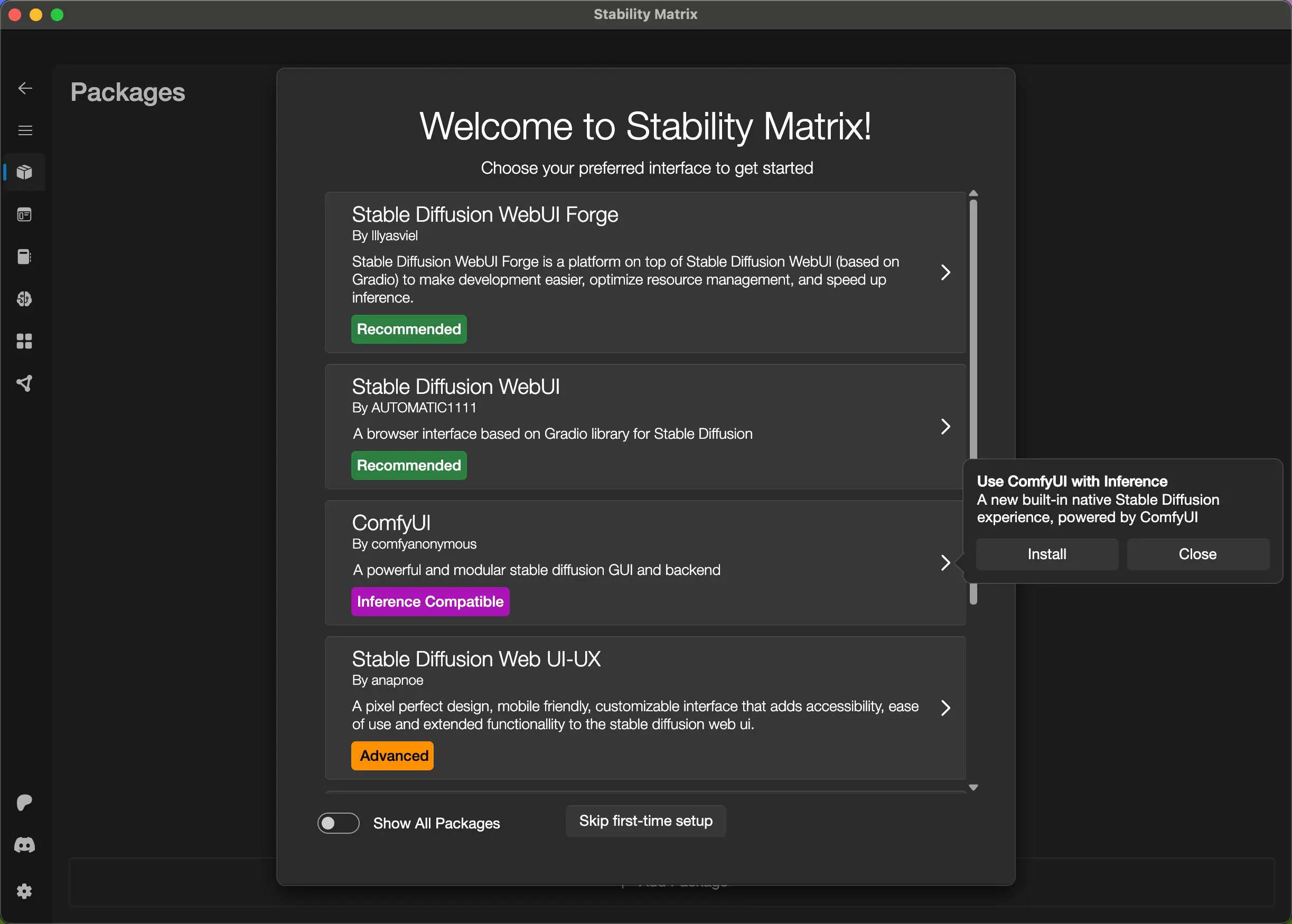
Previously, I recommended a multi-platform installation tool for Comfy UI called Comflowy, and I created a discussion group for learning and sharing about ComfyUI, AI, and more. If you’d like to join, you can scan the QR code below. If the group expires, you can reply "Join group" on my public account "Lazy Digital Life" and I will add you.

Fact-Checking Manual
This website is impressive; it allows you to verify various international news events, revealing what the true situation is after thorough fact-checking. Not only does it provide the results, but it also offers a manual to teach you how to conduct your own checks, enabling you to become a little detective.

Baye previously created a software called Houxu (houxu.app), but unfortunately, it was shut down due to policies.
009_Digital_Lifestyle_Weekly-1722668695385.jpeg There's also a platform called Langchao: https://langchao.org/
Internet Tool Recommendation Assistant
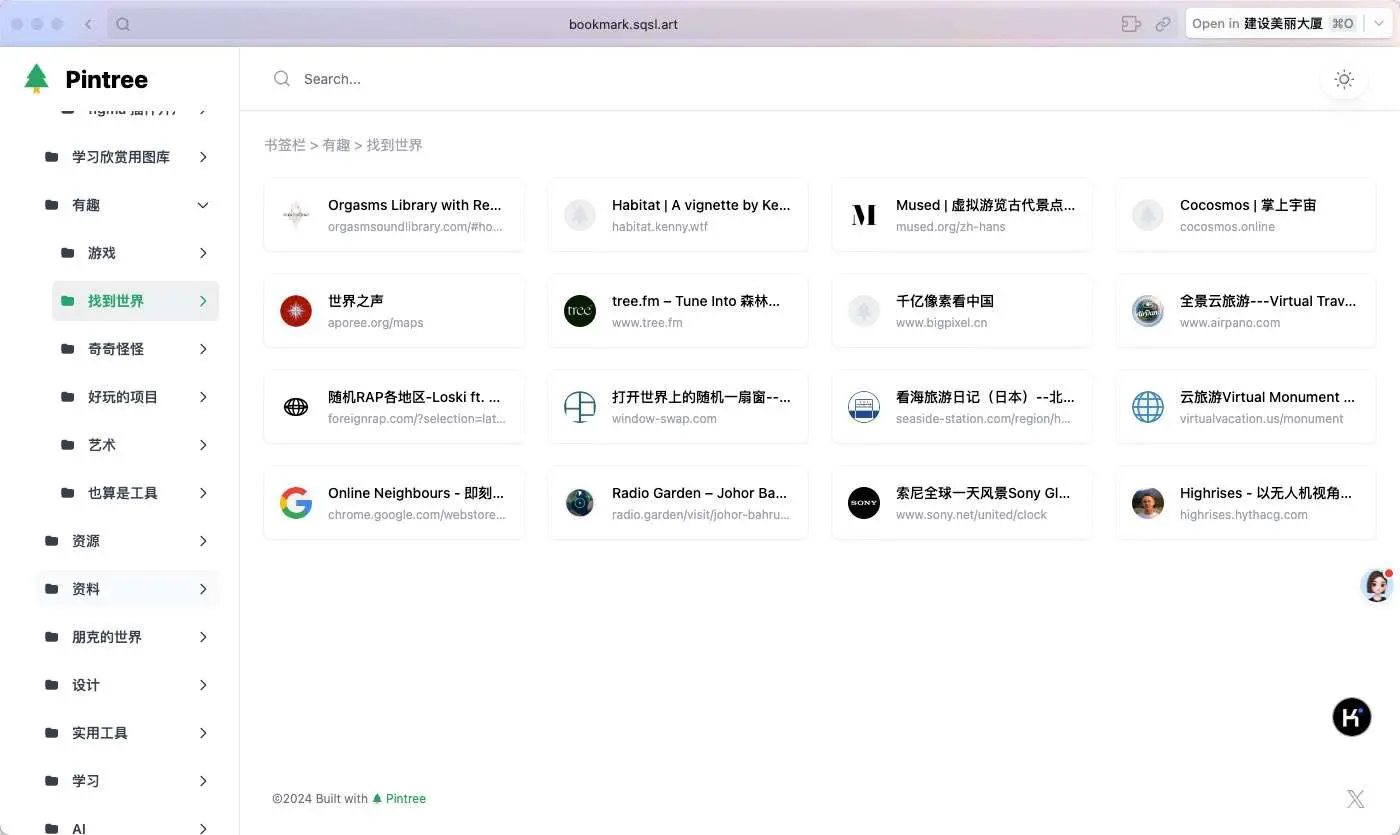
I’ve set up a simple internet tool recommendation assistant for my WeChat public account "Lazy Person's Digital Life." You can directly ask what tools you need here. The data comes from my own organized website collection, which covers a wide array of topics. Feel free to browse; there are some interesting items in there. I plan to iterate more on this over the weekend. My bookmark website is here: https://bookmark.sqsl.art/
You’re welcome to explore; there’s plenty of intriguing content.

n8n Chinese Tutorial
n8n is an open-source low-code automation tool that supports private deployment, similar to IFTTT and Zapier, with integration options reaching up to 1007. With the advent of the AI era, many AI-related nodes have been updated, leading @Commenter Corpse and @Xijian to create a Chinese tutorial for n8n. We plan to study it and aim to enhance the efficiency of our workflows in the weekly publication. If you’re not familiar with Docker or server deployment, you can directly use the templates provided on Zeabur to get started.
🧑🎨 Codesign - Design and Development
Figma Efficiency Plugin - Componentify
I developed a Figma plugin with my girlfriend that allows you to create component sets with one click, naming them according to your predefined names, reducing dozens of repetitive operations down to just two steps.
The background for this plugin is that, during work, there are often many repetitive component set properties that need to be created. Each time requires creating a component -> creating variants -> renaming them one by one. Therefore, we created this small plugin to help everyone minimize repetitive processes, allowing more time for creativity.
Usage Instructions:
- Pre-fill the properties of the component variants you want to create in the plugin.
- Select a Frame.
- Click to create, and the Frame will be transformed into a component set using the properties defined in the plugin. You can then modify different styles for these variants.
Address: https://www.figma.com/community/plugin/1400870443993847811/componentify
Currently, we believe this plugin can cover more scenarios, and we are also brainstorming. We welcome you to share your valuable suggestions with us so that we can eliminate repetitive work together! We certainly don't do repetitive tasks. If you are interested, you can join the WeChat group below.

Even the design has been submitted alongside the plugin and is currently under review.
Preline UI
Preline UI is an open-source Tailwind CSS component library that meets any need. It comes with UI examples, blocks, templates, plugins, Figma design systems, etc.

💫 Interesting Projects and Products
Follow RSS Reader
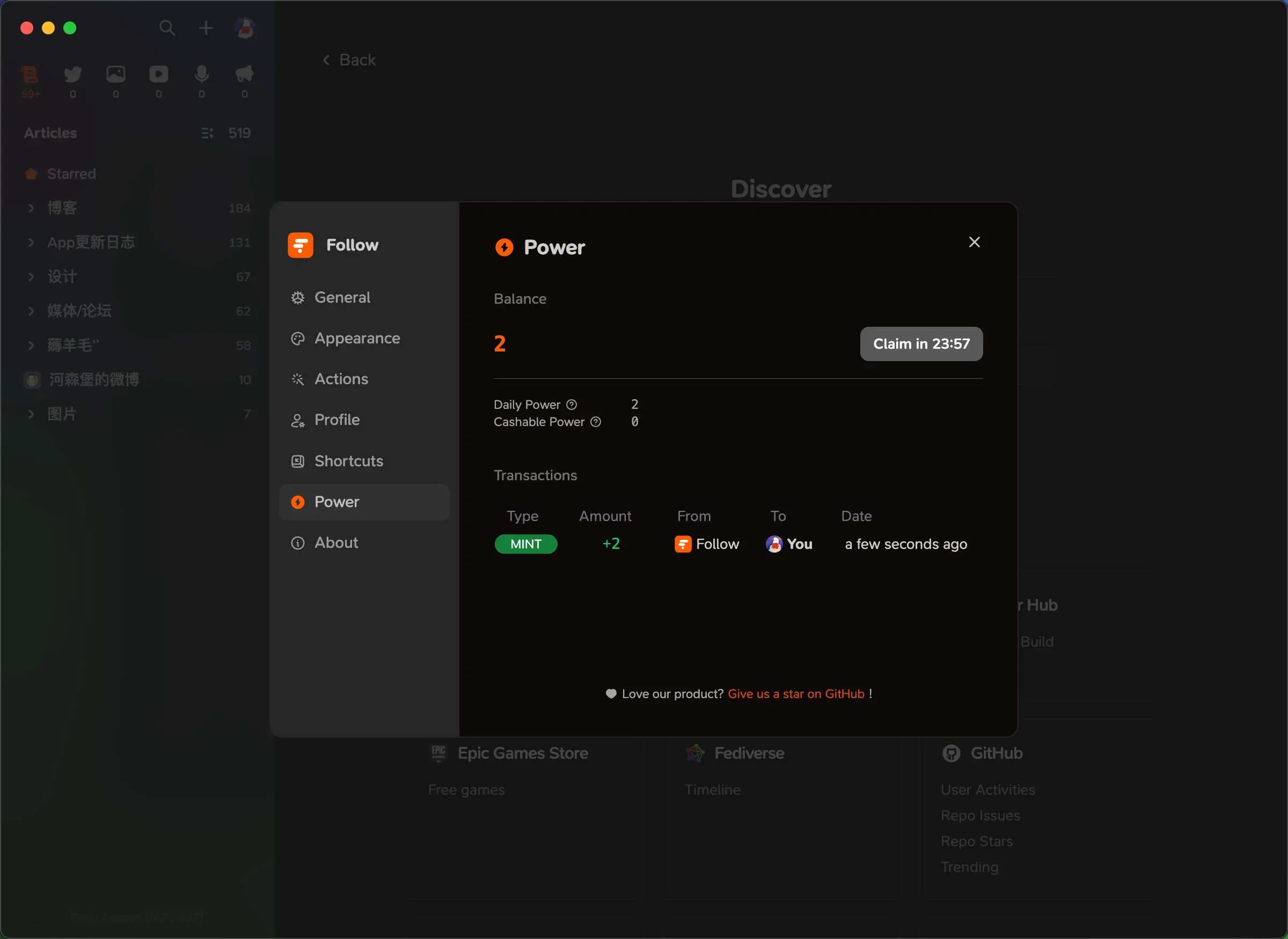
I am honored to have received the trial qualification for Follow first-hand. After experiencing it, it seems I can uninstall my previous RSS reader.
It's a beautifully elegant reader with smooth interactions. I'm not sure what kind of advanced technology has been used, but it integrates RSSHub, which loads slowly on NetNewsWire, yet loads quickly on Follow. It also includes features like who viewed articles and tipping, enhancing its social aspect. In addition to this, it has three particularly distinctive features: first, you can see how many people are subscribed to an RSS link; second, you can share your subscriptions; and third, you can view feeds categorized by type, such as images, videos, tweets, etc. It is extremely useful. I hope the mobile version arrives soon.
Miley AI - Personal Memory AI Assistant
Baye has launched a new product, Miley AI, which is an innovative personal memory assistant powered by artificial intelligence. It features a fast voice recording function and can intelligently analyze the content of notes. The unique aspect of Miley AI lies in its ability to convert voice and text information into searchable structured data, which not only enhances the efficiency of information organization but also provides users with a wide range of applications, such as bookkeeping. In short, Miley AI is a multifunctional smart assistant designed to improve users' daily lives and work efficiency through advanced technology.
https://apps.apple.com/us/app/miley-ai-personal-journal-ai/id6503827110

📚 Take a Look
LeonardoAi is an AI painting tool based on Stable Diffusion, and they recently announced that they have been acquired by Canva. Being acquired while creating a wrapper is quite impressive as well. https://x.com/LeonardoAi_/status/1818127211939147973
Thank you all for reading until the end. That concludes this issue of the weekly newsletter. If you found it helpful, please like, share, and subscribe! See you next time 👋
Want to receive updates promptly? You can subscribe via email here (https://quaily.com/digital-life), or follow our WeChat official account "Lazy Person's Digital Life."
Looking forward to seeing you all.