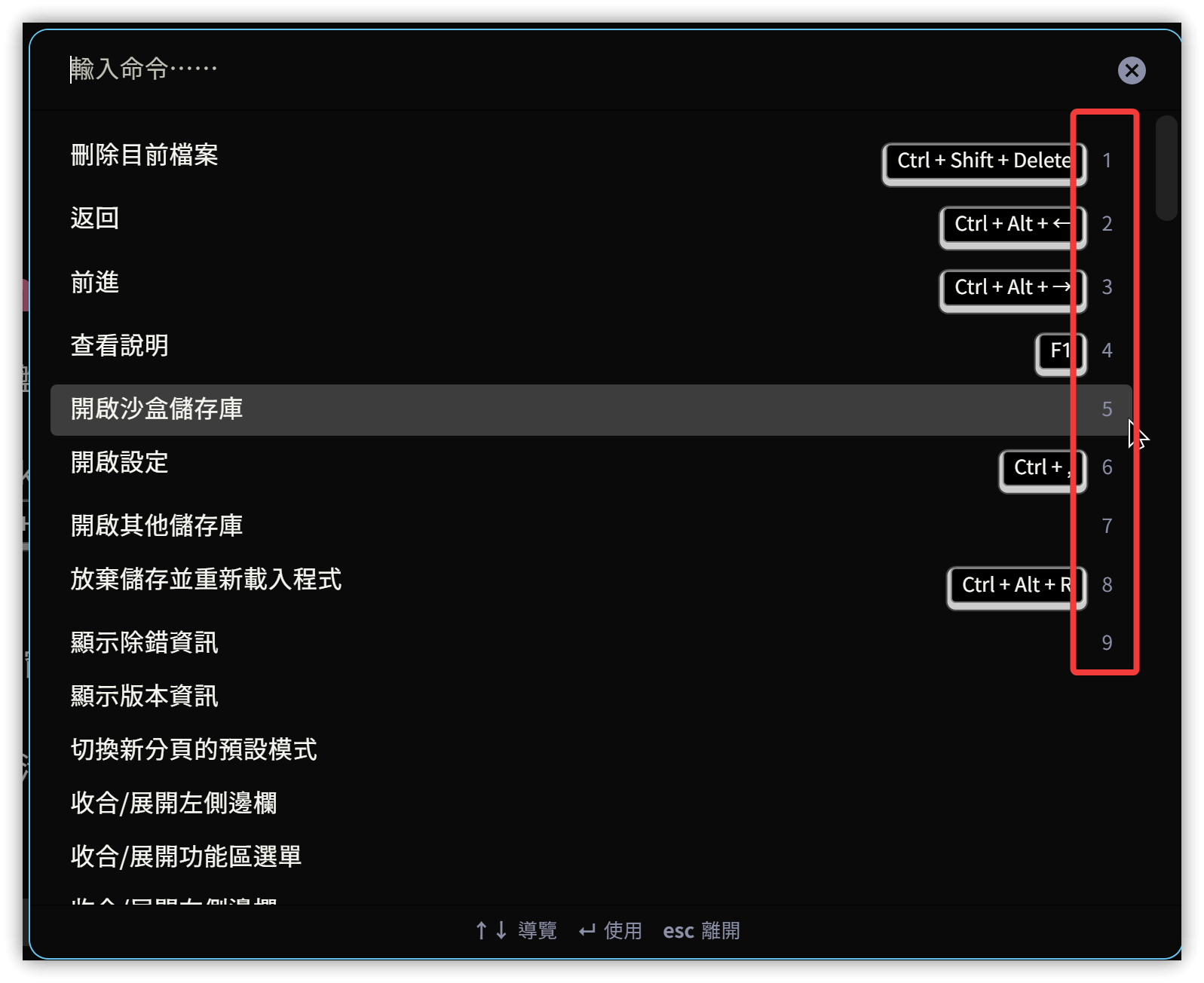
If you frequently use the keyboard for operations, the Quick Select plugin can significantly speed up option selection.
1. How it Works
After installing and enabling Quick Select, it adds numbers (1 through 9) to the first nine options in applicable menus. You can then select an option using the specified modifier key + number. For example, pressing Ctrl/Command+5 selects the 5th option.
Applicable menus include:
- Quick Switcher
- Command Palette
- Menus in the Properties view
- Search options menu
- Slash commands menu