

[!warning] Not Available in Community Plugins
Cannot be found via Community Plugins. Must be installed manually or by using BRAT.
1. Features
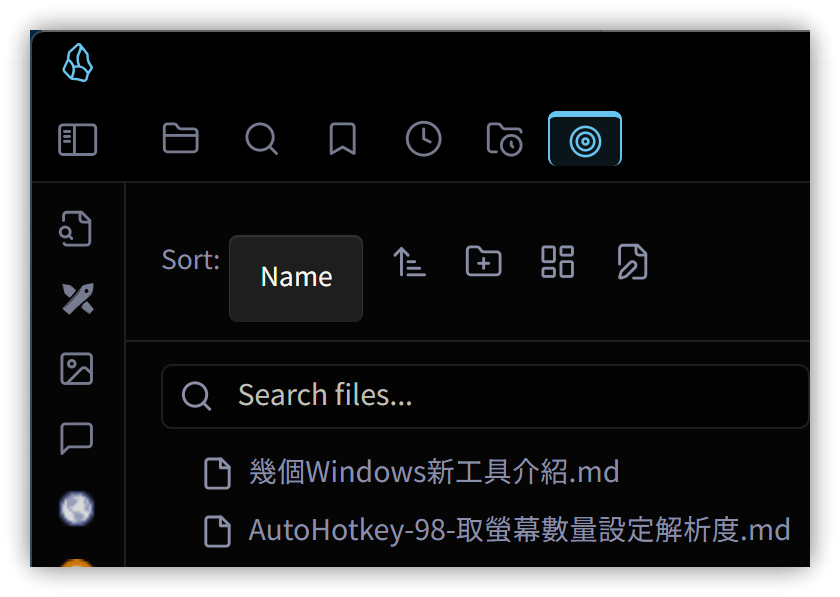
The Zen Space plugin provides an environment focused on the current note. After installation and activation, a circle icon will appear to the right of folders in the file explorer. Clicking this icon enters the Zen space for that folder, displaying only the notes within it.
▼ Zen Space
2. Key Operations
- When entering a Zen space, an
Index.mdfile is automatically created within the folder. This file lists all notes in the folder sequentially. In reading mode, these notes are displayed as cards. - If a Zen space contains subfolders, they will also have a circle icon to their right. Clicking this icon enters the Zen space for that subfolder.