

Previously, in Obs179 | Enhancing Obsidian Experience: Solutions for Popup Settings Window, we introduced several methods to address the popup limitations of the settings window. However, installing and enabling the Floating Settings plugin provides a more effective solution. Floating Settings displays the settings window as a floating panel, allowing you to edit notes concurrently while configuring settings.
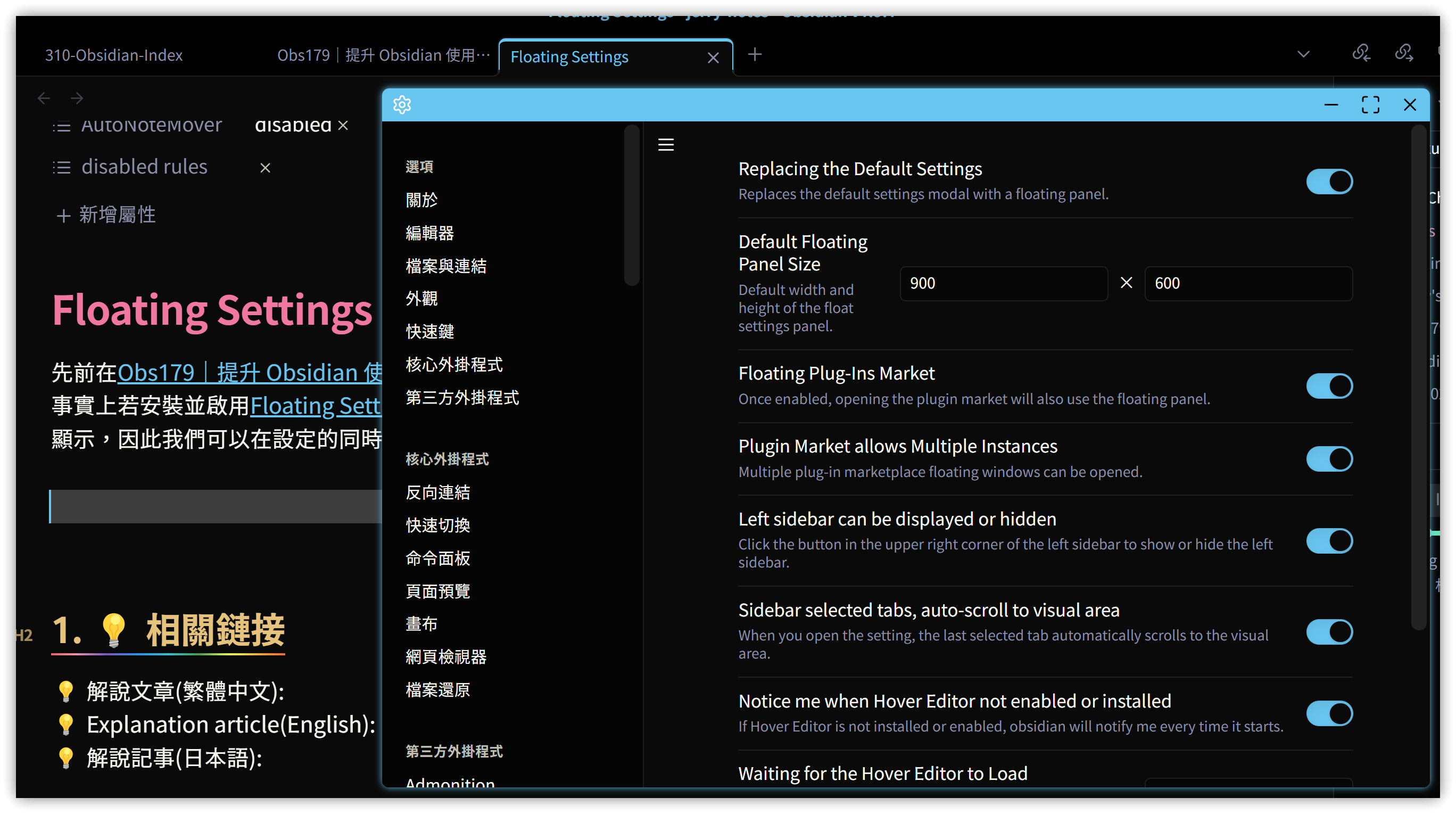
While Floating Settings offers straightforward functionality, it significantly enhances efficiency when configuring settings.
The Floating Settings plugin is not yet listed in the community plugins. Please install it manually or use BRAT.
1. 💡 Related Links
✅ GitHub - obsidian-floating-settings: Open the Floating Settings panel or replace the default settings modal with a floating panel. Depends on the Hover Editor: https://github.com/wish5115/obsidian-floating-settings (🐛 Conflicts with Hover Note plugin, unresolved)