
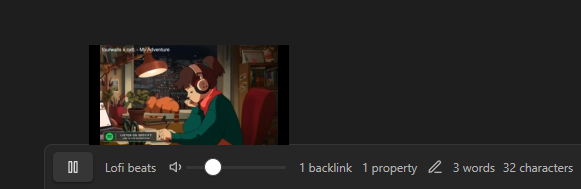
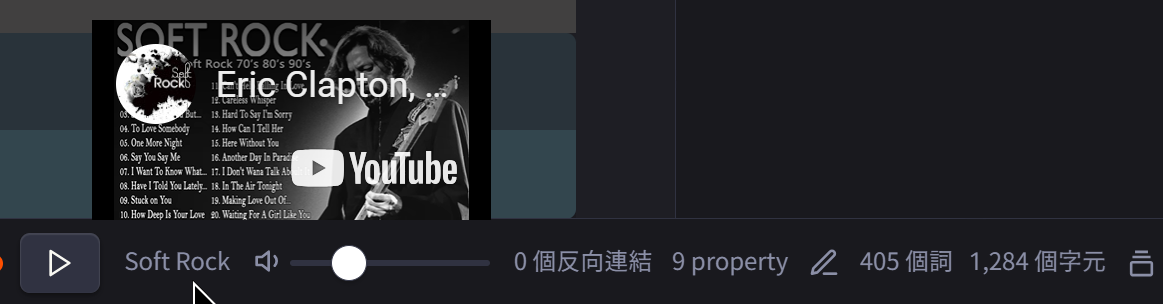
After installing and enabling Soundscapes, play and volume controls are immediately added to the Obsidian status bar, making it convenient to listen to light music while taking notes.
Unfortunately, the plugin currently has the following limitations:
- Music source is limited to YouTube videos.
- Cannot customize audio sources; there are currently 11 preset options.
- You can suggest music to add (along with reasons) on the author's GitHub, and the author may consider adding it to the menu.
- You cannot change the video directly from the status bar; it must be set in the plugin settings. Direct changes would be more convenient.
I directly modified its source code to add the music I wanted to listen to. By following the method I introduce, you can also add your own desired music.
1. Adding Your Own Audio Sources
+ Attention!
Please back up main.js first to prevent issues caused by modification errors.
- Edit the plugin's
main.js:YourVault/.obsidian/plugins/soundscapes/main.js - Search for nintendo.
- Copy the entire
nintendo:block and paste it as new content. - Modify the copied content with new values. Enter the desired YouTube video ID in the
youtubeIdfield (https://www.youtube.com/watch?v=VIDEO_ID). - Note: There must be a comma (,) after the closing brace
}of the block you copied (like the originalnintendoblock).
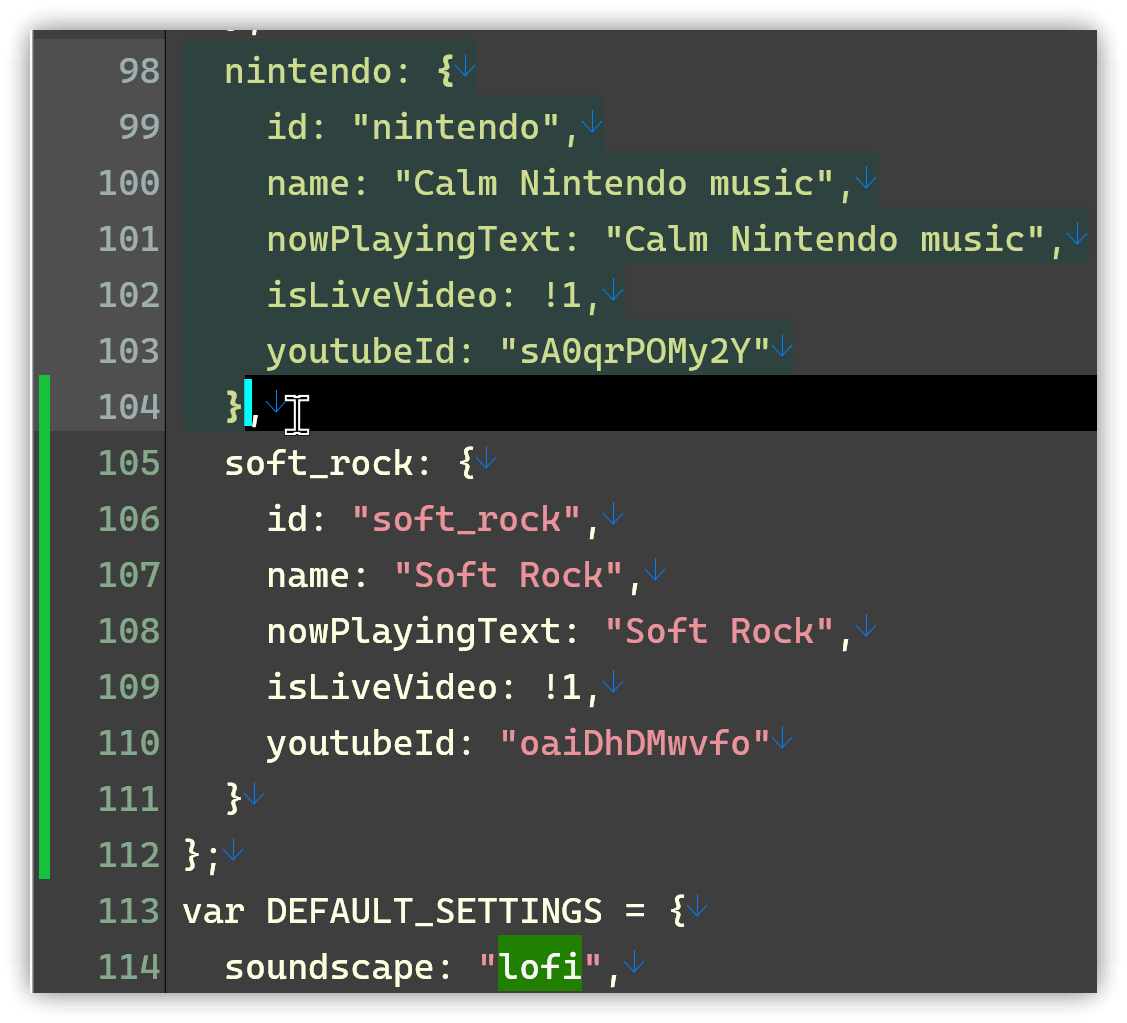
- After restarting Obsidian, you will find the newly added option in the Soundscapes plugin settings menu.
Enjoy!
2. Unable to Play Videos
+ Attention
Soundscapes plays videos using YouTube embeds (iframe). If certain videos are set to disallow embedding, Soundscapes cannot play them.
2.1. Testing if a Video Can Be Embedded
<iframe width="650" height="315" src="https://www.youtube.com/embed/VIDEO_ID" frameborder="0" allow="accelerometer; autoplay; encrypted-media; gyroscope; picture-in-picture" allowfullscreen></iframe>
The following are test videos:
- Cannot be embedded: E5yWN4oFsGg
- Can be embedded: kqZMgR6BnFY
3. Chinese Characters Also Work
You can directly use Chinese characters.
  經典老歌2: {
    id: "經典老歌2",
    name: "經典老歌2",
    nowPlayingText: "經典老歌2",
    isLiveVideo: !1,
    youtubeId: "0ot7D5y-4Jg"
  },
  經典老歌3直播: {
    id: "經典老歌3直播",
    name: "經典老歌3直播",
    nowPlayingText: "經典老歌3直播",
    isLiveVideo: !1,
    youtubeId: "eaUCn4qzfOg"
  },
4. Related Links
5. Tutorial Video
##