

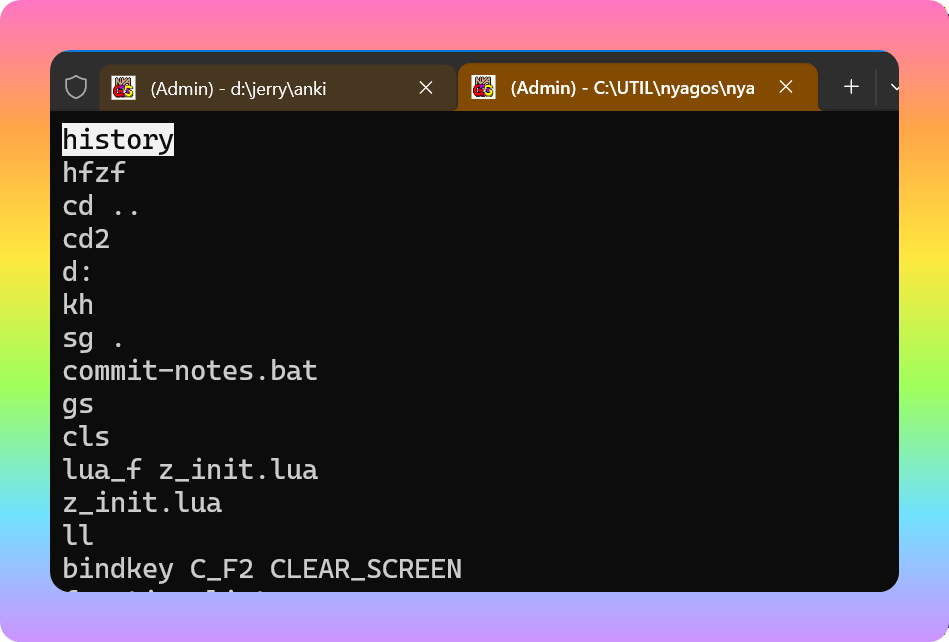
In Bash, pressing Ctrl+R lets you search previously executed commands. Nyagos implements the same feature. You can also list command history with history and re-execute a specific command using !command_index. But now it’s already 2025—of course, we want a faster way to run commands by selecting them.
Nyagos provides nyagos.box(), which can turn an array into a menu for user selection. The hotkey for the history menu is Alt+R (corresponding to Ctrl+R). The following line generates the command history menu:
local result = nyagos.box(share.__dump_history())
▼ Press Alt+R, move with the arrow keys, press Enter to retrieve the command
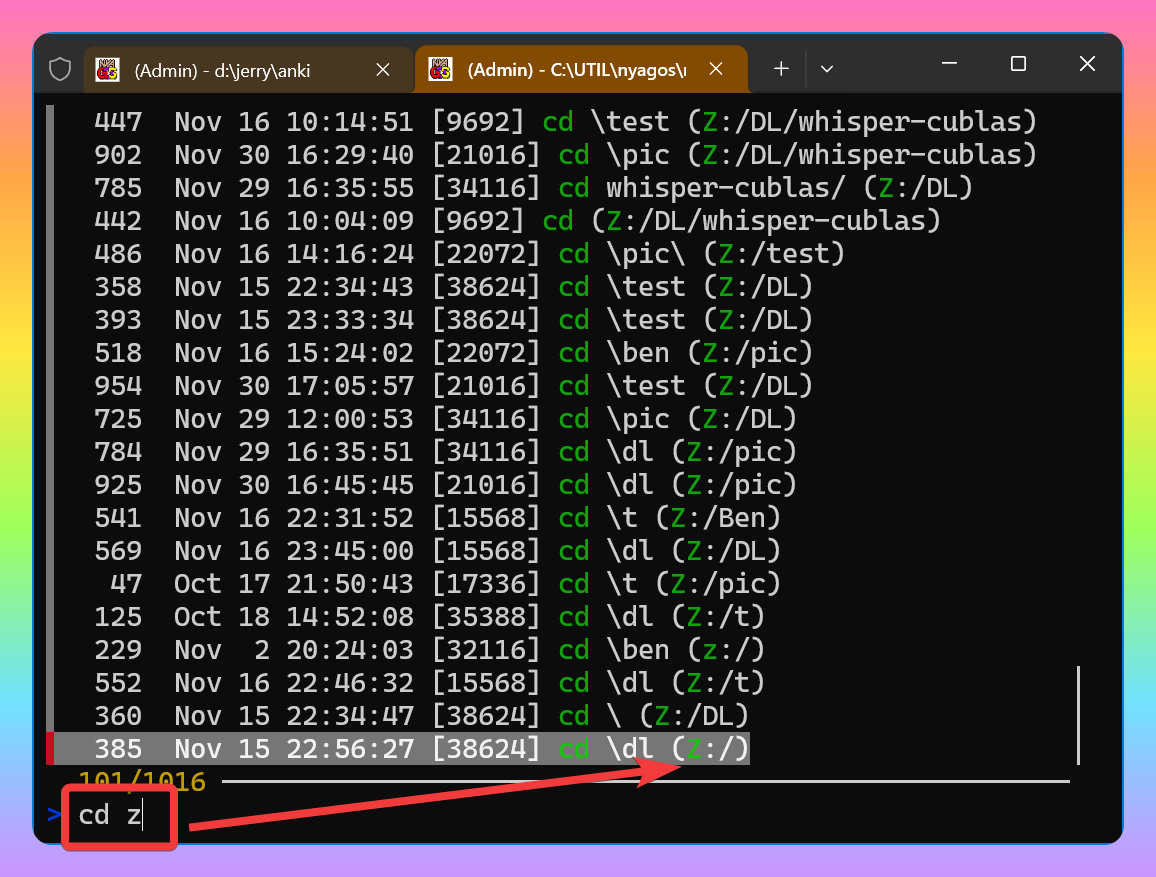
Although the Alt+R menu brings some convenience, it lacks incremental filtering. It’s better to integrate it with fzf, which not only allows filtering but looks nicer and offers more features.
For fzf integration, a Lua alias hf and hotkey Ctrl+W were created.
fzf can be downloaded from fzf GitHub, and awk.exe from Gow (Gnu On Windows).
1. Alias hf
- The
hfalias displays command index numbers and execution times in reverse order. Once the menu appears, you can type a filter string, or executehf filter_stringto set the filter before running. - In fzf, move with the arrow keys to the command you want to re-execute and press Enter to bring it back to the command line.
nyagos.alias.hf = function(args)
  local _sQuery = ""
  if args[1] then _sQuery = args[1] end
  local _sResult = ""
  local _sCmd = 'history | fzf --cycle --tac --layout=reverse '
  if string.len(_sQuery) > 0 then _sCmd = _sCmd .. '--query=' .. _sQuery end
  _sCmd = _sCmd .. ' | awk "{match($0, /\\] (.*) \\(/, arr); print arr[1]}" '
  _sResult = nyagos.eval(_sCmd)
  if (_sResult ~= "") then
    print('Exec: ' .. _sResult .. '\n')
    nyagos.setnextline(_sResult)  -- available in v4.4.19
  end
end
historypasses the command history to fzf for selection. After pressing Enter, the selected line is sent toawkfor parsing to extract content after]. Thennyagos.setnextline()writes the command back to the command line.nyagos.setnextline()is only available in the unreleased v4.4.19, which can be obtained from the latest build area.
2. Hotkey Ctrl+W
Works similarly to hf, but triggered by a key binding. Aliases can get arguments via args, while hotkeys use this:lastword() to get the current command-line content. This allows using .docxCtrl+W to apply a filter string.
nyagos.key.C_w = function(this)
  local _sQuery = this:lastword()
  local _sCmd = 'history | fzf --cycle --tac --layout=reverse '
  if string.len(_sQuery) > 0 then
    _sCmd = _sCmd .. '--query=' .. _sQuery
  end
  _sCmd = _sCmd .. ' | awk "{match($0, /\\] (.*) \\(/, arr); print arr[1]}"'

  local _sResult = ""
  _sResult = nyagos.eval(_sCmd)
  if (_sResult ~= "") then
    print('Exec: ' .. _sResult .. '\n')
    return _sResult
  end
end
3. 💡 Related links
✅ Explanation article (Traditional Chinese): https://jdev.tw/blog/9154/
✅ Explanation article (English)
✅ Explanation article (Japanese)
✅ bmatzelle/gow: Unix command-line utilities installer for Windows
✅ junegunn/fzf: :cherry_blossom: A command-line fuzzy finder