
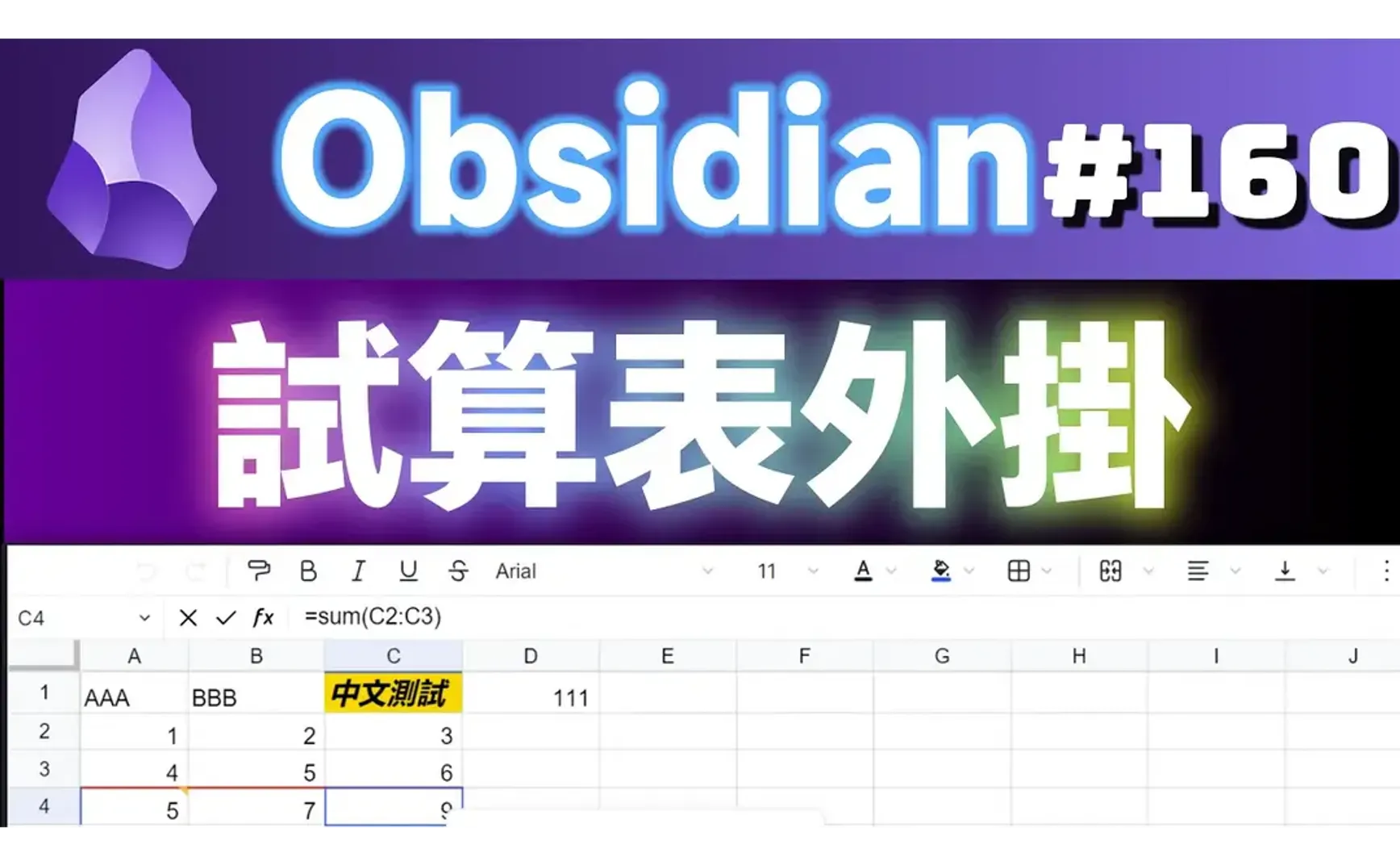
Obsidian has multiple spreadsheet plugins:
- Spreadsheets: Uses FortuneSheet
- Workbooks: Controlled via code blocks
- Excel: Uses x-spreadsheet
- DataLoom: Provides Notion-like table functionality, but is unfortunately no longer maintained.
- Obsidian Univer: Provides read/write functionality for Google Docs, Google Sheets, and Excel.
- Sheet Plus: Uses the Univer framework
The first three were last updated last year. Interested users are welcome to try them out. This article will only introduce the two Univer plugins released this year (2024).
1. Obsidian Univer
Clicking the function icon in the left sidebar will open a menu:

- Univer Doc: File extension .udoc; features are currently too basic.
- Univer Sheet: File extension .usheet
- Allows direct editing of .xlsx Excel files within Obsidian.
- Fixed in editable mode, cannot be switched.
1.1. Univer Sheet
- Core Features: Univer supports the core functionalities of spreadsheets, including cells, rows, columns, worksheets, and workbooks.
- Formulas: Supports various formulas, including mathematical, statistical, logical, text, date and time, lookup and reference, engineering, financial, and informational formulas.
- Permissions: Allows restricting access to specific elements.
- Number Formatting: Supports formatting numbers based on specific conditions.
- Hyperlinks: Supports linking to external websites, email addresses, and other locations within the spreadsheet.
- Floating Pictures: Allows inserting images into the spreadsheet and placing them anywhere on the sheet.
- Find and Replace: Provides functionality to search for specific text within the spreadsheet and replace it with other text.
- Filtering: Allows filtering data based on specific criteria.
- Sorting: Allows sorting data based on specific criteria.
- Data Validation: Supports restricting the data types that can be entered into cells.
- Conditional Formatting: Supports applying formatting to cells based on specific conditions.
- Comments: Allows adding comments to cells to provide additional information.
- Collaborative Editing: Supports multiple users editing the spreadsheet simultaneously.
- Printing: Allows printing the spreadsheet or exporting it as a PDF.
- Import and Export: Supports importing and exporting data in XLSX format.
- Charts: Supports third-party charts powered by VChart.
2. Sheet Plus
Creates an Excel [Date Time].md file that can be embedded into notes.
Compatibility Issue
If you are using the Filename Heading Sync plugin, you must enter the following regular expression in the <mark style="background-color:#bf616a">Ignore Regex Rule</mark> field to exclude files starting with 'Excel'.
Example (exclude the 010-Templates folder and Excel*.md):
010-Templates/.*|Excel.*\.md
2.1. Embedding Syntax
![[file-folder/file-name#sheet-name|sri-sci:eri-eci<sheet-height>{html}]]
![[Excel 2024-06-25 10.52.51.univer]]

3. Related Links
- ljcoder2015/obsidian-sheet-plus: obsidian spreadsheets solutions
- dream-num/univer
- dream-num/obsidian-univer: Create, edit, and view spreadsheets and documents in various formats like Excel and Word directly within your knowledge base.
3.1. Other Related Plugins
- Spreadsheets GitHub: divamgupta/obsidian-spreadsheets (Based on LuckySheet)
- Workbooks GitHub: https://github.com/Canna71/obsidian-sheets
- GitHub - decaf-dev/obsidian-dataloom: Weave together data from diverse sources and display them in different views. Inspired by Excel spreadsheets and Notion.so.