
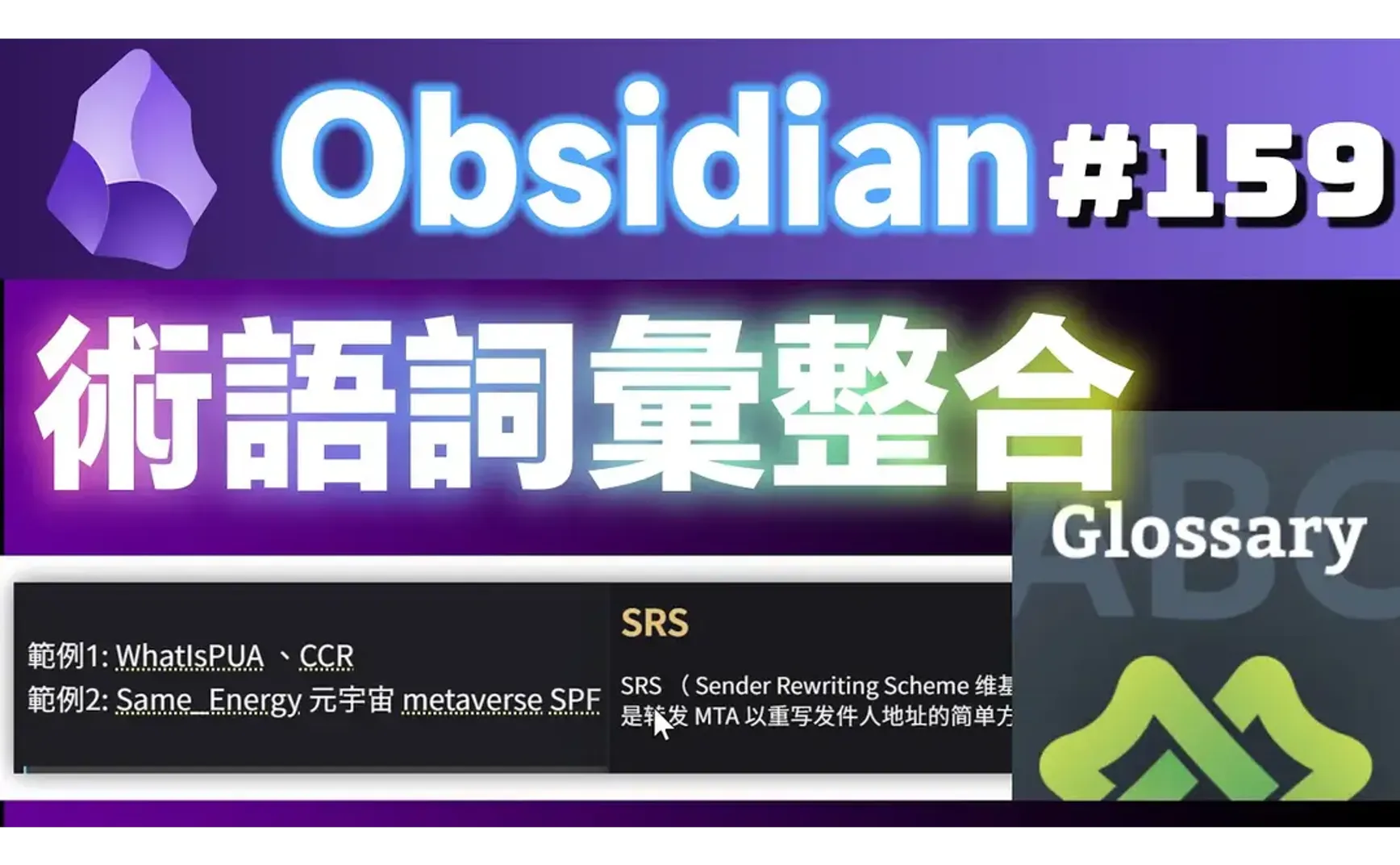
The Obsidian-definitions plugin provides convenient glossary integration:
- Glossary Term Creation: Store terms in the
/definitionsfolder. Terms can be in two formats:- One term per file.
- Multiple terms per file: Terms are separated by three hyphens (
---).
- Glossary Term Usage: Automatically detects defined terms and displays them with a dotted underline. A preview window pops up on hover, and the right-click context menu includes a "Go to Definition" option.
1. Term Definition
The term format is as follows (*Term Alias* is optional):
# Term Name
*Term Alias*
Term Description
- The term name must currently be a single word (i.e., it cannot contain spaces). For multi-word terms, use Wiki format (e.g.,
WhatIsPUA) or underscores (e.g.,term_name). - On lines with multiple terms, ensure there are standard English alphanumeric characters between them for proper detection.
- Term names containing Chinese characters might not be automatically detected and underlined, but they can still be previewed via the right-click menu.
Example 1: WhatIsPUA CCR
Example 2: Same Energy metaverse SPF SRS // Detection generally works for standard English terms.
Example 3: Same Energy 元宇宙 metaverse SPF SRS // Contains Chinese characters (元宇宙); detection for terms on this line might be unreliable or fail for some terms.

2. 💡 Related Links
💡Explanatory Article: https://jdev.tw/blog/8450/
💡Explanation article(English): https://quaily.com/jdevtw-en/p/obsidian-terms-definitions-plugin
💡解説記事(日本語): https://quaily.com/jdevtw-jp/p/obsidian-terms-definitions-plugin
✅ dominiclet/obsidian-note-definitions
✅ https://github.com/vschroeter/obsidian-glossary