

Reference URL: Jerry's Classroom
Although I have some doubts about the viability of paid content services nowadays, these kinds of websites seem to be springing up frequently. But undeniably, quaily.com is the easiest-to-use new content site I've tried so far, with full Markdown support and perfect integration with Obsidian. quaily.com combines with AI, greatly simplifying the steps to publish articles from Obsidian to the website. Just create an account, install and enable the Quail plugin, and you can execute the Publish command. No extra settings or API key applications are needed, making it very convenient and fast.
Content platforms I've tried: Medium, Vocus, SSPAI, Substack, etc.
1. Create a Website Account
Start by creating an account via [Quaily], fill in the relevant information, and you can easily start writing right away. Quaily also offers the option to use your Google account directly. After authorization, you can access the settings page.
2. Obsidian Quail Plugin
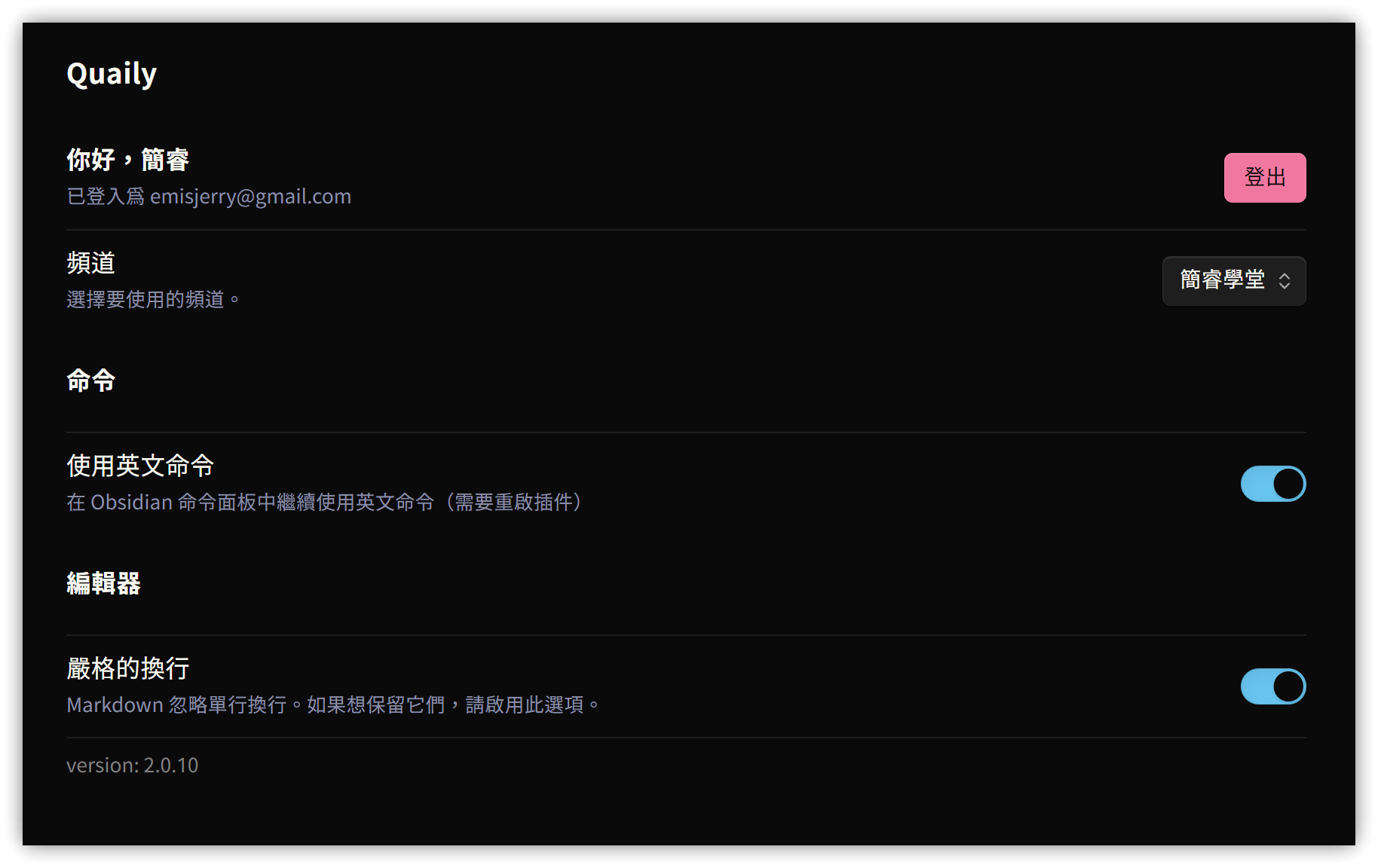
Search for "quail" in the community plugins, install and enable it. Then, go to the settings screen and log in first to configure the basic settings.
3. Publish an Article
-
Start writing
-
After finishing writing the article, press Ctrl/Cmd+P and execute the
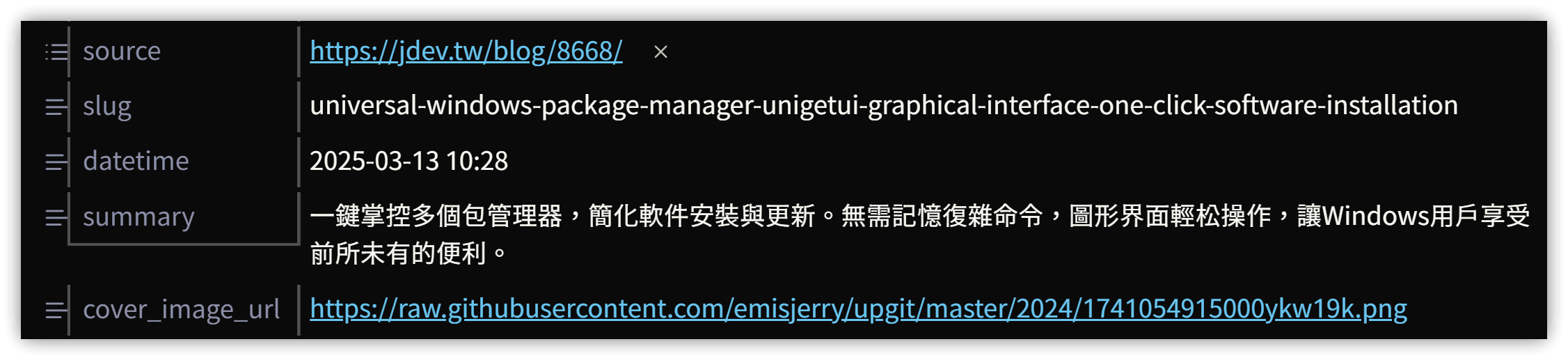
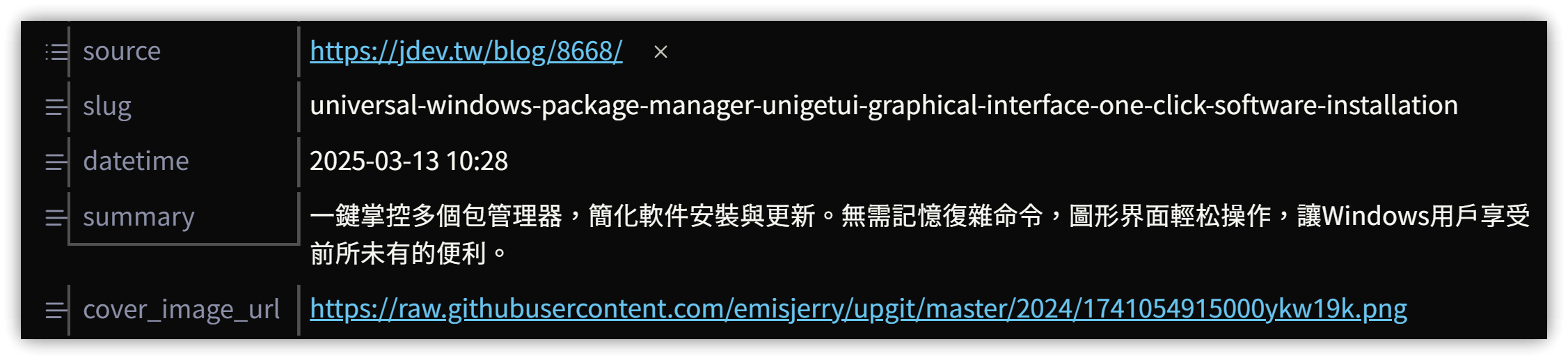
quaily: Generate Meta by AIcommand. The plugin will perform an AI analysis, and after a few seconds, the following properties will be automatically added to the YAML front matter:- tags: Automatically generates tags based on the content. Unfortunately, it overwrites existing tags.
- slug: Generates the URL slug.
- datetime: Article creation date and time.
- summary: Article summary. Unfortunately, it mostly generates Simplified Chinese, only occasionally Traditional Chinese.
- cover_image_url: Article cover image (can be manually added if not generated).
-
Press Ctrl/Cmd+P and execute the
quaily: Publishcommand to publish the article to the Quaily website.
4. Dashboard
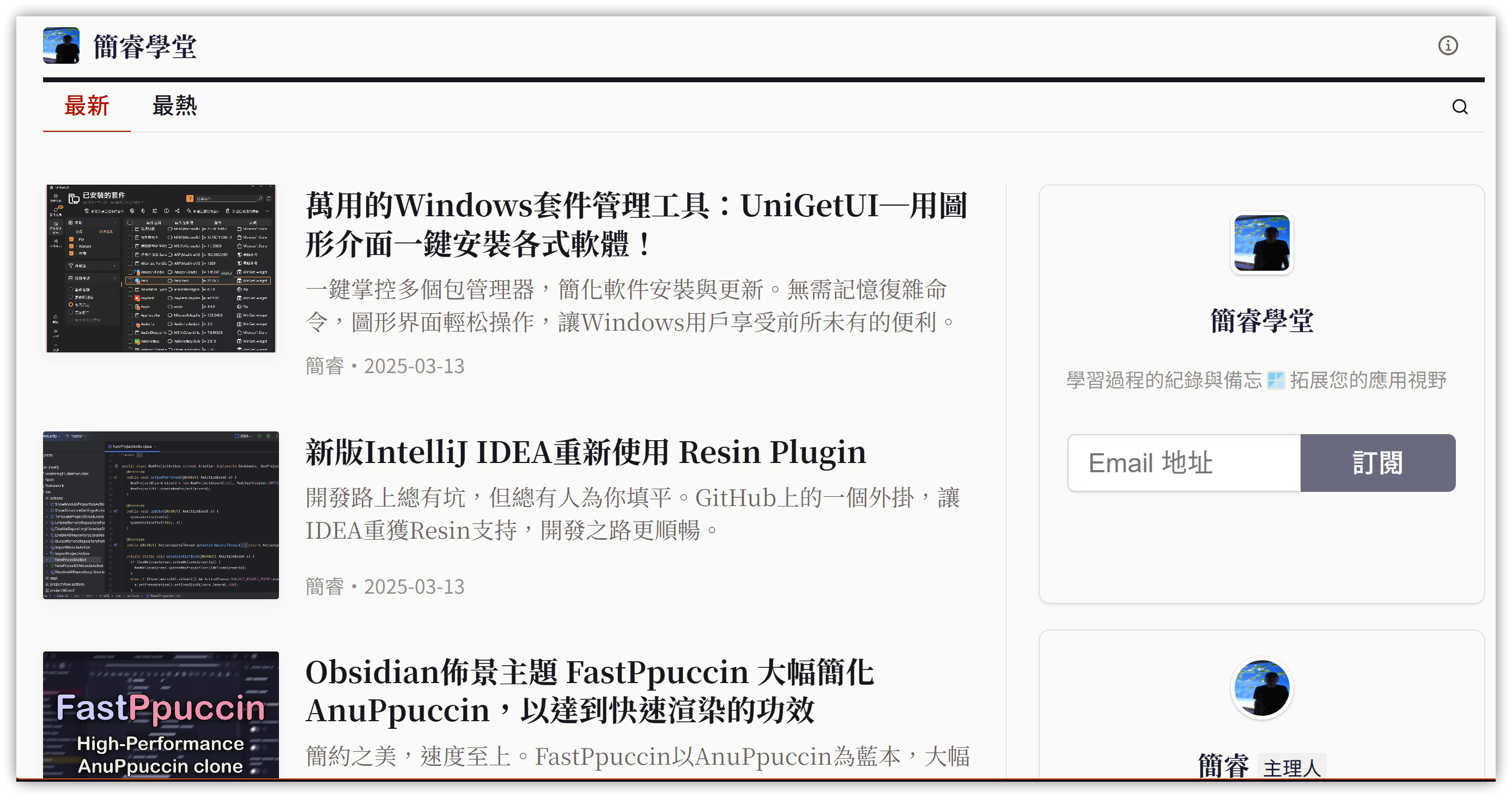
- Frontend: The website appearance is as shown below. Light and dark themes can be set. It directly offers a newsletter subscription function.
- Display interface options currently include English, Simplified Chinese, and Traditional Chinese.
- Reference URL: Jerry's Classroom
- User Guide: 写作手册 | Quaily Documentation
- Backend Editor: Content published from Obsidian is directly saved into the 'Original Text' (原文) field. The cover and summary are taken from the Obsidian YAML properties.
- If you, like me, are accustomed to using a level-1 heading at the beginning of the file as the article title, this heading will also be saved in the 'Original Text' field and needs to be manually removed.
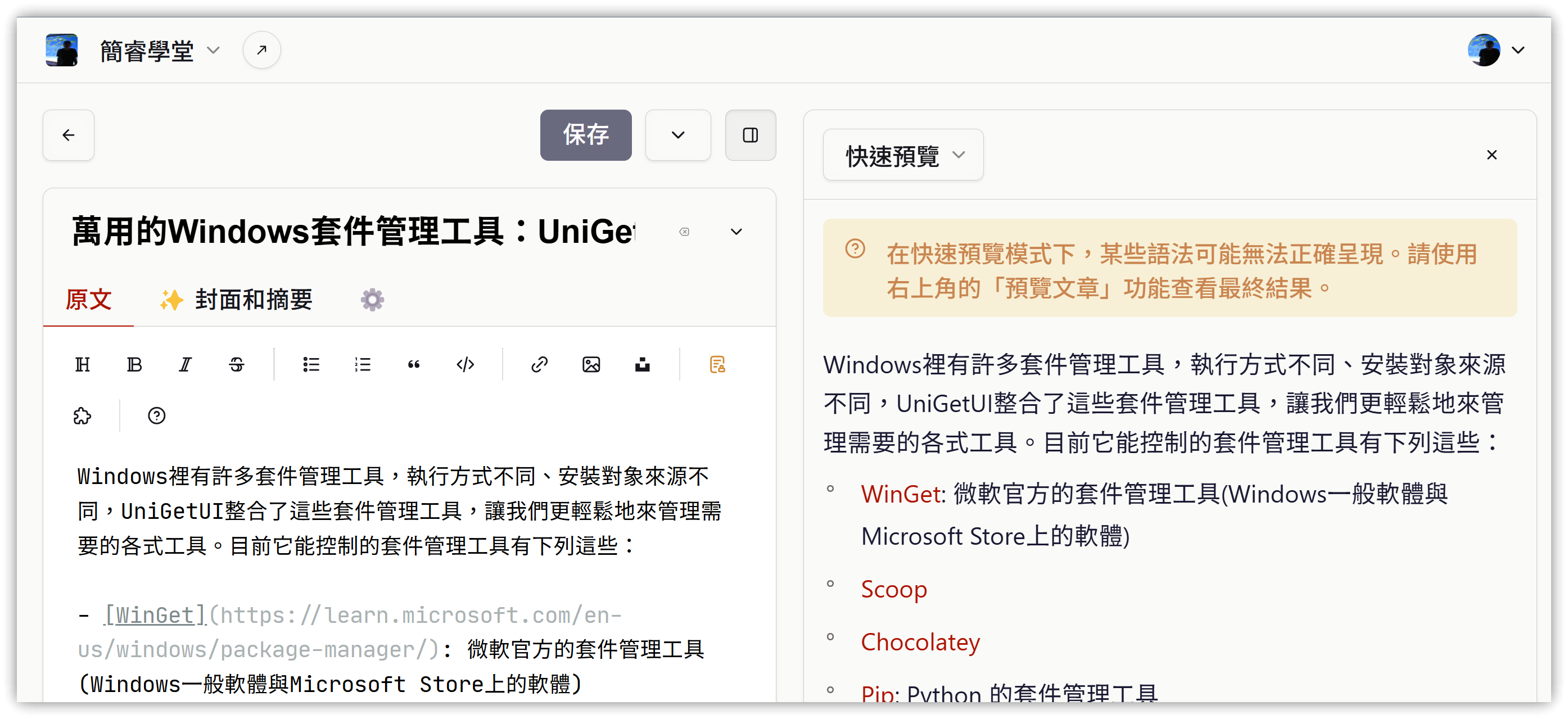
The backend also has services like payments that can be enabled. Once enabled, the platform charges a 10% service fee on member payments. I will share more about this section later if I enable it.
5. Conclusion
The user experience with Quaily is very good. If you use Obsidian for note-taking and want to share your notes for others to reference, Quaily can save a lot of time and is worth trying.
Tutorial Video
##