
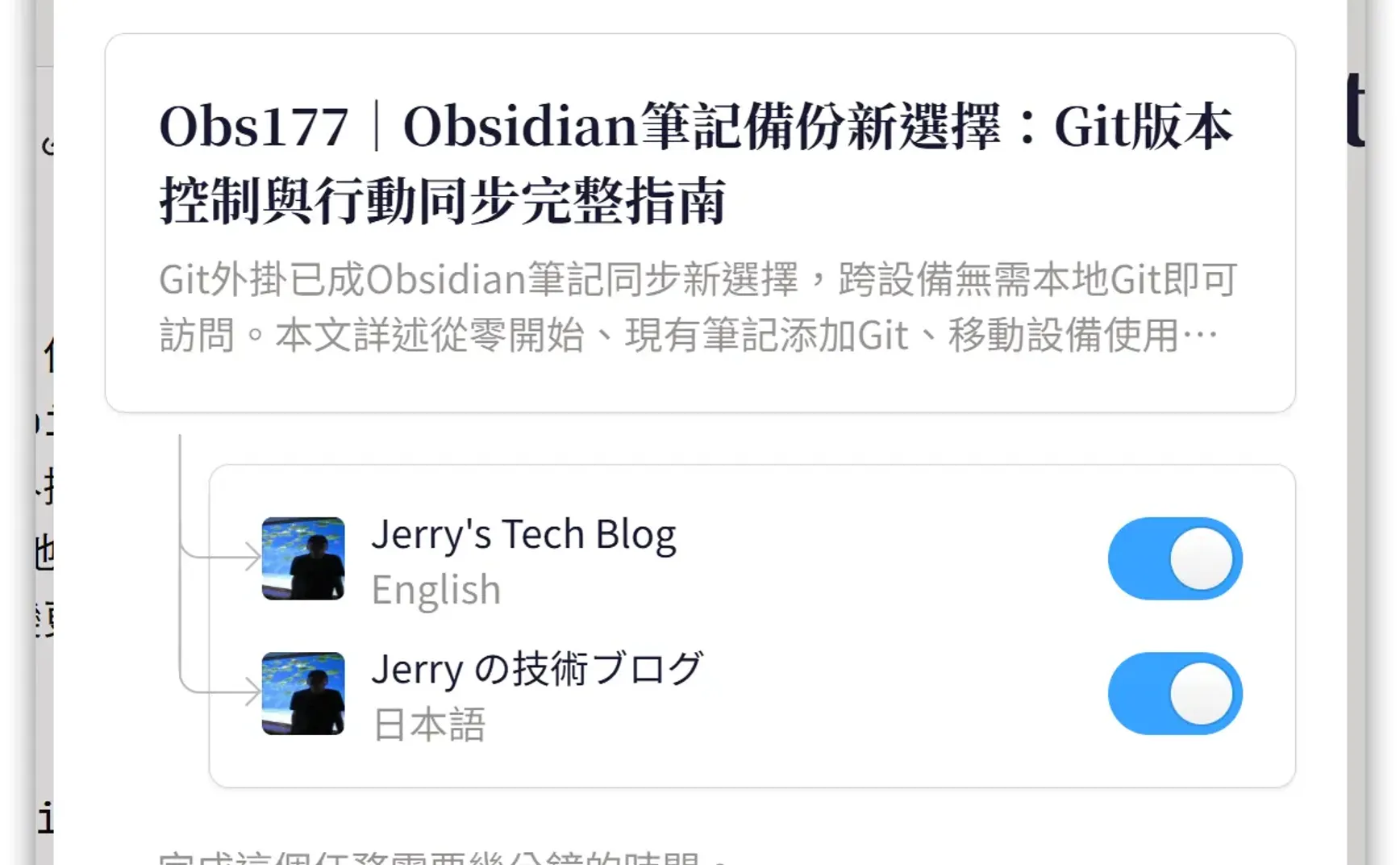
Previously, we introduced the content platform quaily.com, which allows you to publish content with Obsidian's extended Markdown syntax directly on the website with minimal modifications using the Quail plugin for Obsidian. Even more conveniently, quaily.com also has a cross-channel publishing feature that uses AI translation to generate our Chinese content in different languages and publish it to different language channels.
1. Operation Overview
For detailed instructions on cross-channel publishing, refer to 🌐 Using Cross Publish to Publish Multilingual Articles to Different Channels | Quaily Chinese. The basic steps are:
- Create another channel in a different language, for example, I created an English channel Jerry's Tech Blog and a Japanese channel Jerry の技術ブログ
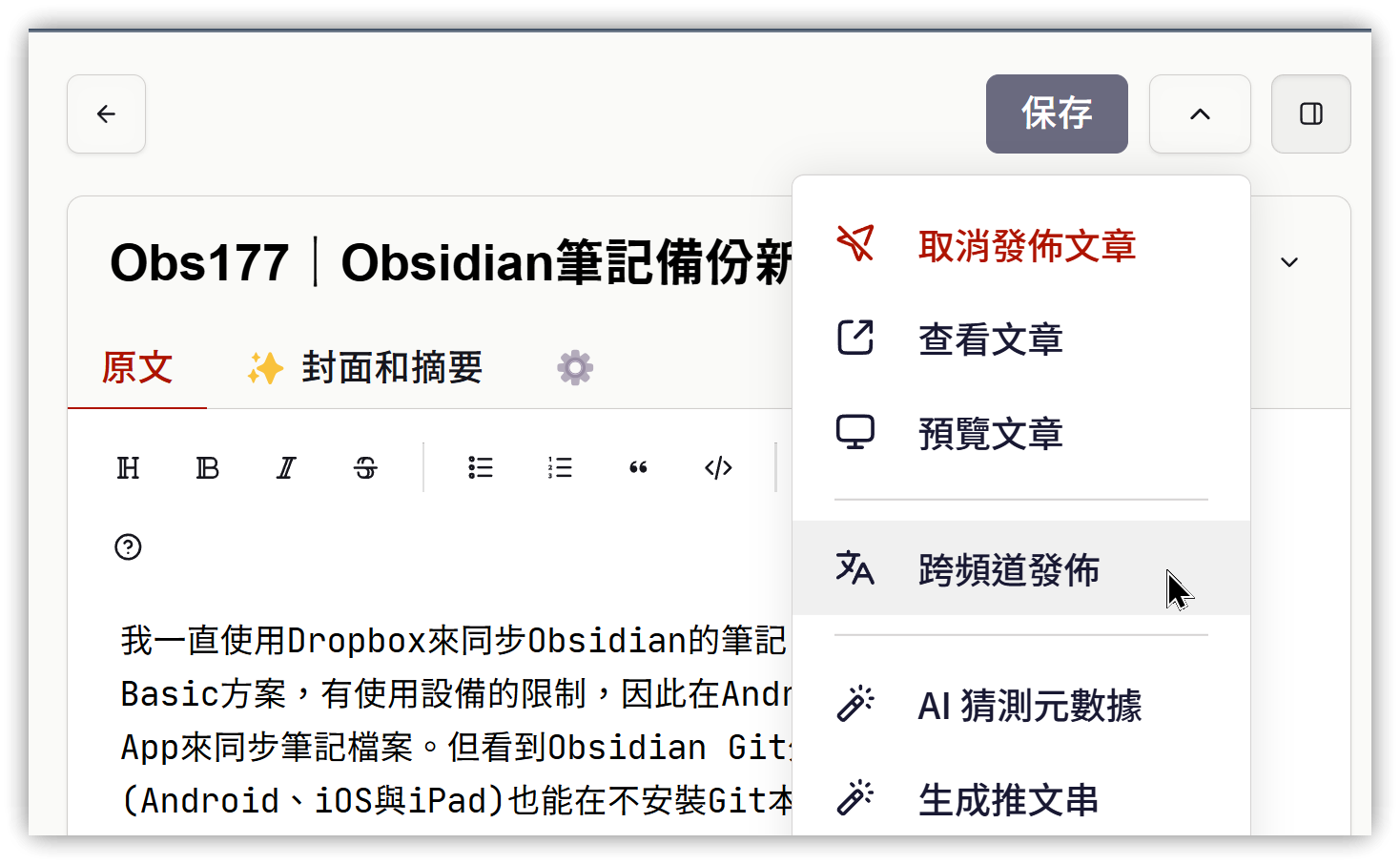
- Go to the article editor page of the main channel → Click the ^ symbol to the right of [Save], and select [Cross-channel Publish]
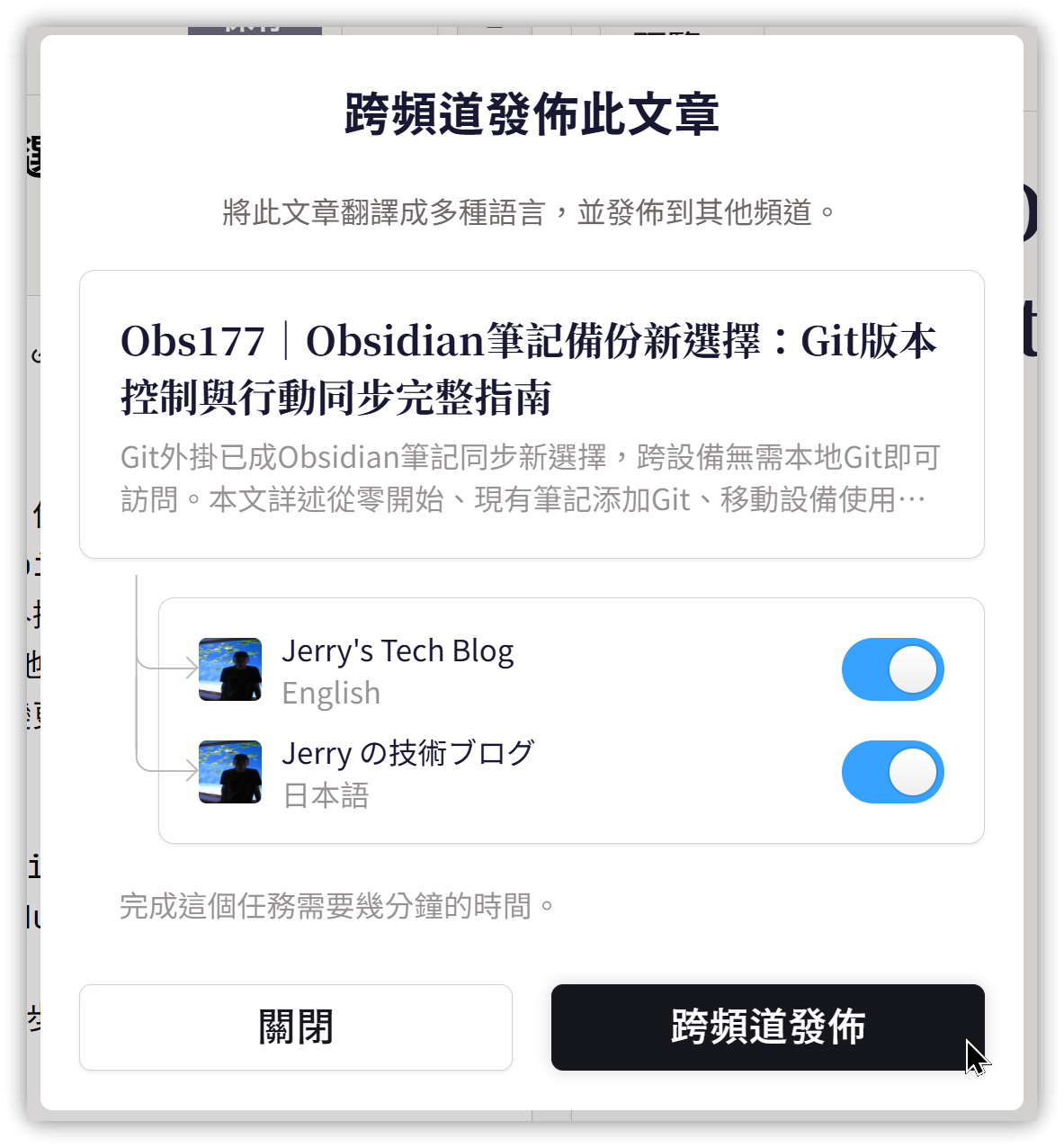
- Check the other channels you want to publish to, then click [Cross-channel Publish]. After a short wait, the article will be translated and published to the corresponding channels.
When the article content is lengthy, it may "get stuck." Try a few more times and it should work. The author has plans for improvement.
2. 💡 Related Links
✅ 🌐 Using Cross Publish to Publish Multilingual Articles to Different Channels | Quaily Chinese