

When reading text-based e-books using a text editor, the page positioning is often inaccurate, making it impossible to jump precisely to the first line of the next page. Since these text files are later converted to .epub format, I looked for several Windows ePub reading programs to see if they could enhance the reading experience.
In the end, I settled on Jane Reader.
1. Calibre
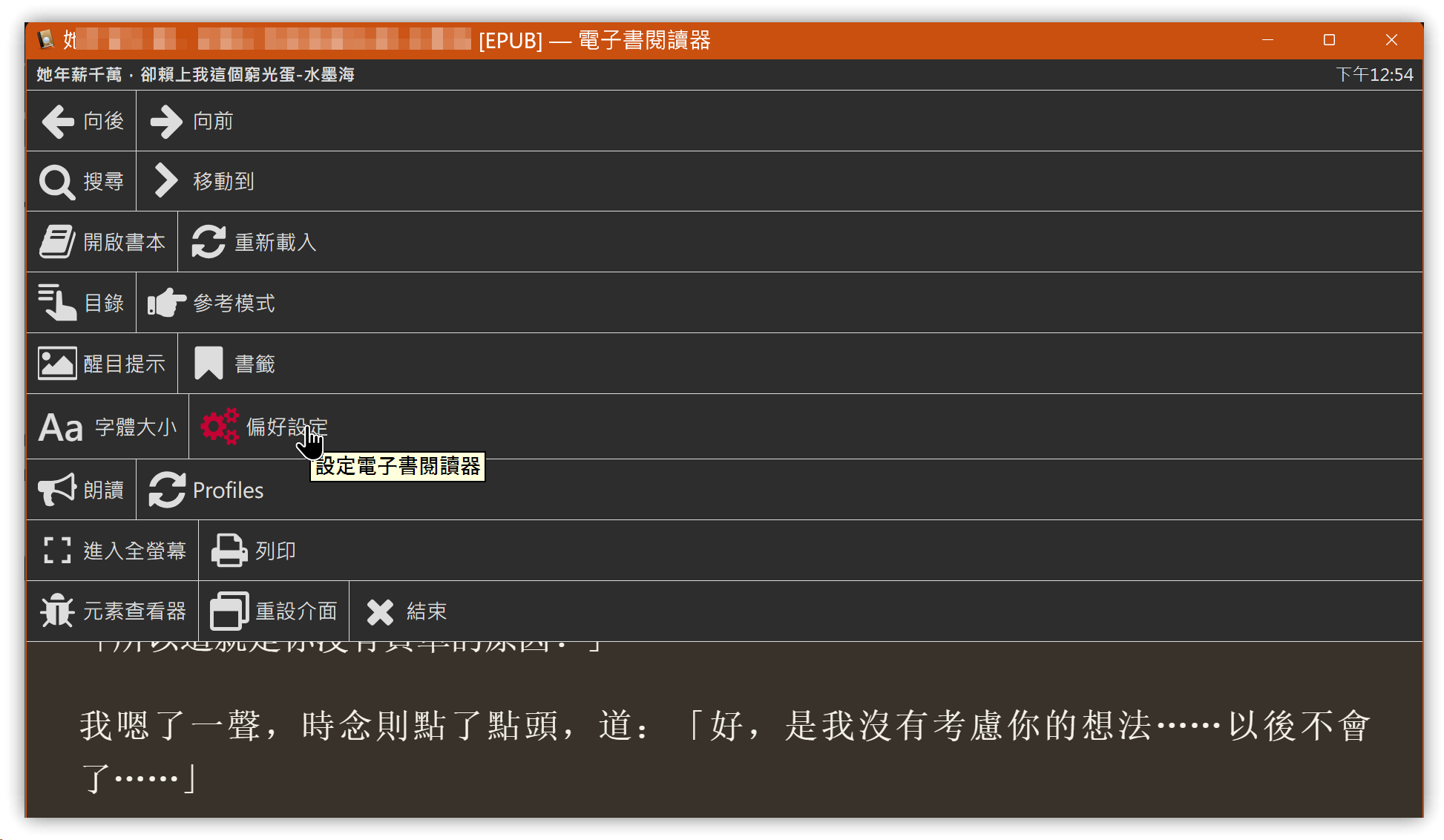
Calibre has the advantage of being pre-installed, so there is no need for an additional installation. The default .epub files are associated with Calibre, which automatically launches ebook-viewer.exe to open the file.
- The downside of Calibre is that page turning is slow; each page turn takes two to three seconds.
- Font settings cannot be overridden.
- It includes a text-to-speech feature.
2. Icecream ePub Reader
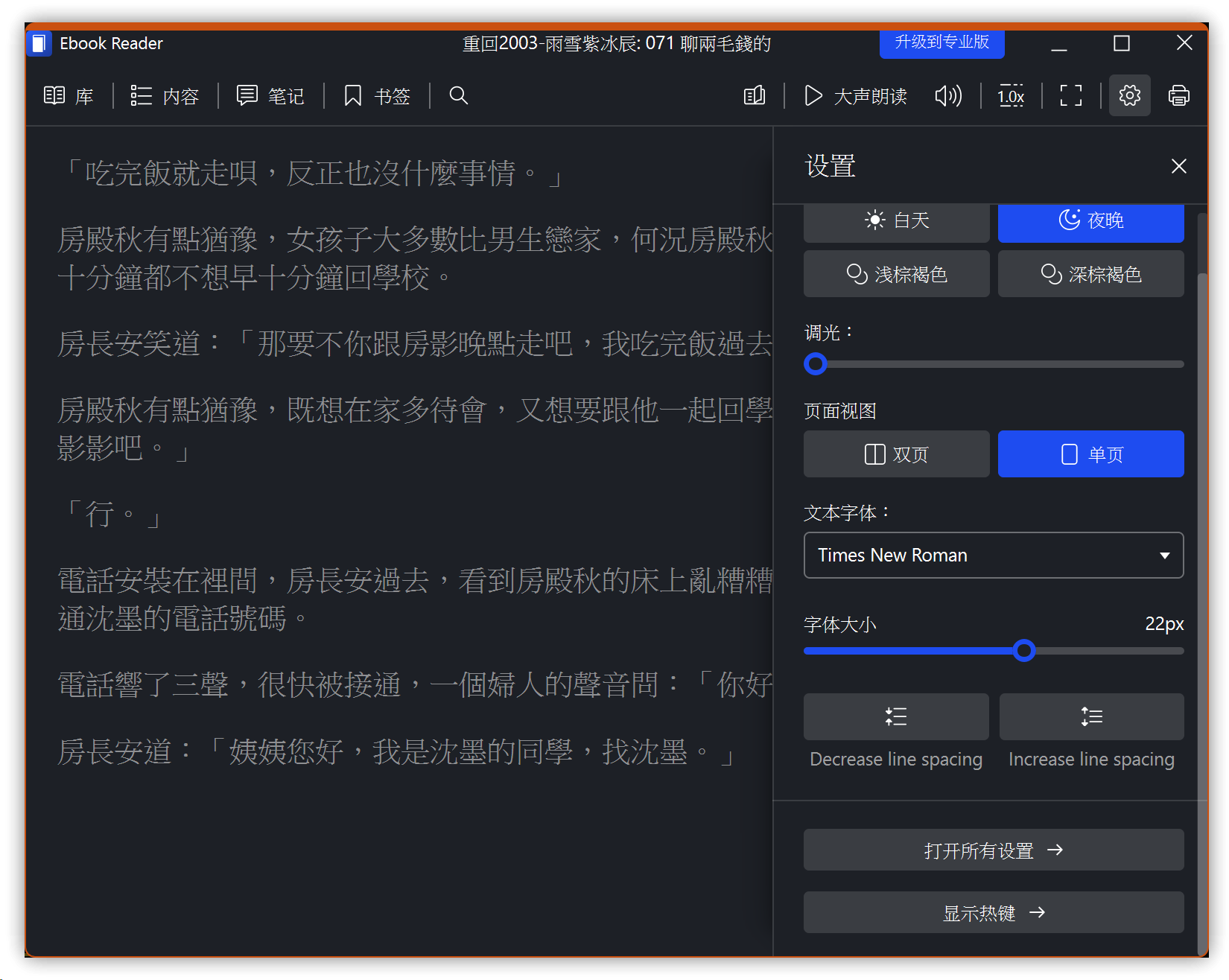
Icecream ePub Reader is available for free download.
- Font settings cannot be overridden.
- There are only a limited number of font choices.
3. Jane Reader
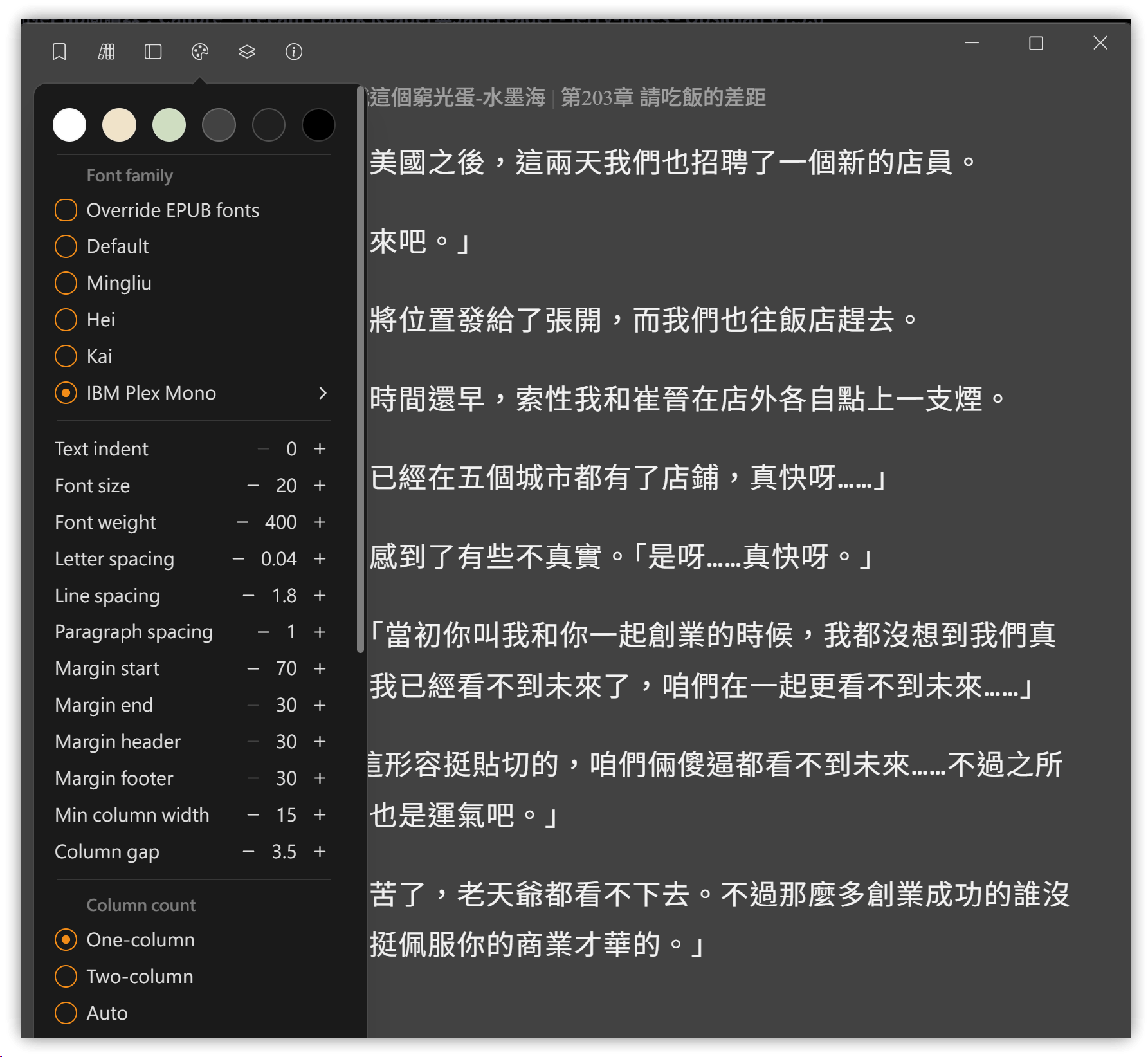
"Jane Reader is a modern and sleek epub reader. Meticulously designed, Jane Reader provides a delightful reading experience that allows you to fully immerse yourself in your reading📚."
- Jane Reader runs on Windows and macOS, and is available in both installation and portable versions.
- It supports font overriding and allows adjustments to letter spacing, line spacing, and paragraph spacing.
- It can be configured for single-column or double-column display.
- Configuration file:
janereader-data\config\config.json. After opening a book, move your cursor to the title bar to reveal the settings button.
4. 💡 Relevant Links
💡 Explanation article (Traditional Chinese): https://jdev.tw/blog/8850/
💡 Explanation article (English)
💡 Explanation article (Japanese)