
My WordPress blog has long been plagued by inaccurate visitor statistics, mainly because various crawler programs and malicious bots are being included in the counts. Recently, I’ve tried several methods to fix or reduce this inflated traffic.
There are two main approaches:
- Modify the view-counting program to exclude crawlers.
- Install a plugin that blocks malicious bots from visiting the site.
1. Modifying the View Count Plugin
I have been using the Daily Top 10 Posts plugin with some minor personal modifications, but it’s clear it cannot exclude visits from crawlers. I recently replaced it with the more modern Page Views Count plugin. To prevent crawler visits from being counted, I modified two PHP files. The main change is to check whether the request is from a crawler before updating the count:
  public static function pvc_is_bot() {
    // Do not count views for logged-in users
    if ( is_user_logged_in() ) {
    	return true;
    }

    // Common bot list
    $bots = array(
      // Search engine bots
      'Googlebot',
      'Bingbot',
      'Slurp',        // Yahoo
      'DuckDuckBot',
      'Baiduspider',
      'YandexBot',
      'Sogou',
      'Exabot',
      'facebot',
      'ia_archiver',
      // Other common crawlers/SEO tools
      'AhrefsBot',
      'MJ12bot',      // Majestic-12
      'SemrushBot',
      'DotBot',       // Moz
      'PetalBot',     // Huawei
      'SeznamBot',    // Seznam (Czech)
      'LinkedInBot',
      'Twitterbot',
      'Discordbot',
      'Pinterestbot',
      'Applebot',
      'CoccocBot',    // Vietnamese search engine
      'archive.org_bot',
      'leakix'        // leakix.org
    );
    $ua = isset($_SERVER['HTTP_USER_AGENT']) ? $_SERVER['HTTP_USER_AGENT'] : '';

    foreach ($bots as $bot) {
        if (stripos($ua, $bot) !== false) {
            return true; // Crawler detected, do not count
        }
    }
    return false; // Not a crawler, count the view
  }
}
Before updating the view count, the system checks if the visitor is a crawler. If so, it skips the SQL update:
	public static function pvc_stats_update($post_id) {
		if (self::pvc_is_bot()) {
    		return 0;
    	}
    // ...
For the front-end AJAX call in pvc-api.php, the same check should be added:
    public function pvc_increase( $post_ids ) {
    	if (A3_PVC::pvc_is_bot()) {
    		return wp_send_json( array(
                'success' => false,
                'message' => __( "Bot detected", 'page-views-count' ),
            ) );
    	}
    // ...
2. Using the Stop Bad Bots Plugin
To more effectively block malicious bots that pose security threats, I purchased the Stop Bad Bots plugin. Back in October 2022, when dealing with a website backdoor Trojan, I used Wordfence Security (see reference: Clearing WordPress Backdoor Reval.C Records). However, since Wordfence requires an annual subscription and is quite expensive, I ultimately opted for the more affordable Stop Bad Bots.
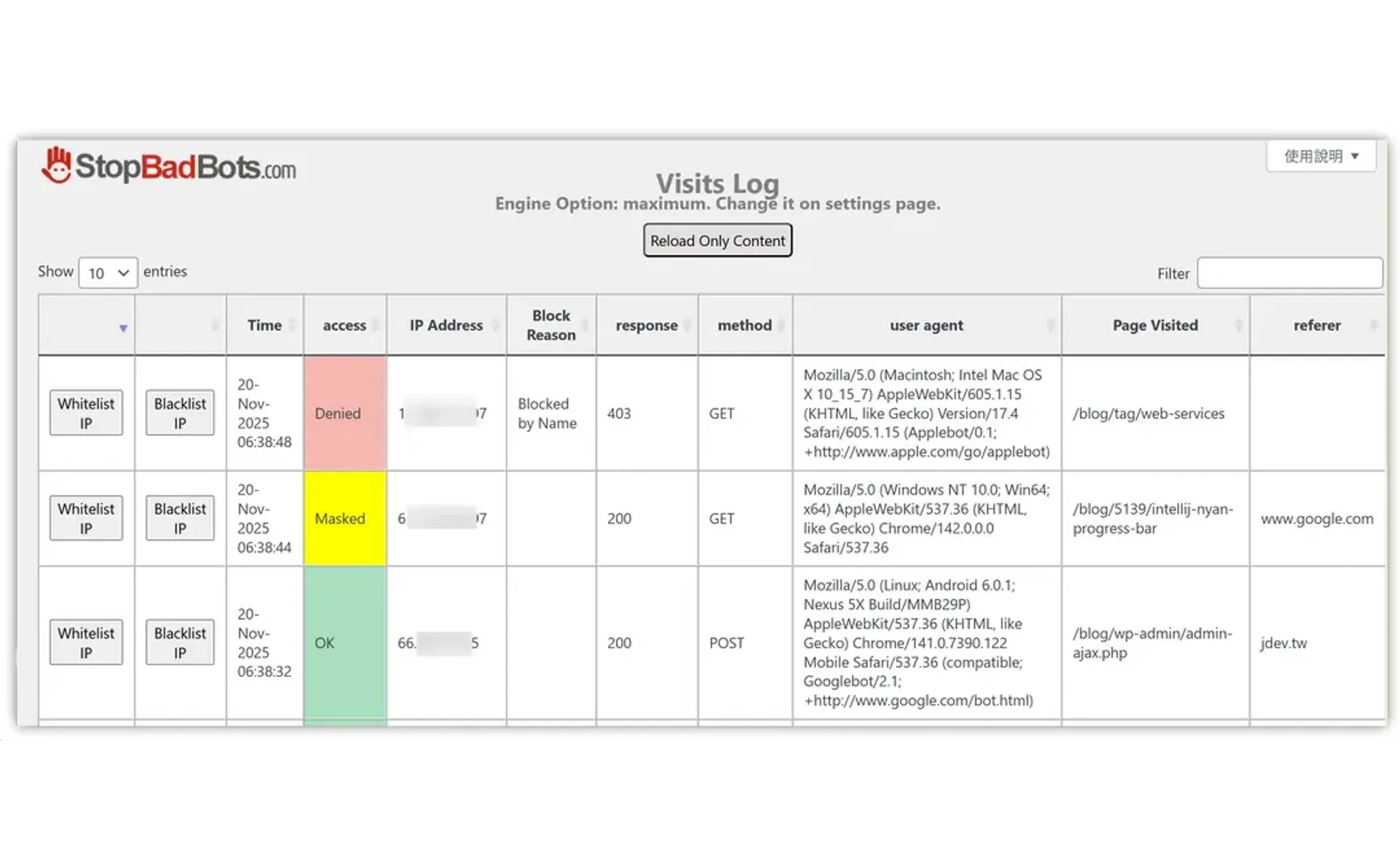
Stop Bad Bots automatically updates its list of bad bots and bad IPs. Through the Visits Log, you can also manually blacklist specific IPs. When suspicious visits are detected, you can simply click Blacklist IP to prevent that IP from accessing the site.
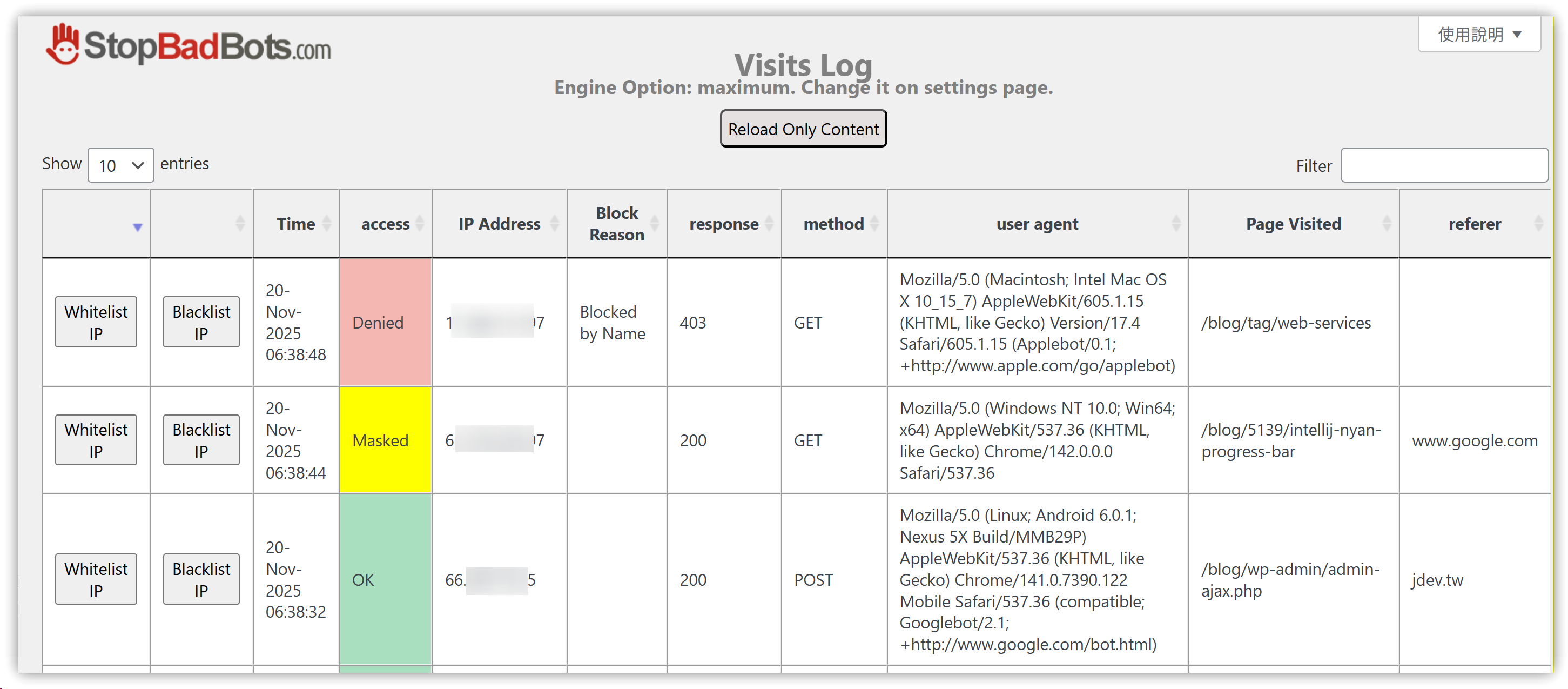
The plugin also provides visit statistics and charts, helping to identify pages that might be targeted by malicious traffic. You can then use the Visits Log to locate and blacklist those sources.
3. Conclusion
Hopefully, these measures will make my site more secure and robust. If any readers have different experiences, please feel free to share them in the comments.
4. 💡 Related Links
✅ Explanation article (Traditional Chinese): https://jdev.tw/blog/9091/
✅ Explanation article (English)
✅ Explanation article (Japanese)