
Recently, I’ve been helping a middle school student at home improve their learning efficiency by trying the Active Recall method—hiding key parts of the learning content to encourage active retrieval. Below are the plugins and methods I evaluated and used.
1. Block Hiding
For example, in math exercises, the entire calculation process may need to be hidden. I tried using block-hiding plugins such as Spoiler and Spoiler Block, both of which allow hiding multiple lines of content in code block format. Unfortunately, LaTeX math expressions could not be rendered properly, so I had to abandon this approach.
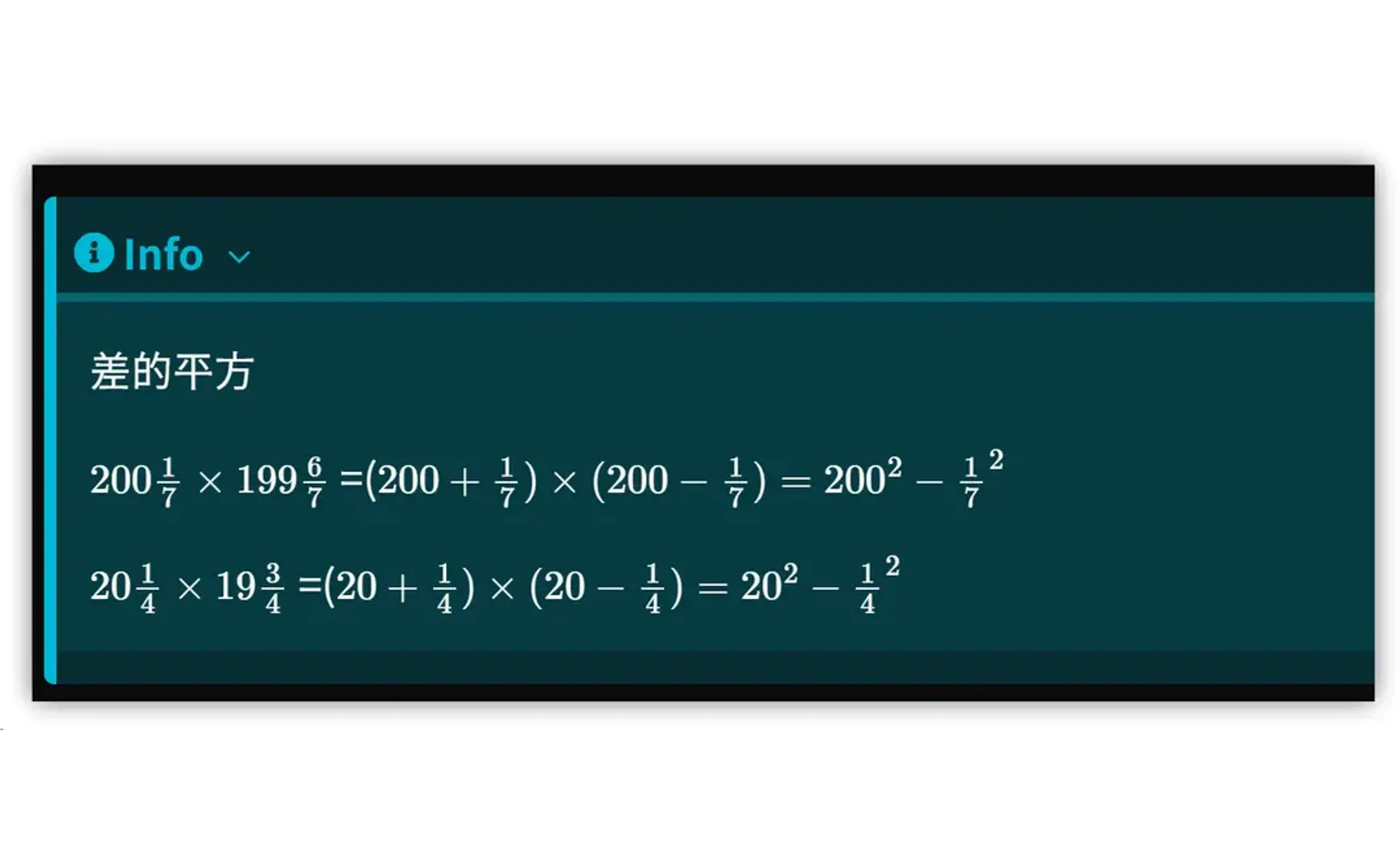
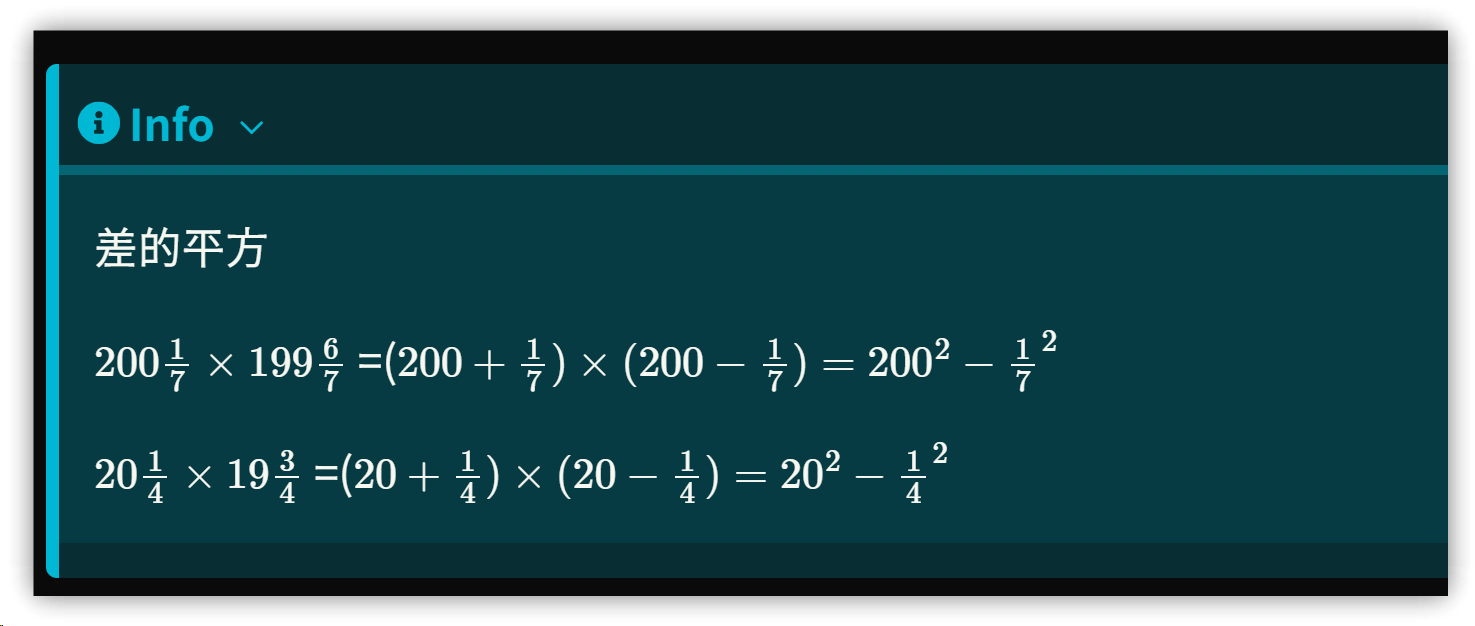
Eventually, I came up with a simple solution: using the Admonition plugin with the default setting to collapse content. For example:
```ad-info
collapse: close
Difference of squares

$200 \frac{1}{7} \times 199 \frac{6}{7}$ = ($200+\frac{1}{7}) \times (200- \frac{1}{7}) = 200^2 - \frac{1}{7}^2$

$20 \frac{1}{4} \times 19 \frac{3}{4}$ = ($20+\frac{1}{4}) \times (20- \frac{1}{4}) = 20^2 - \frac{1}{4}^2$
```
▼ Collapsed by default; click to reveal the calculation process
2. Inline Hiding
For Q&A-style exercises, I used fill-in-the-blank questions. I tried two plugins: Cloze and Inline Spoilers.
2.1. Cloze
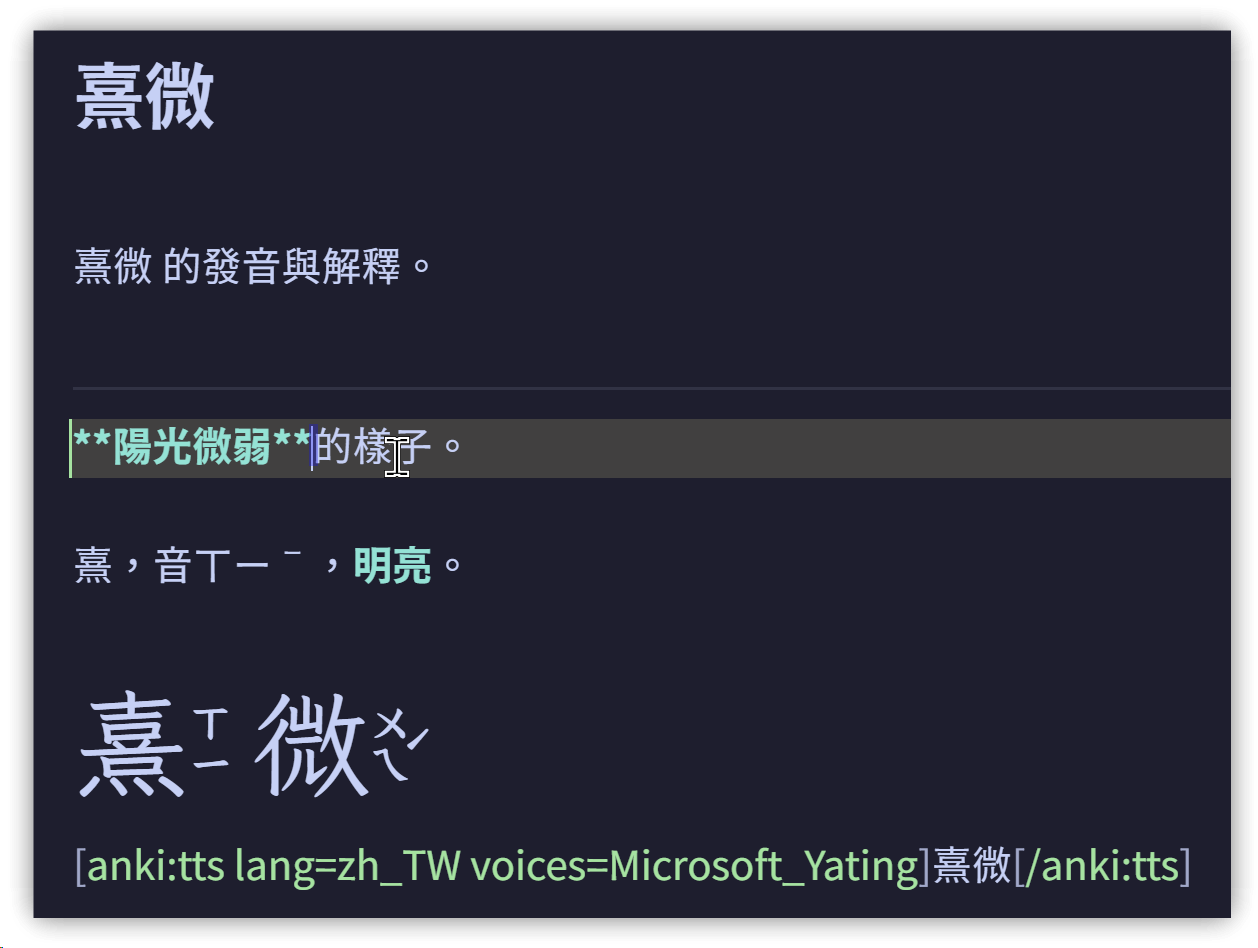
In the settings, you can define which type of text should automatically become fill-in-the-blank fields. Matching text in the note will automatically turn into blanks in reading mode, making it very convenient to use.
For example, in the following Anki flashcard, the light blue bold text will be turned into a fill-in-the-blank field:
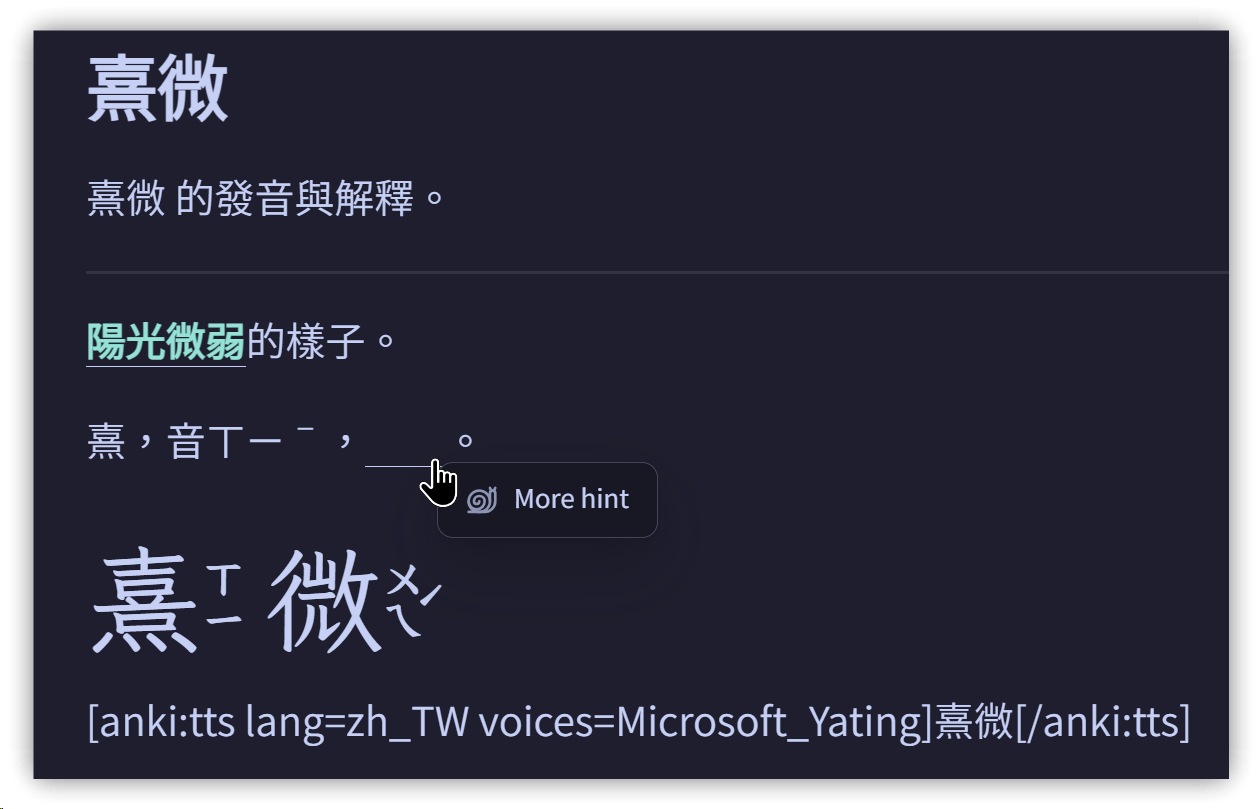
In reading mode, clicking the first blank will reveal the answer, while unclicked ones remain underlined:
3. Inline Spoiler
Wrap the text you want to hide with || on both sides. This creates hidden text both in preview mode and reading mode.
▼ Here, the original bold markers are replaced with ||, creating two hidden regions. Clicking the first will reveal the answer.
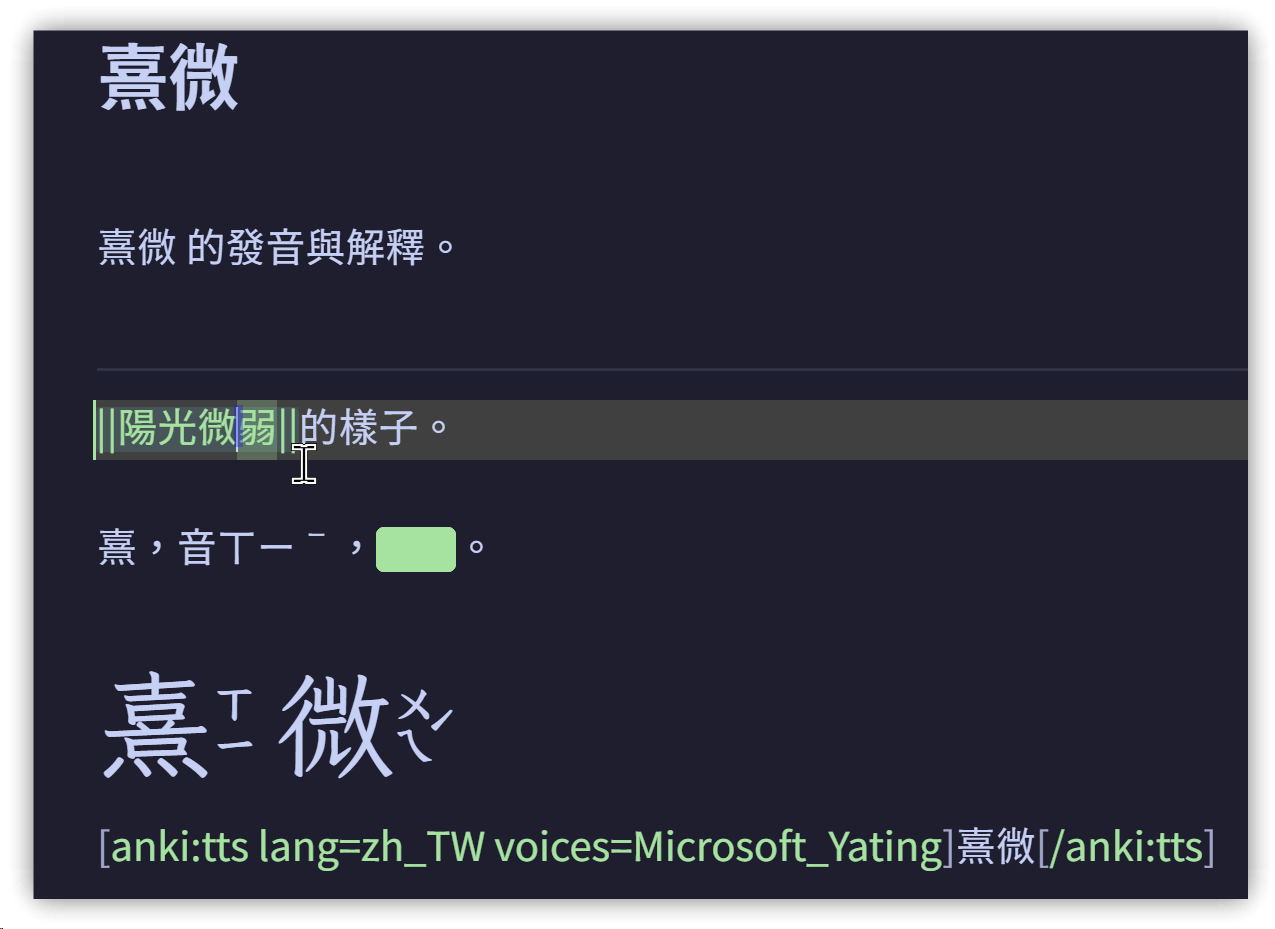
- Cloze is simpler—no extra syntax is required to create blanks.
- Inline Spoiler works even in preview mode.
4. 💡 Related Links
✅ Explanation article (Traditional Chinese): https://jdev.tw/blog/8926/
✅ Explanation article (English)
✅ Explanation article (Japanese)
✅ GitHub obsidian-cloze-plugin
✅ GitHub obsidian-inline-spoilers