
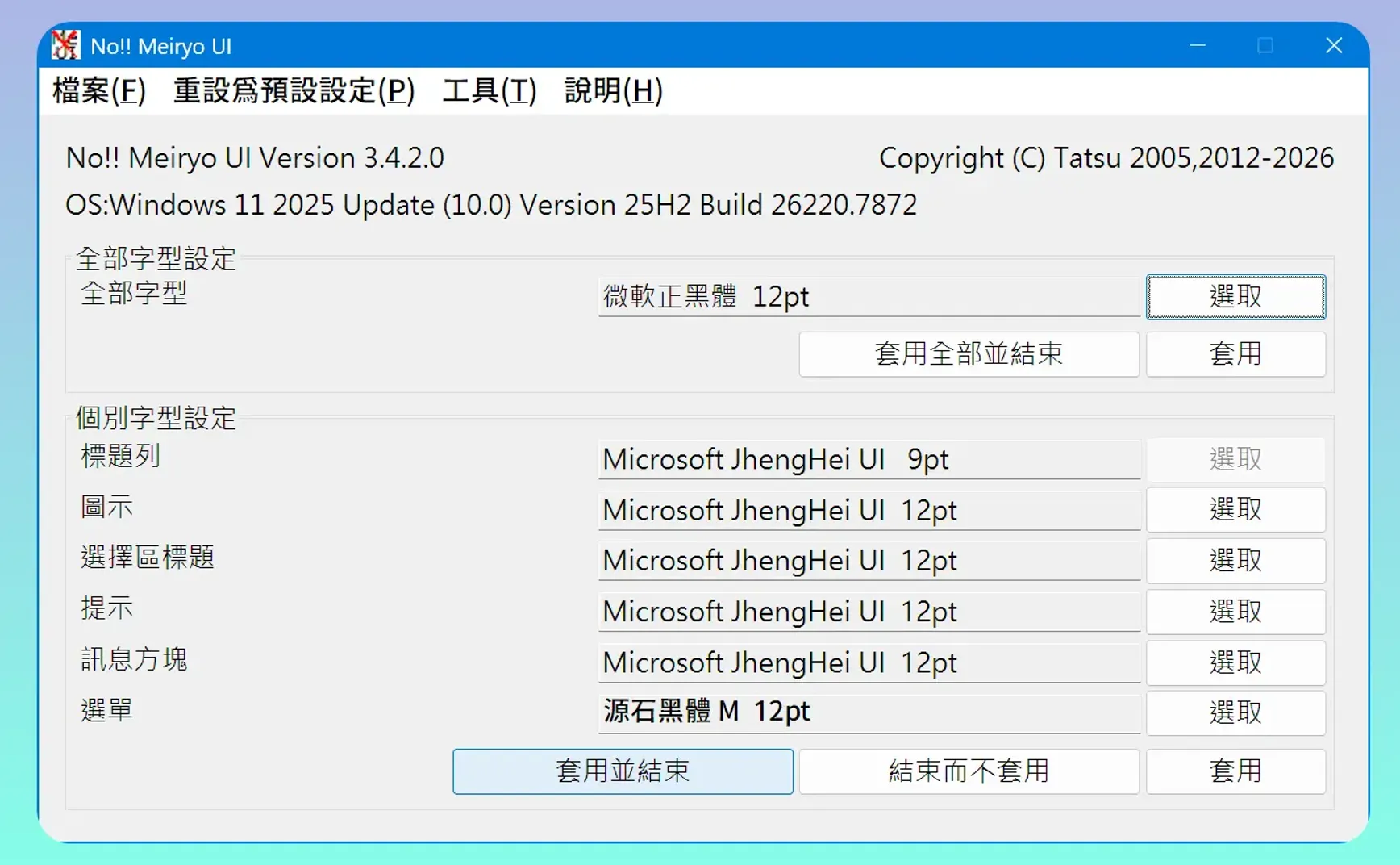
When my laptop is connected to a large external monitor, the system font in Windows is usually too small, which can easily cause eye strain after long periods of use. Later, I used Alternate Font Sizer to change the menu, message box, and other fonts. However, after applying the settings, this software requires logging out of Windows before the new settings take effect, which is a bit inconvenient.
Recently, I discovered No!! Meiryo UI from Japan. Once configured, the changes take effect immediately, making it very convenient.
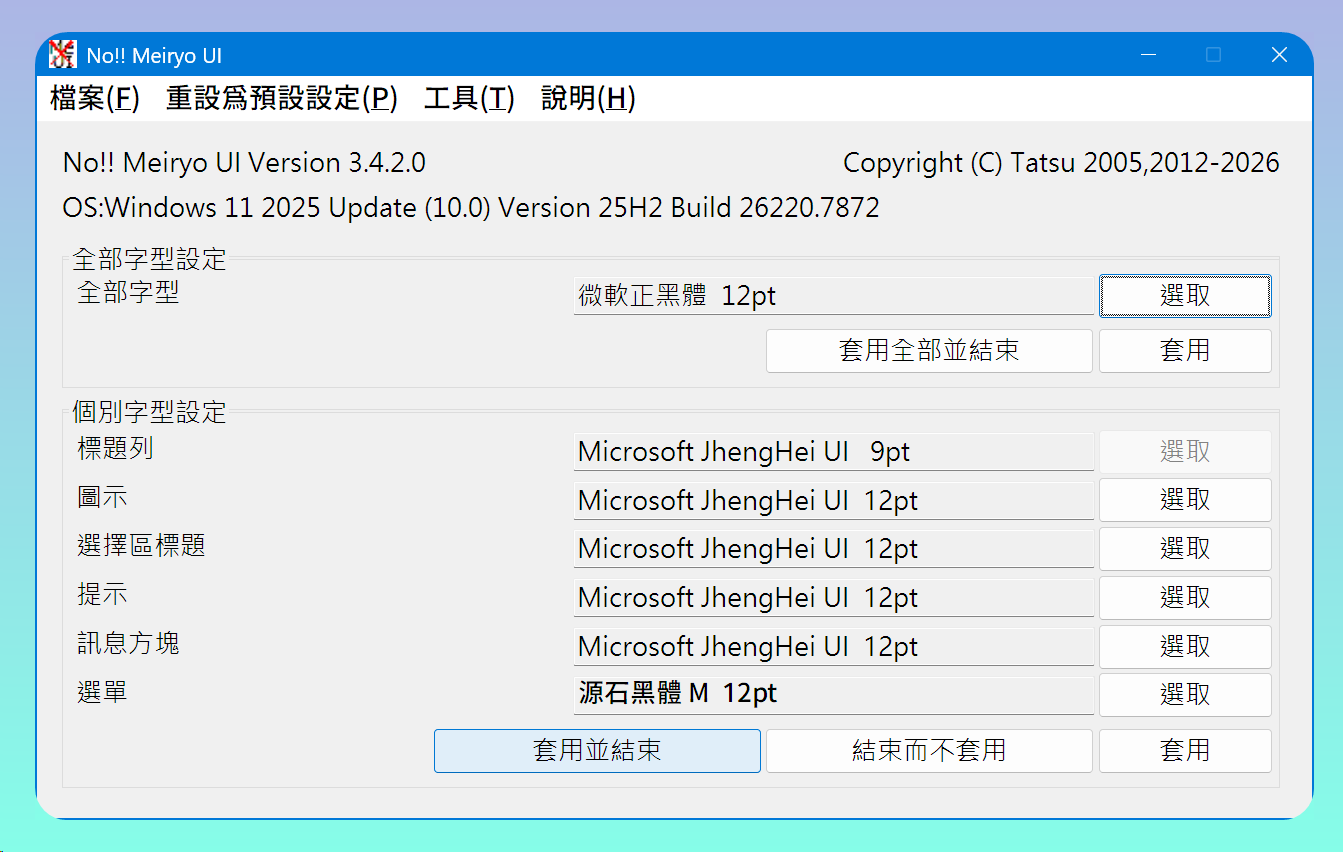
“The purpose of this tool is to allow users to quickly replace the Meiryo UI font that has been widely used in Windows interfaces since Windows 8, as many find it unattractive or unsuitable for long-term reading on screens.”
The default font for Japanese Windows 11 is Yu Gothic, for Traditional Chinese it’s Microsoft JhengHei, and for Simplified Chinese it’s Microsoft YaHei.
1. 💡 Related links
✅ Explanation article (Traditional Chinese): https://jdev.tw/blog/9180/
✅ Explanation article (English)
✅ Explanation article (Japanese)
✅ No!! Meiryo UI GitHub: https://github.com/Tatsu-syo/noMeiryoUI