
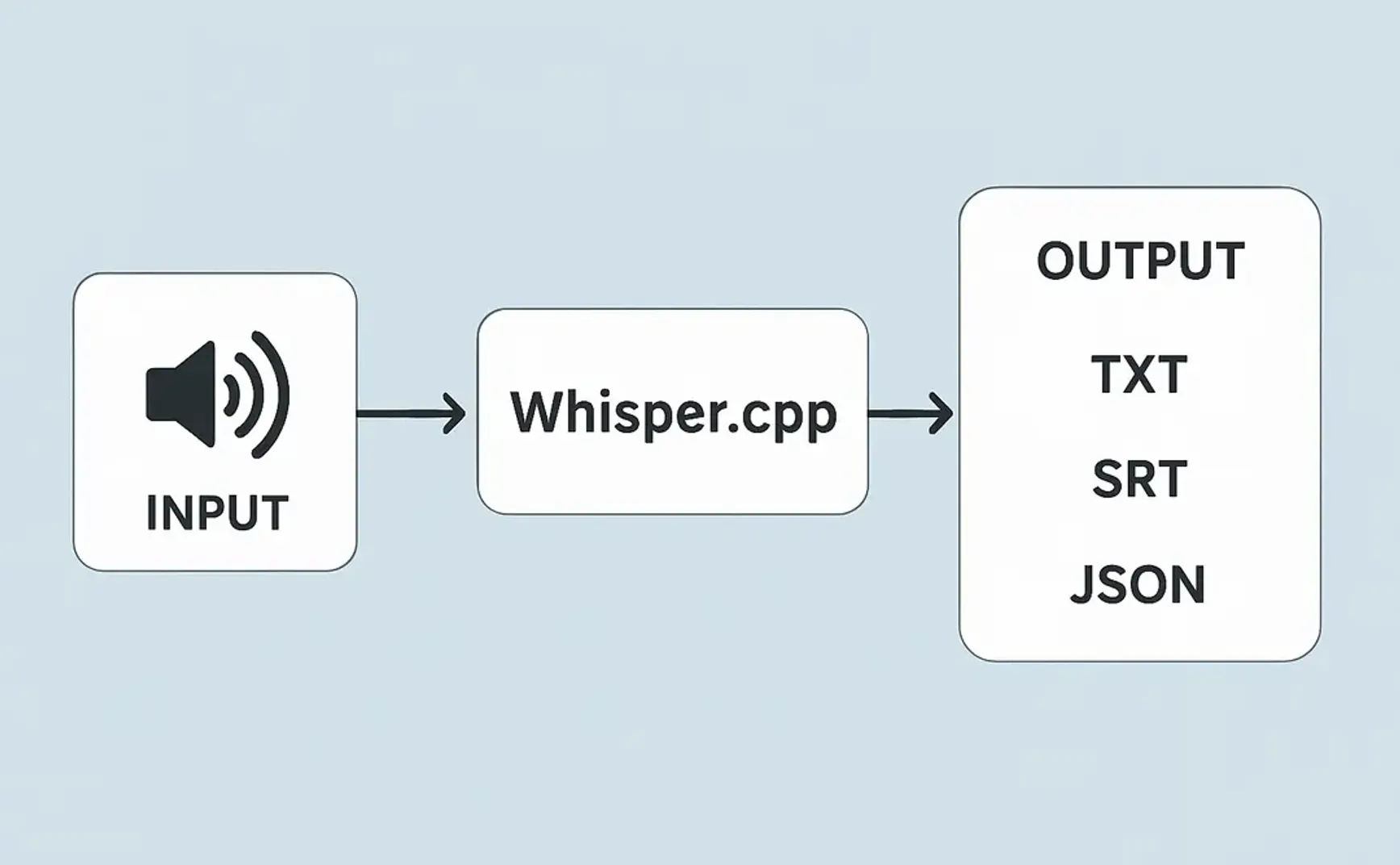
As of 2023, WhisperDesktop has been my preferred speech recognition tool. Recently, however, it stopped producing text properly regardless of which model I used. So, I decided to try other Whisper-based tools to see if they would work correctly.
The latest version of WhisperDesktop was released on July 22, 2023 and hasn’t been updated since. I tested Whisper.cpp, which is regularly updated, and it seems capable of replacing WhisperDesktop. Below is my trial report using Whisper.cpp.
1. Downloading model files
Whisper.cpp uses the same model files as WhisperDesktop. You can download them from Hugging Face. I re-downloaded the following files:
- ggml-large-v3.bin
- ggml-medium.bin
- I also downloaded another model said to be more accurate for Chinese: ggml-whisper-large-zh-cv11.bin, but unfortunately, it outputs Simplified Chinese.
2. Using the CPU version
Whisper.cpp offers several versions. The file whisper-bin-x64.zip runs on the CPU.
After extracting, the main executable is whisper-cli.exe, which can only process audio files with extensions flac, mp3, ogg, wav.
If using .mp3 or .mp4 files, you must first convert them to .wav:
ffmpeg -i input.mp3 -ar 16000 -ac 1 -c:a pcm_s16le output.wav
or
ffmpeg -i input.mp4 -vn -acodec pcm_s16le -ar 16000 -ac 1 output.wav
Then run whisper-cli.exe:
whisper-cli.exe -l zh -osrt -m models/ggml-medium.bin --prompt "prompt text" output.wav
-l: Sets the language to Chinese (zh)-osrt: Outputs to SRT format (you can also use-otxt,-ocsv, or-ojfor.json)-m: Specifies the model file, which should be placed in themodels/folder inside the installation directory--prompt: Sets an initial prompt text
The CPU version is simpler but slow. For better performance, an NVIDIA GPU is recommended.
3. Using the NVIDIA GPU version
Download and install whisper-cublas-12.4.0-bin-x64.zip.
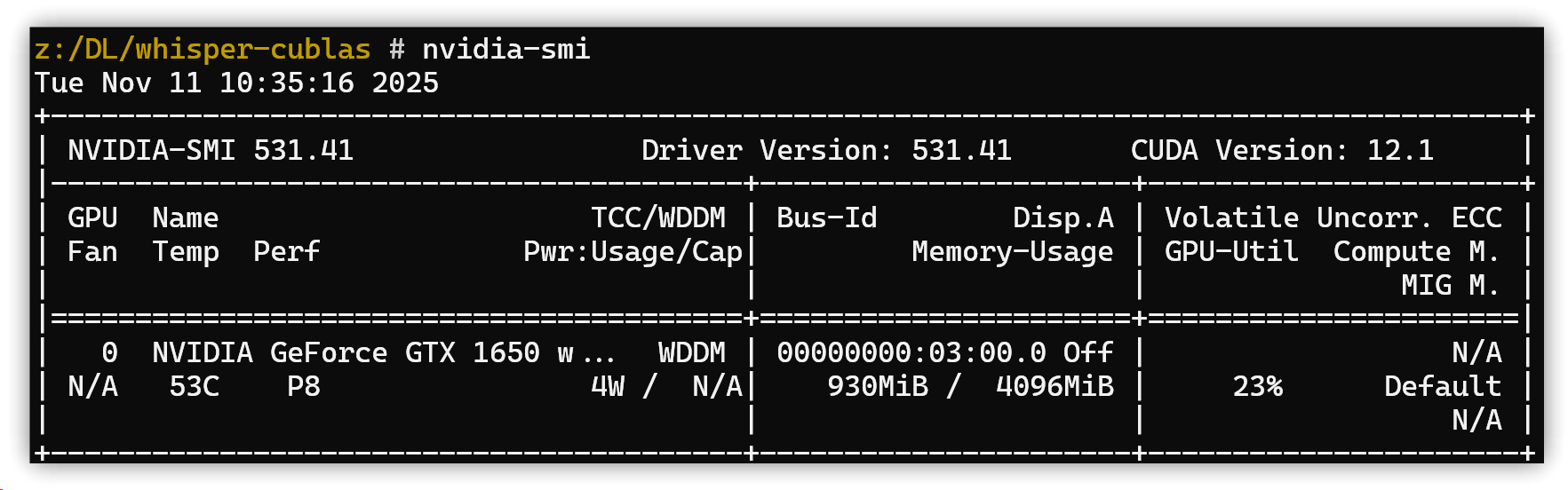
Before running, check that your NVIDIA CUDA version is 12.4 or newer:
nvidia-smi
I found mine was a GTX 1650 with CUDA version 12.1, which caused CUDA errors when running whisper-cli.exe.
Error message:
ggl_cuda_compute_forward: IM2COL failed
CUDA error: the provided PTX was compiled with an unsupported toolchain.
  current device: 0, in function ggml_cuda_compute_forward at D:\a\whisper.cpp\whisper.cpp\ggml\src\ggml-cuda\ggml-cuda.cu:2531
  err
D:\a\whisper.cpp\whisper.cpp\ggml\src\ggml-cuda\ggml-cuda.cu:88: CUDA error
Go to the NVIDIA Developer Download Site to get the latest driver:
- Select your GPU model and operating system (e.g., Windows 11 64-bit)
- Click “Search” and download the latest Game Ready Driver (GRD) or Studio Driver (SD)
After installation, my CUDA version was updated to 13.0, and whisper-cli.exe ran without issues.
whisper_init_state: compute buffer (cross)  =    9.27 MB
whisper_init_state: compute buffer (decode) =  100.04 MB

system_info: n_threads = 4 / 12 | WHISPER : COREML = 0 | OPENVINO = 0 | CUDA : ARCHS = 520 | PEER_MAX_BATCH_SIZE = 128 | CPU : SSE3 = 1 | SSSE3 = 1 | AVX = 1 | AVX2 = 1 | F16C = 1 | FMA = 1 | OPENMP = 1 | REPACK = 1 |

main: processing 'meeting.wav' (25827068 samples, 1614.2 sec), 4 threads, 1 processors, 5 beams + best of 5, lang = zh, task = transcribe, timestamps = 1 ...

[00:00:00.000 --> 00:00:29.980]  台中高雄會議開始囉,高雄你麥克風沒有開,我聽到,OK,大家好
4. Rust GUI application
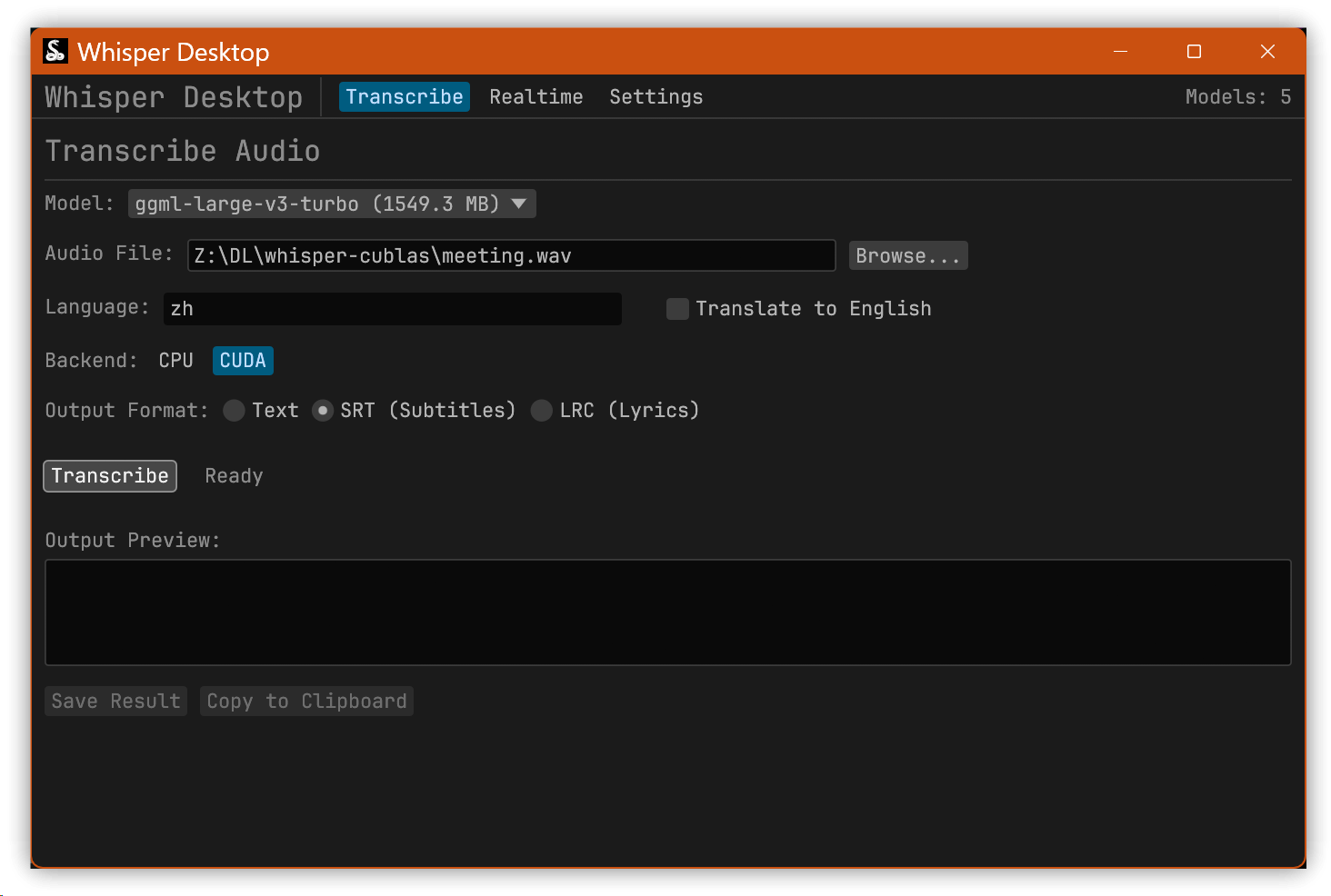
Whisper.cpp is mainly a command-line tool. I also found a Rust-based GUI tool: whisper_desktop. You can try it if you need a graphical interface.
5. 💡 Related links
✅ Explanation article (Traditional Chinese): https://jdev.tw/blog/9025/
✅ Explanation article (English)
✅ Explanation article (Japanese)
✅ Whisper.cpp GitHub: https://github.com/ggml-org/whisper.cpp
✅ Hugging Face model downloads
✅ Rust GUI: whisper_desktop