
To help my middle schooler study more effectively at home, I used Obsidian to create study notes for several subjects and generated corresponding Anki decks. The math notes have the following requirements:
- When teaching via computer: In reading mode, the answers to questions should be hidden by default and only revealed when clicked.
- When generating a PDF, the answers must be included so they can be printed for reference.
After some trial and error, the final method is described below.
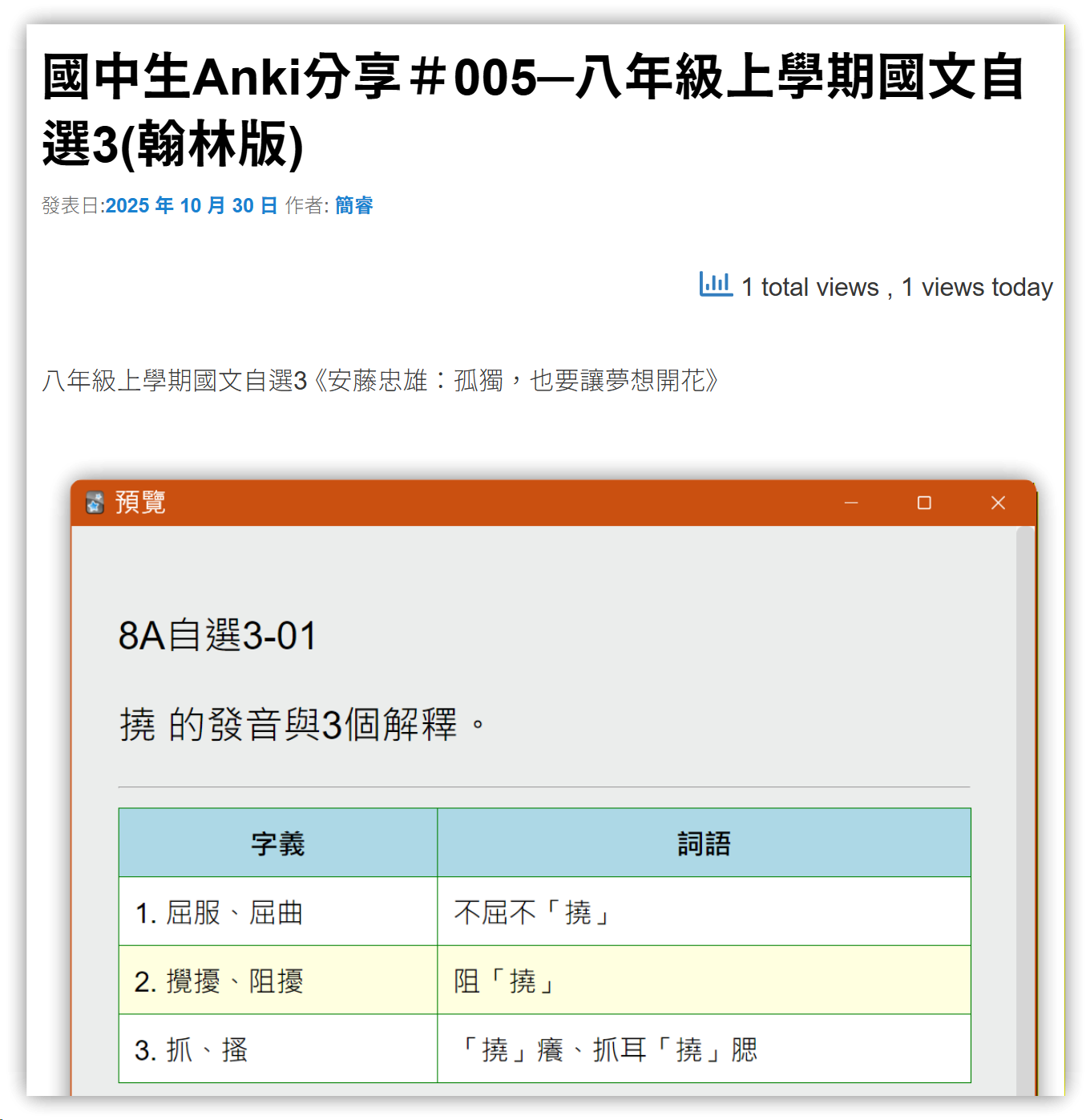
I have also uploaded these notes and Anki cards to my other blog: A Wonderful New Life. If your middle schooler happens to be in eighth grade, you can download the Anki deck from the site and import it into Anki—it might help with their studies (hopefully at least a little 🤣).
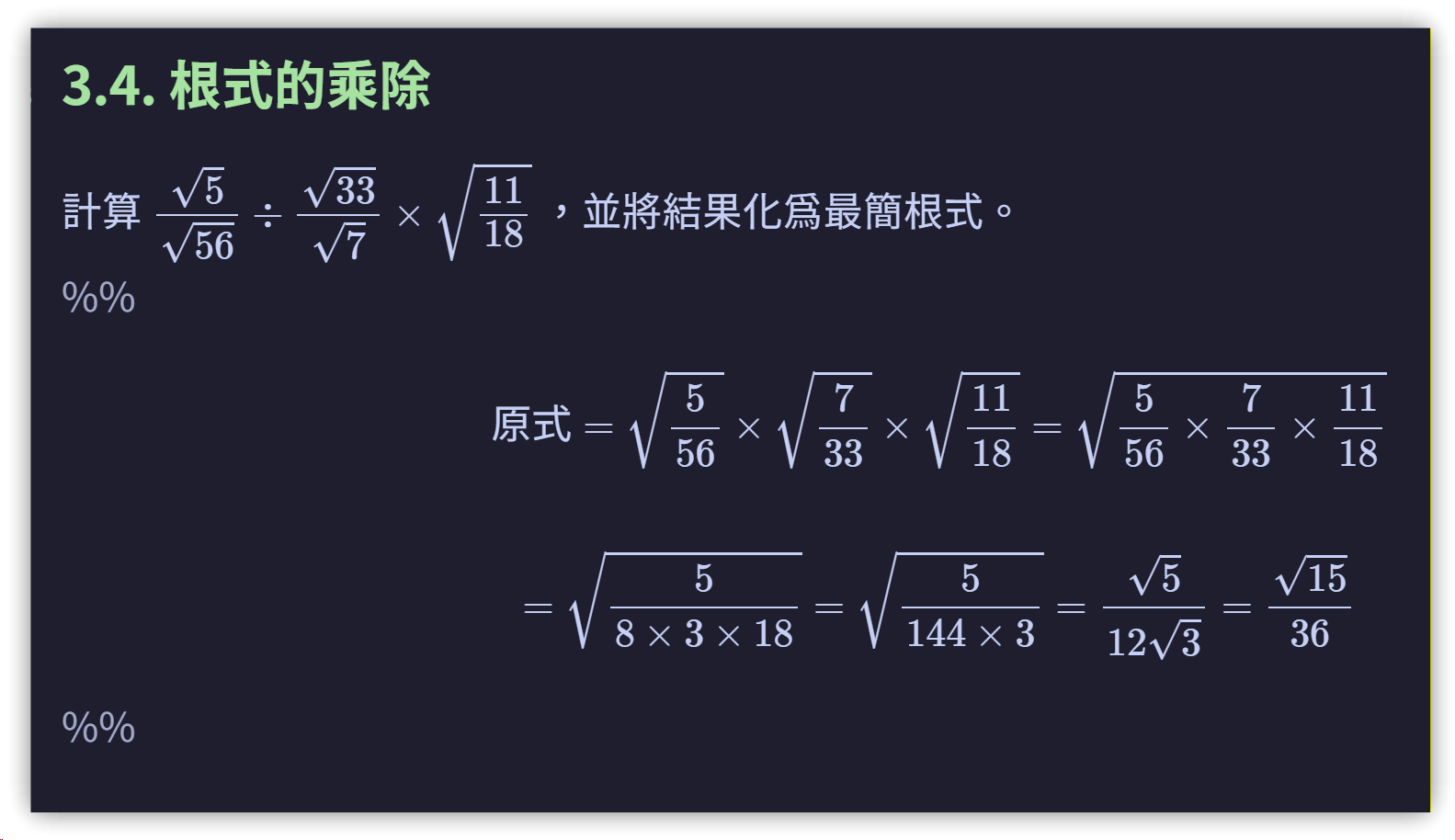
1. Studying in Reading Mode
Initially, I marked the answer sections with %% to turn them into comments. This hides them in reading mode, but they can only be viewed by switching back to the actual preview mode. However, these comment blocks aren’t included when exporting to PDF, so %% fails to meet the requirement.
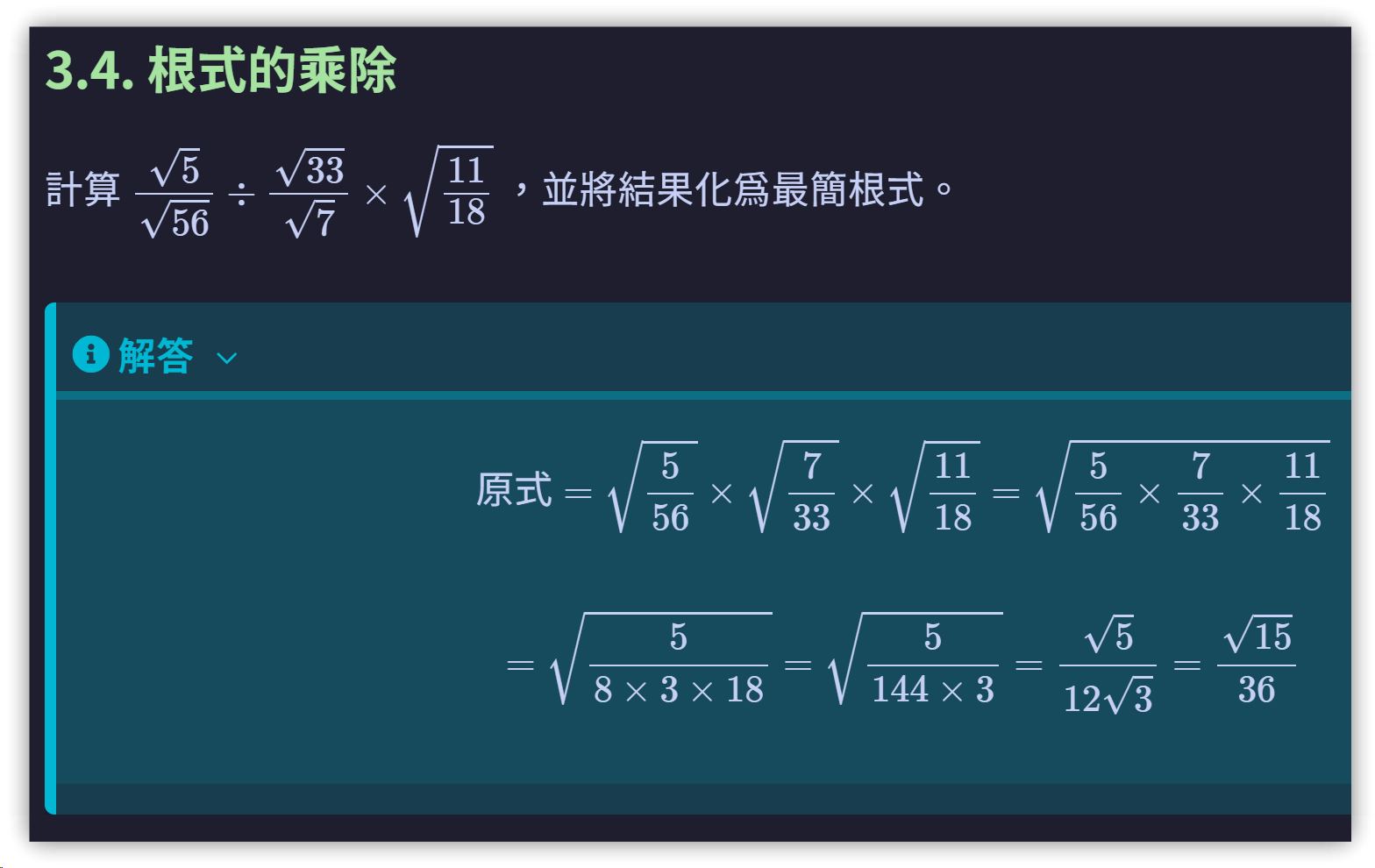
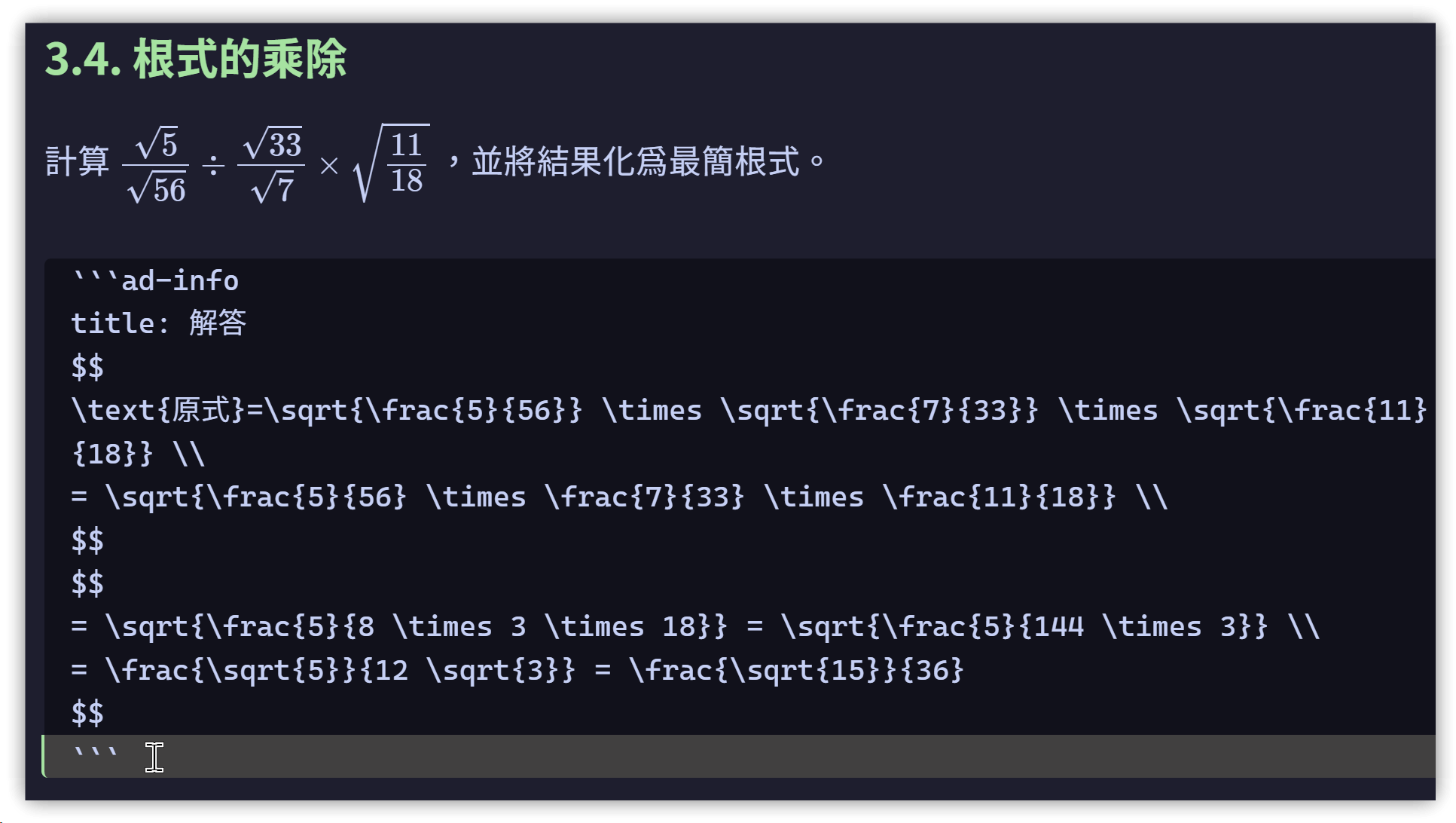
Eventually, I thought of using the Admonition plugin. By replacing %% with
```ad-info
and setting Default Collapse Type to close in the options, I could hide the answer section and display it only after clicking.
2. Generating PDFs
Next, I wrote and enabled the following CSS snippet so that hidden Admonition sections would also appear in the generated PDF:
▼ This snippet was generated by AI
/*
 * Purpose: Force collapsible sections in the Admonition Plugin to expand when printing
 * Use: Obsidian's "Print to PDF" feature
 */

@media print {
    /* Target details elements generated by the Admonition plugin */
    .admonition.is-collapsible details:not([open]) {
        /* Force details contents to display by setting to block */
        display: block !important;
    }

    /* Make sure the content inside details elements is also visible */
    .admonition.is-collapsible details:not([open]) > .admonition-content,
    .admonition.is-collapsible details:not([open]) > div {
        display: block !important;
        visibility: visible !important;
    }

    /* Ensure Admonition content is not hidden when printing */
    .admonition-content {
        height: auto !important;
        max-height: none !important;
        overflow: visible !important;
    }

    /* Optionally hide the collapse arrow for printing—uncomment if needed
    .admonition.is-collapsible .admonition-title::before {
        display: none !important;
    }
    */
}
3. 💡 Related Links
✅ Explanation article (Traditional Chinese): https://jdev.tw/blog/9009/
✅ Explanation article (English)
✅ 解説記事 (Japanese)
✅ Middle school Anki deck sharing: https://jdev.tw/newlife/?tag=Anki